 GOM Mix 10
Latest News
User Guide
Settings
Project Settings
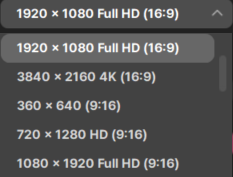
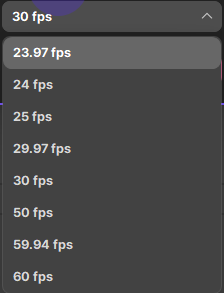
Set the video resolution of the My Project file and the number of frames per second. You must change the setting before inserting a clip of My Project into the timeline. The setting for the project file used right before will be maintained. If a clip is added to the timeline, the menu will be deactivated.
Resolution | You will see the list of the video resolution of the selected aspect ratio, and you can select the resolution here. |
|---|---|
Frame Rate | Choose the number of frames in the video made every second. You can set up to 60 frames and by default, it is set to 25 frames per second. |