 GOM Mix 10
Latest News
User Guide
Design
Object
Provides objects useful for video creation as independent clips.
You can place them over clips you want to apply them to, creating fun and diverse looks.
1. Object
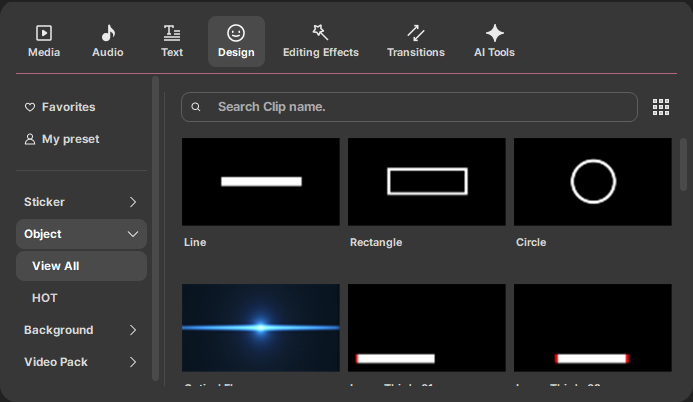
Select your desired design from various objects, then click  to add it. Double-click the clip, or right-click > select Edit Properties to configure properties, then click [OK] to apply them. For example, the 'Draw Line' object clip is as follows.
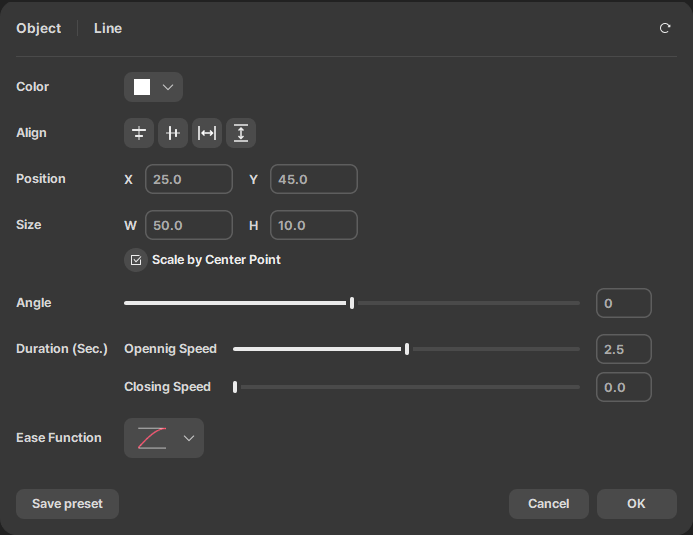
After changing the color, location, size, and other variable properties, clicking on [OK] will apply these changes.
💡 TIP
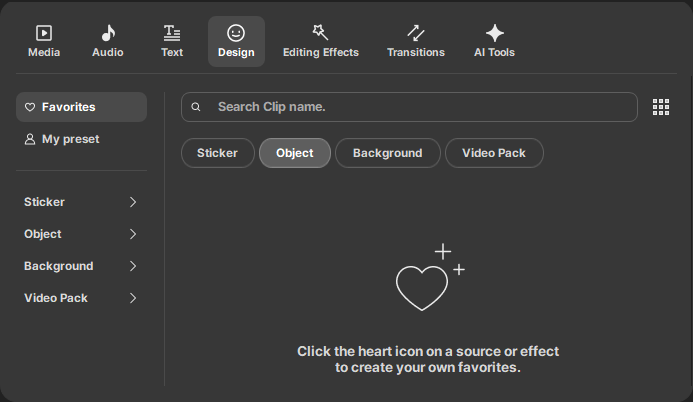
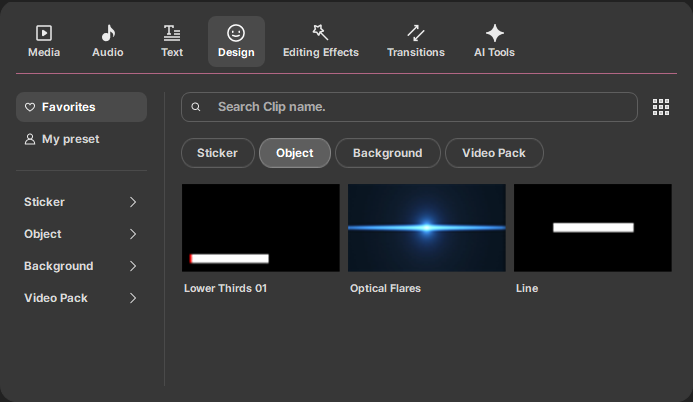
When you register frequently used clips as favorites, they will appear in Favorites clips. Click the  button at the top right to register it to Favorites clips. Click the
  button again to unregister it from Favorites clips.