
 GOM Player+
Premium AI Video Playback that values
with upscale resolution and automatic translation!

GOM Player+
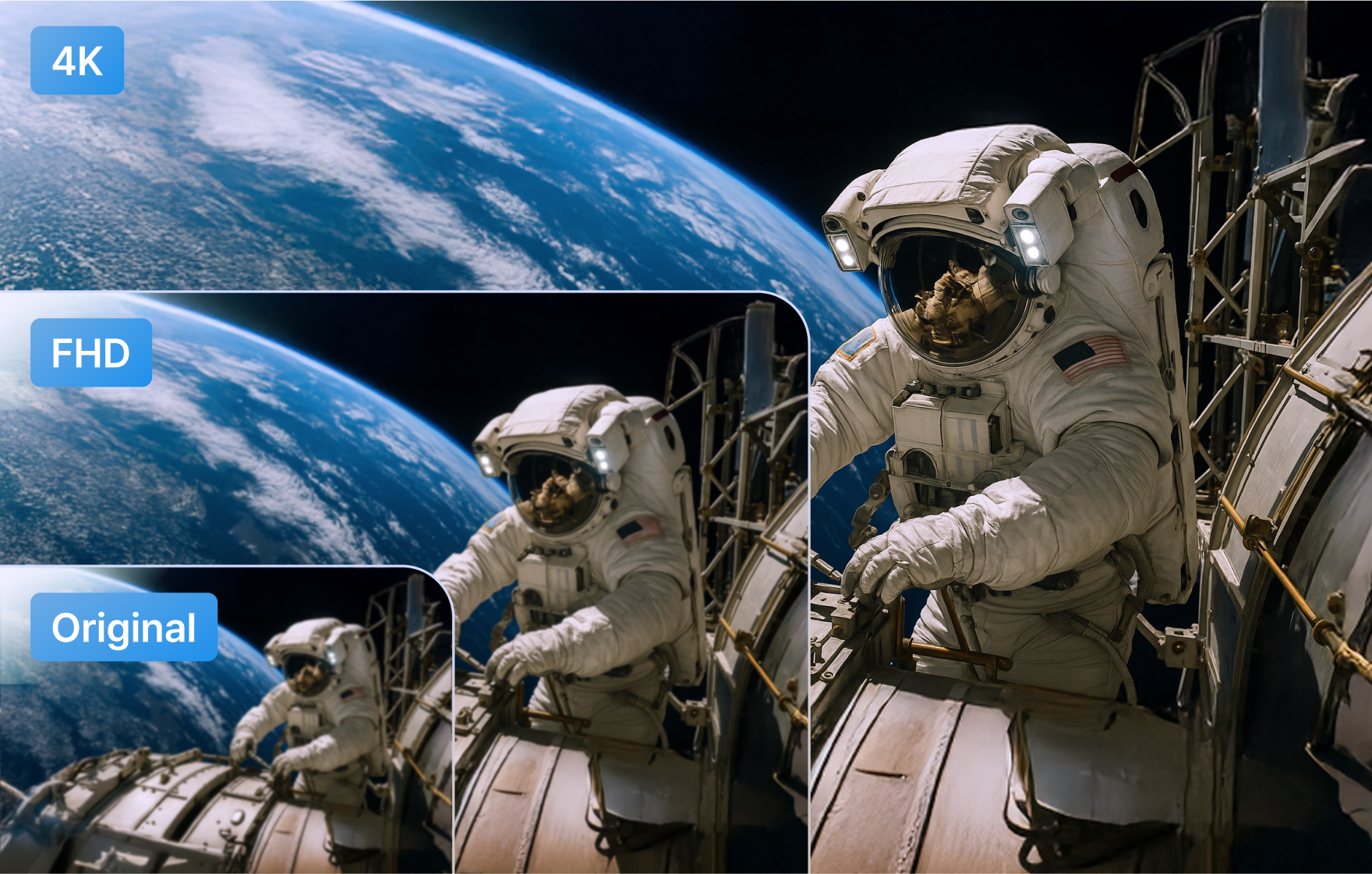
AI Video Upscaling
Remove noise and create exquisite detail with AI Video Upscaling. It even improves motion blur and shake for smooth video quality!
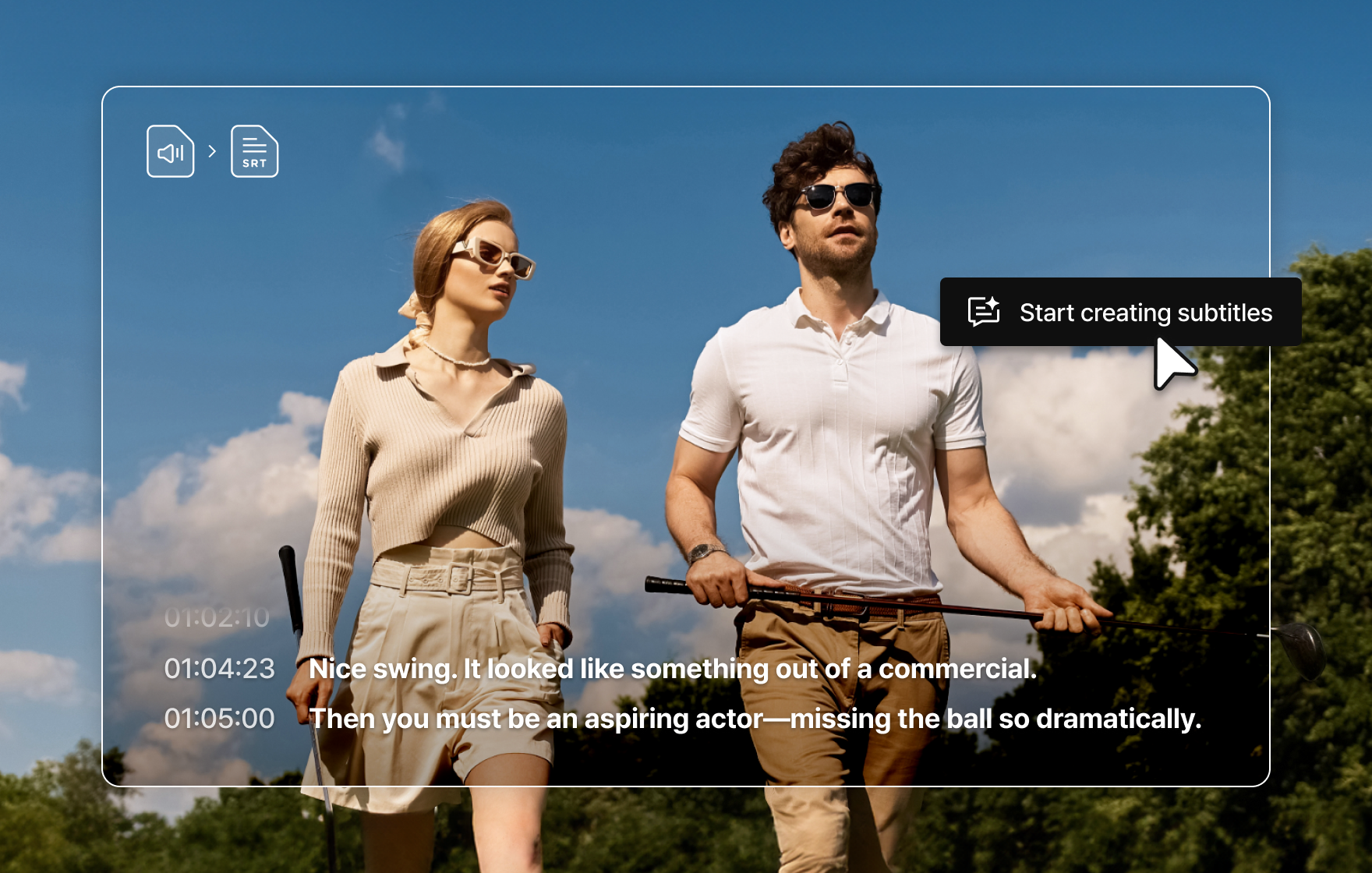
Automatic Subtitle File Generation with AI Voice Recognition
With AI Voice Recognition Subtitle Generator, you can generate subtitle files (SRT) in over 90 languages from the audio in your files.
Enjoy videos or audio files without subtitles more easily and conveniently.
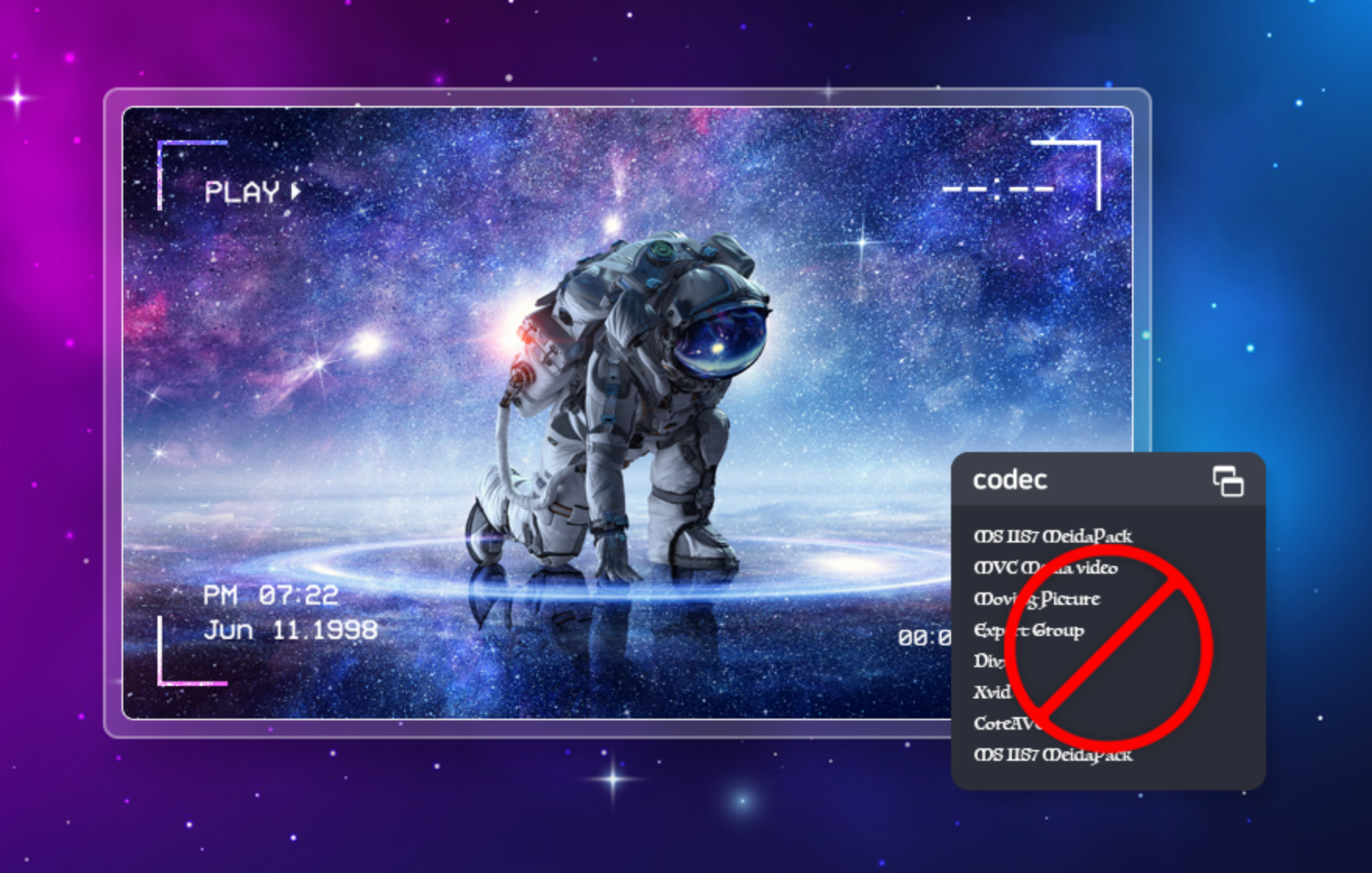
Premium Player
without codec needed
It provides free file playback in various formats,
including AVI, MP4, MOV, MKV, FLV , WMV and Windows can use
optimized codecs with codec discovery.
Corrupted/downloading files can also be played.
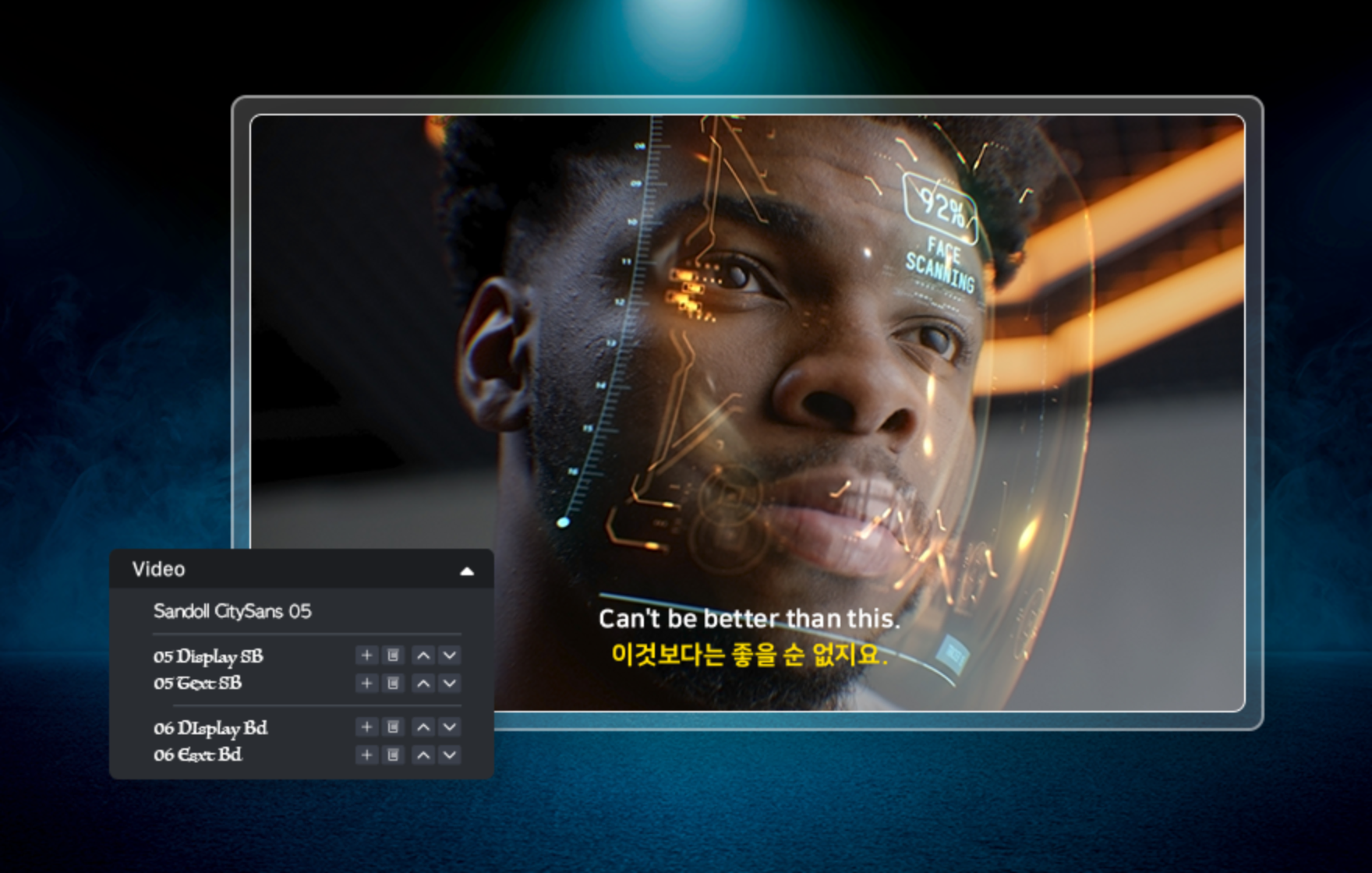
GOM Player has the largest subtitle data in Korea!
Enjoy over 220,000 free multilingual subtitles with ease. Subtitle files are automatically searched, linked, and even synced in real time during playback for a seamless viewing experience.
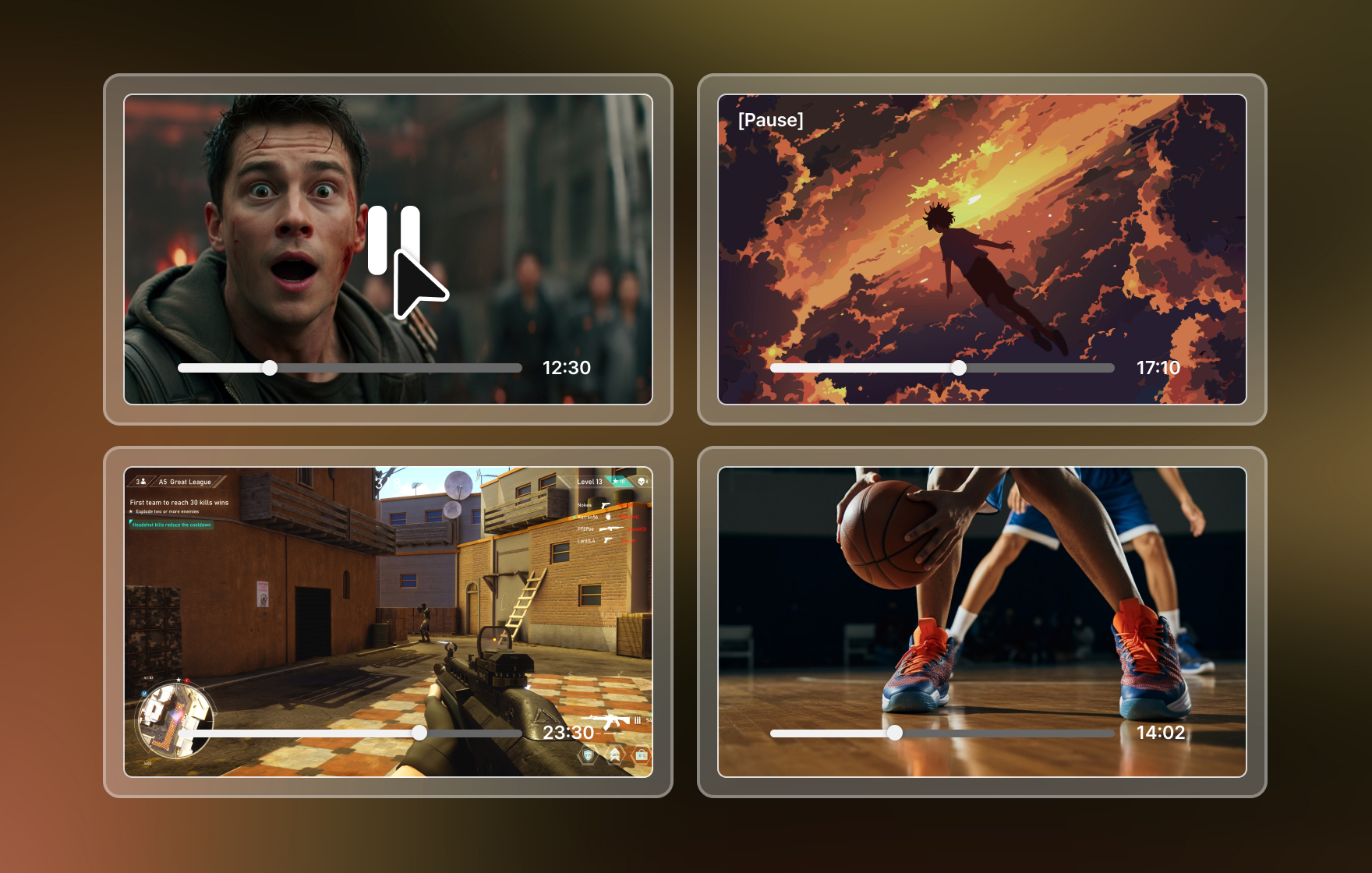
Play 4 videos at once with
Multi Playback Mode
You can play up to 4 videos on a single screen at once with our new Multi playback feature.
Designed for optimal multitasking, this mode enhances your playback experience with remarkable efficiency.
Introducing GOM Player+ Key Features
Unlimited Play
Without Ads
It offers the basic features of GOM Player, plus a premium ad-free environment.

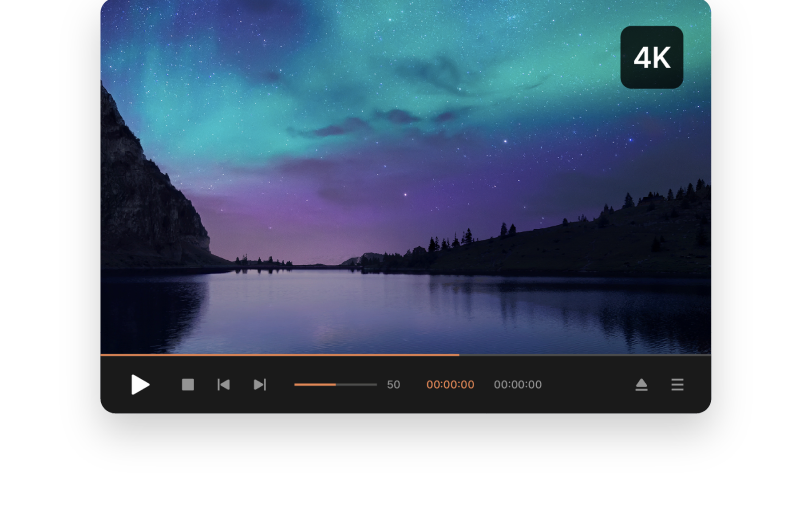
High-resolution
Video Support
High-definition video playback such as UHD and 4K without interruption with more vivid picture quality.
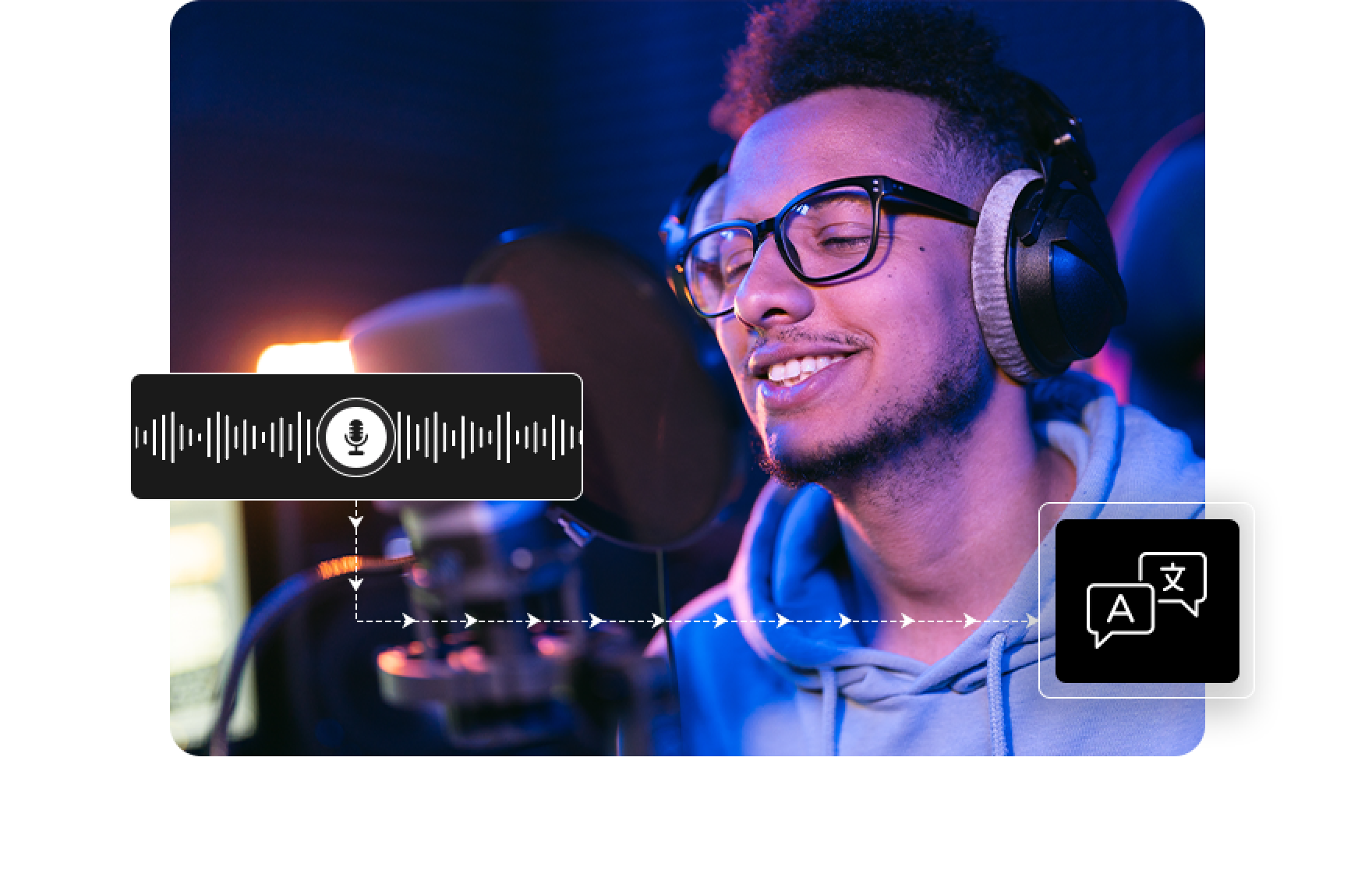
Automatic Vocalization Support
It can convert Korean into the alphabet and katakana as it sounds. If you are a fan who wants to sing along to K-pop lyrics, try it now!
Quad-screen Playback
Play up to 4 videos at once and maximize your playback experience with enhanced immersion and screen efficiency.

360-degree VR Video Playback
Enhance your viewing experience with 360° VR mode, allowing you to search and play 360° VR videos directly from the internet.

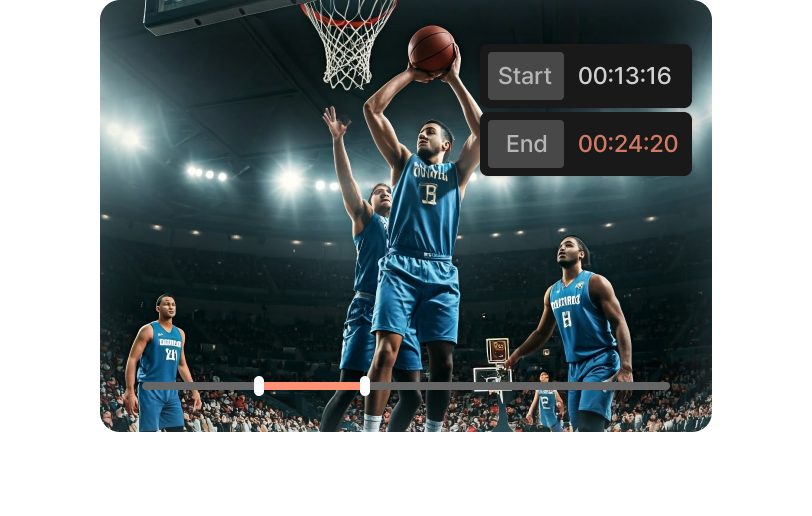
Repeated Desired Interval Playback
You can repeat the video clip by selecting the desired video clip, and multi-interval repetition and list sequencing are also supported.
Enjoy various AI features and additional services with credits!
About Credits
Credits is a way of accessing AI features and additional services within GOM Software.
Recharge your credits and use various AI services!
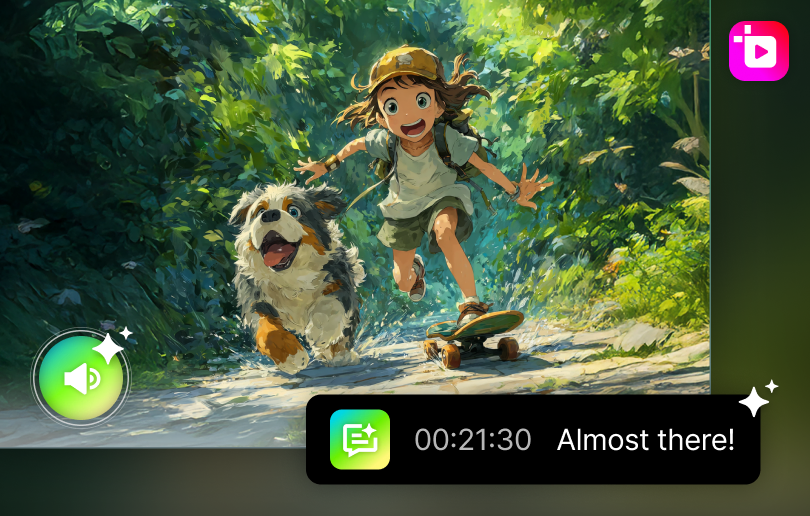
- AI Subtitles
- Generate subtitles from any videos supporting
18 languages and videos up to 4 hours long.
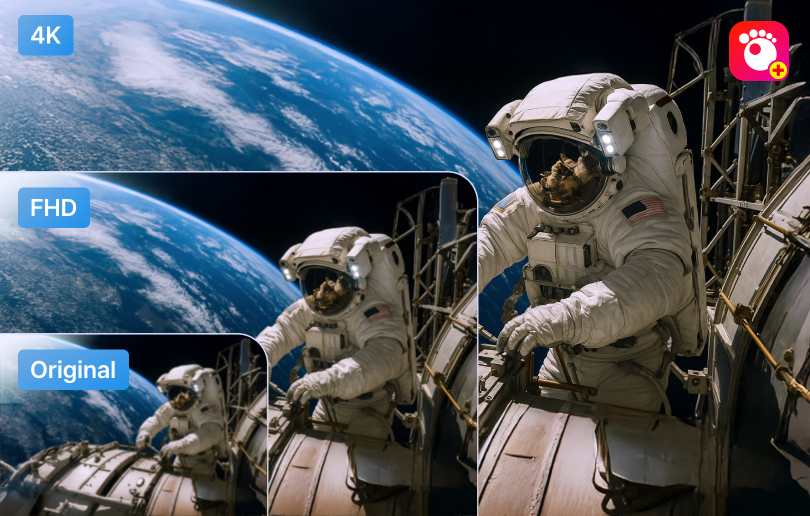
- AI Video Upscaling
- Discover AI video upscaling that analyzes
and generates details to convert up to 4K.
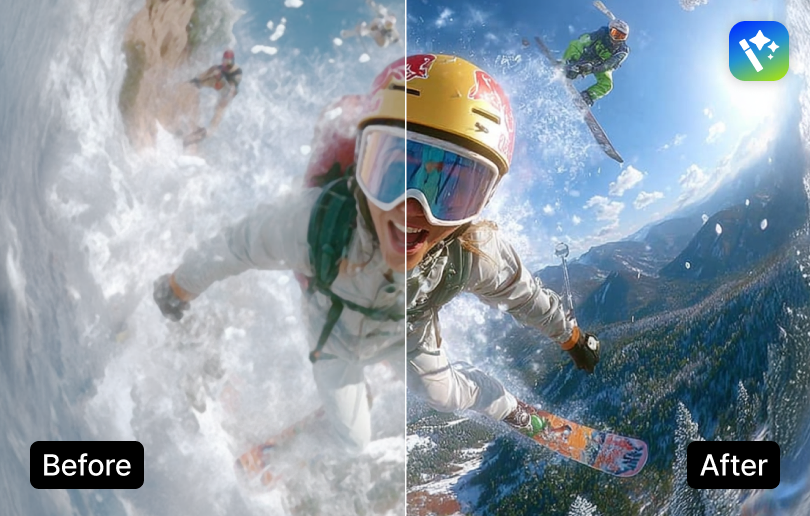
- AI Image Upscaling
- Experience AI Upscaling that enhances clarity
by adjusting details and reducing noise.
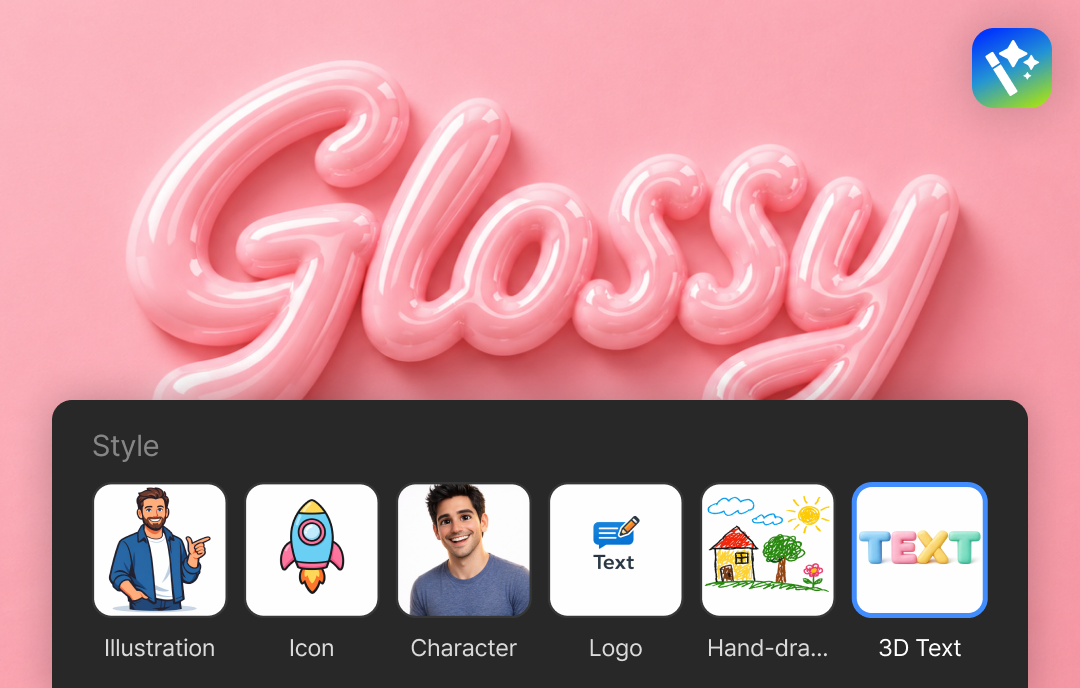
- AI Image Generator
- If it is difficult to find image sources, try generating
the image you want with text only.
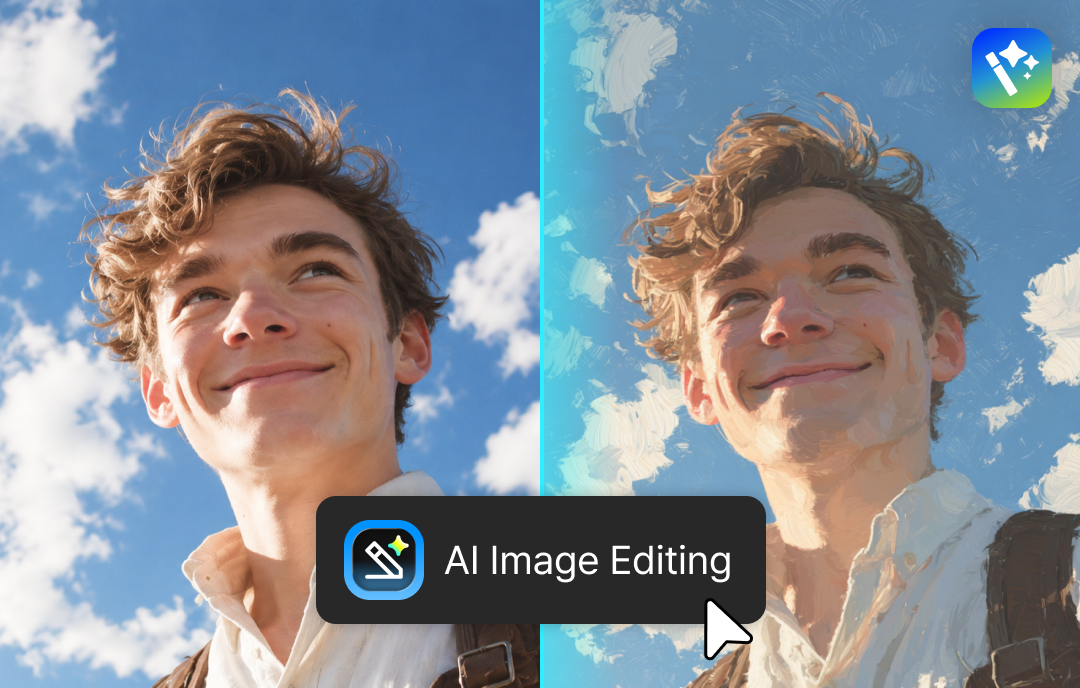
- AI Image Editing
- Regenerate the image as you want through a prompt,
even for complex edits.
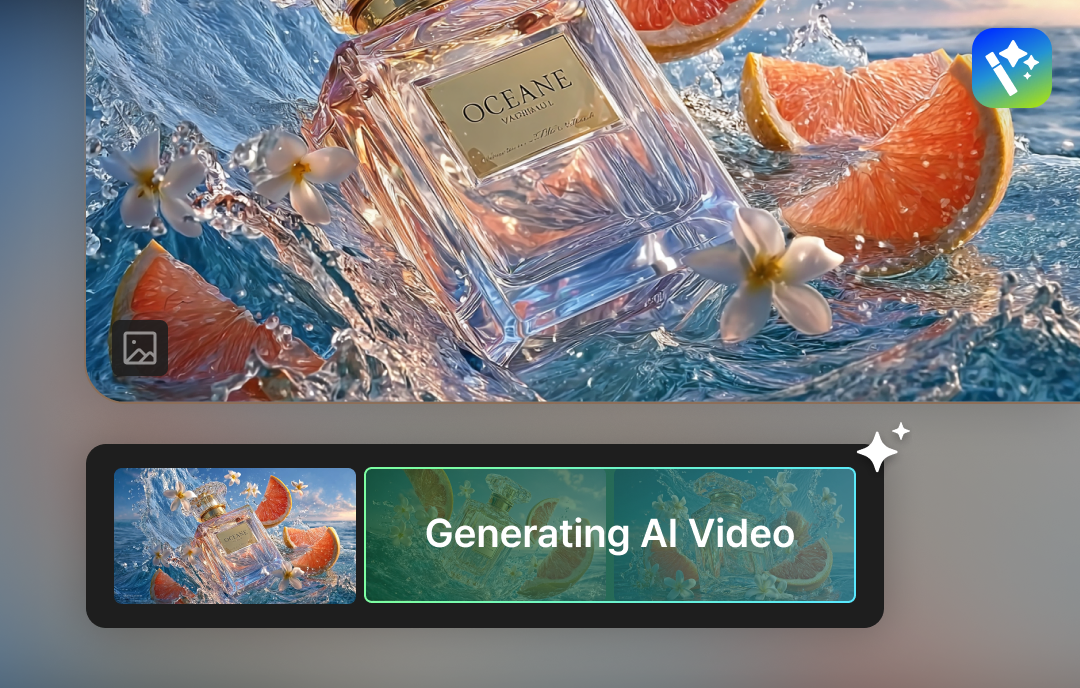
- AI Video Generator
- If it is difficult to find video sources, try adding motion to
an image and making it into a video.
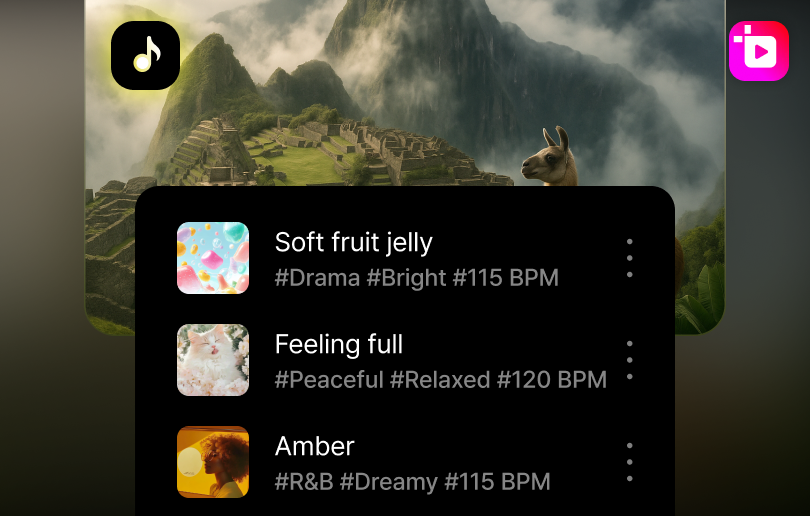
- BGM
- The final touch to perfect videos is the music.
explore 1,000 royalty-free BGM tracks.
Buy Once, Use Forever? Use GOM Player+
Need Every AI Tool? Use GOM Easy Pass
87 Credits Monthly
Recommended

Subscription credits
Monthly Payment
- 30 days | 1 PC use at a time
- All-in-one Content Creation Package
- AI Features : AI Image Generator, AI Image Editing, AI Video Generator, AI Upscaling, AI Subtitles
- Get 113 Credits (Bonus Included) with Your First Purchase!
20 Credits
Best
Permanent License
- Permanent | 1 PC use at a time
- AI Features : AI Video Upscaling, AI Auto Subtitle (unlimited)
- GOM Player+ Upgrade : Buy Now & Upgrade for Free ($29.00 → $0)
- Upgrade : AI Auto Dubbing, Media Library
- [EVENT] 50% OFF from regular price of $22.00

FAQ
View more-
[Windows] The internal language settings of GOM Player seem to be abnormal.
If the language in GOM Player is not displayed in Korean or shows the message 'Can't load language file,' it may occur due to a duplicate installation of GOM Player or an issue with the language during the installation process.
First, try resetting everything by selecting 'Full Reset' in the upper right corner of the Preference and then restarting.
If the issue persists, follow the steps below:
1. Open Task Manager > [Processes] at the top > Select [End the processes] for all programs starting with 'Gom'
2. Control Panel > Programs and Features (Add/Remove) > Uninstall GOM Player.
3. My Computer/PC > Local Disk (C:) > Program Files > GRETECH > Remove the GomPlayer folder.
4. Reinstall GOM Player+ : https://www.gomlab.com/gomplayerplus-media-player
If the same message still appears after following the above steps, GOM Player > Preference(F5) > Select 'Korean' in the language selection box at the upper right corner.If the issue persists and cannot be resolved, please contact customer support (Weekdays 10:00 AM to 5:00 PM) for a more accurate diagnosis.
-
[Windows] A GOM.EXE error occurs during installation.
This happens if you update or install GOM Player while running GOM.EXE as background process.
Open the Task Manager (Ctrl + Shift + ESC) and find GOM.EXE on the Processes tab.
Click “End Task” to terminate the process.
Try the installation again. Or, you can simply restart your PC and run the installer again.
-
[Windows] When I run the GOM Player installation file, it says I don't have access permissions.
If you are logged in with a guest account on your PC and do not have the necessary permissions (administrator privileges) to run or install the file, or if it is blocked by antivirus software, this issue typically arises.
Please check the Windows permissions for the user on your PC, try logging in with administrator privileges, or attempt the installation after temporarily disabling any running antivirus software.
-
[GOM Player+ 2024] Product Specs Guide
Windows
Supported Software
Supported languages 한국어, English, 日本語, 中文(简体), 中文(繁體), Español, Русский, português, Türkçe, ไทย, Deutsch, français, italiano, čeština OS [64bit] later Windows 10 supported) Minimum System Requirements Memory 2GB RAM or more 200MB HDD or more Internet connection is required on the run. Others Some videos may require DirectX or Windows Media Player. Recommended settings may differ depending on video file types. Playing 360° VR is supported on the versions of Windows Vista SP2 and DirectX 11 or later. Using “Searching the codec” and “Searching the subtitles” is limited on the OS version of Vista or before. The updates for Windows XP are no longer supported. Supported Formats
Video Formats .avi, .ogm, .mkv, .mp4, .k3g, .ifo, .ts, .asf, .wmv, .wma, .mov, .mpg, .m1v, .m2v, .vob, .m4v, .3gp/3gp2, .rmvb, .rm, .ogg, .flv, .asx (video), .dat If you use an external codec, you can also play the video formats except for the above formats. Audio Formats .mp3, .m4a, .aac, .ogg, .flac, .wav, .wma, .rma , .alac If you use an external codec, you can also play the audio formats except for the above formats. Subtitle Formats smi, srt, rt, sub(& IDX), vtt (text sub), dvb, ass, psb, txt, sbv, vobsub (embedded sub) Playlist Formats .asx, .pls Built-in Codecs Vorbis, FLAC, ADPCM, XVID, MP41, MP42, MP43, H263, AP41, MPG4, MP4S, M4S2, MP4V, MJPG, RMP4, H264, DVSD, THEO, VP8, VC1, MPEG1,
MPEG2, VP6, FPS1, IV50, IV40, SVQ3, TSCC, TSCC2, Cinepak, SVQ1, G2M4, LAGARITH, TRUEMOTION2, DVCP, DVPP, QTRLE, RPZA, PRORES,
MSZH, Nellymoser
Update History
User Guide
If you need detailed instructions on how to use the product,
please refer to the user guide.