
For Business · Education ·
Public Institution
The best video software for all your school & work-related needs.
GOM software enhances work efficiency and learning
outcomes in the following ways.
Education
Expanding education through video
from formal courses to licenses and contests.
-
 Media Literacy
 - Applied in primary to high school classes as part of media literacy education
-
 Video and Image Certifications
 - Supports after-school classes and preparation for obtaining certificates
-
 Curriculum-Based Contests
 - Participation in Video Competitions Hosted by the Department of Education, Local Governments, and Schools
Public
Public Media Education & Custom Video Solutions Integrated
support for inclusive media education and tailored production tools.
-
 Media Education Accessibility
 - Bridging the digital divide by supporting underserved groups
-
 Public Campaigns
 - Creating video content for welfare programs and institutional promotion
-
 Customized Solutions
 - Providing tools and services tailored to each institution’s environment and needs
Business
From Skills to Culture, A Content-Driven Growth Solution
Empowering employees and organizations through integrated content.
-
 Skill Development
 - Enhancing job expertise and personal growth through tailored training
-
 Internal Knowledge Base
 - Activating a platform for documenting workflows and sharing insights
-
 Culture Building
 - Fostering a creative, self-driven workplace through content creation
Introducing our business products.



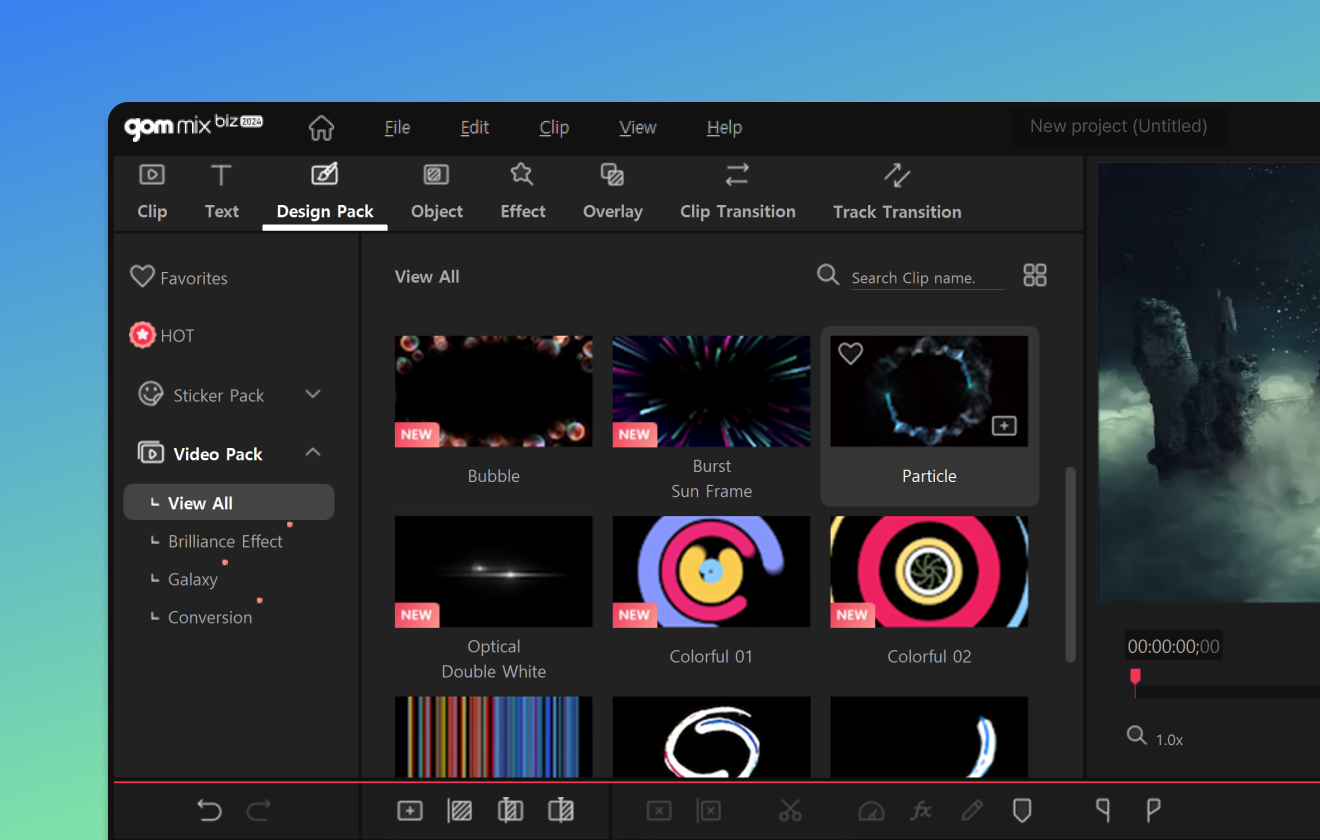
Easy video editing software
with over 2,000 free effects
- Provides a variety of templates to complete an image with simple clip replacement
- Multitrack function that allows you to use multiple effects in layers
- Provides various sources and effects such as background music, subtitles, stickers, and filters.


From powerful video capture to simple editing
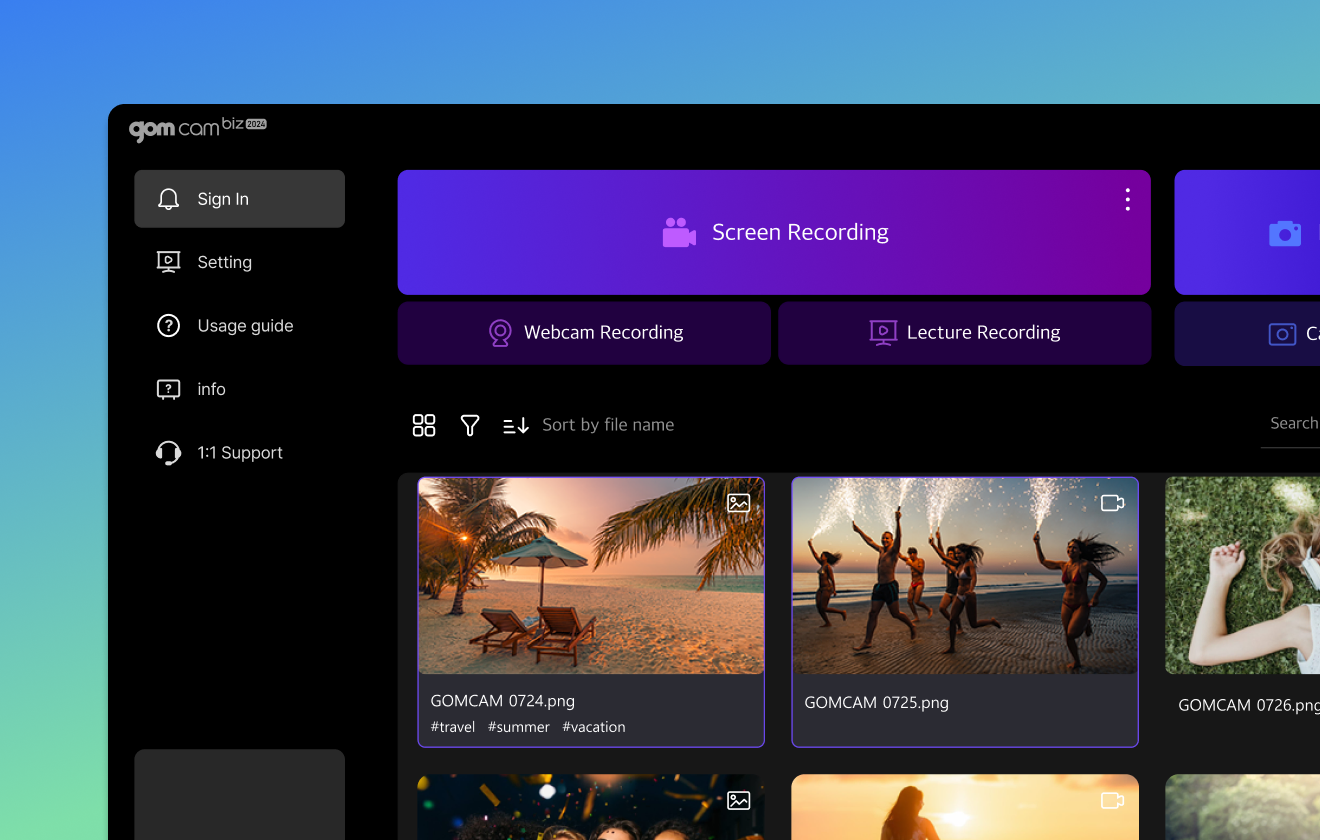
All-in-one video recording software
- Multiple scheduled recordings are possible to automatically record videos in high quality at any desired time.
- Recorded video editing features including notes, drawing functions, and audio extraction
- Provides a lecture mode for simultaneous recording of slide files and webcams

Rich features with high-resolution
Powerful premium video player
- Unlimited playback of 4K UHD high-definition, 360-degree VR videos without ads
- Corrupted or downloaded files can also be played without codecs
- Automatically generate subtitle files in over 90 languages using AI voice recognition
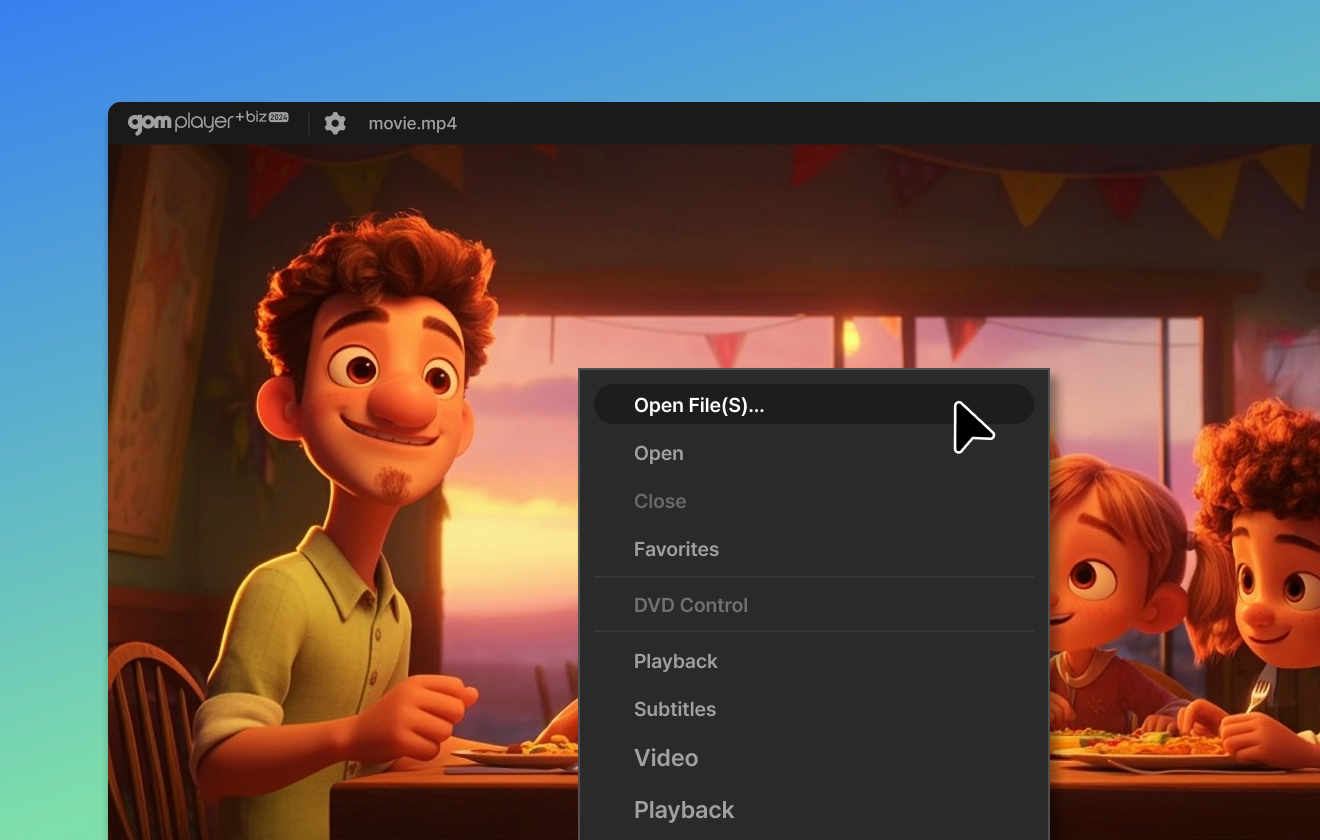

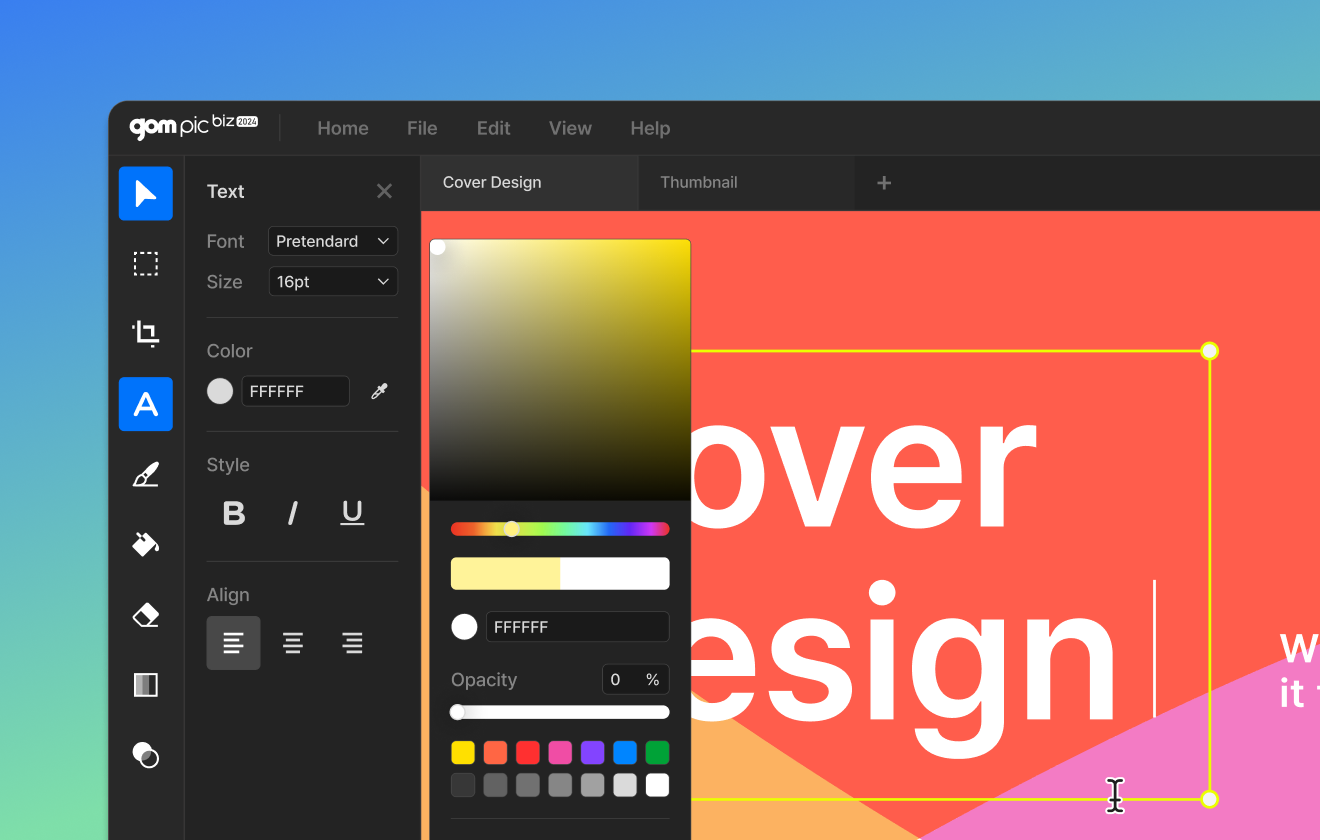
Image editing software that can be used for
photo editing to compositing
- Provides a variety of templates optimized for creating thumbnails and card news
- Provides a variety of tools, including delicate color adjustment and various filter effects
- Easy area selection and simple compositing with a clean interface
 GOM Easy Pass Business ONLY
Long-term recording and editing
High-performance recording software
- Simultaneous recording of PC sound and microphone possible
- Provides a ghost function that allows you to record multiple videos or sound sources together
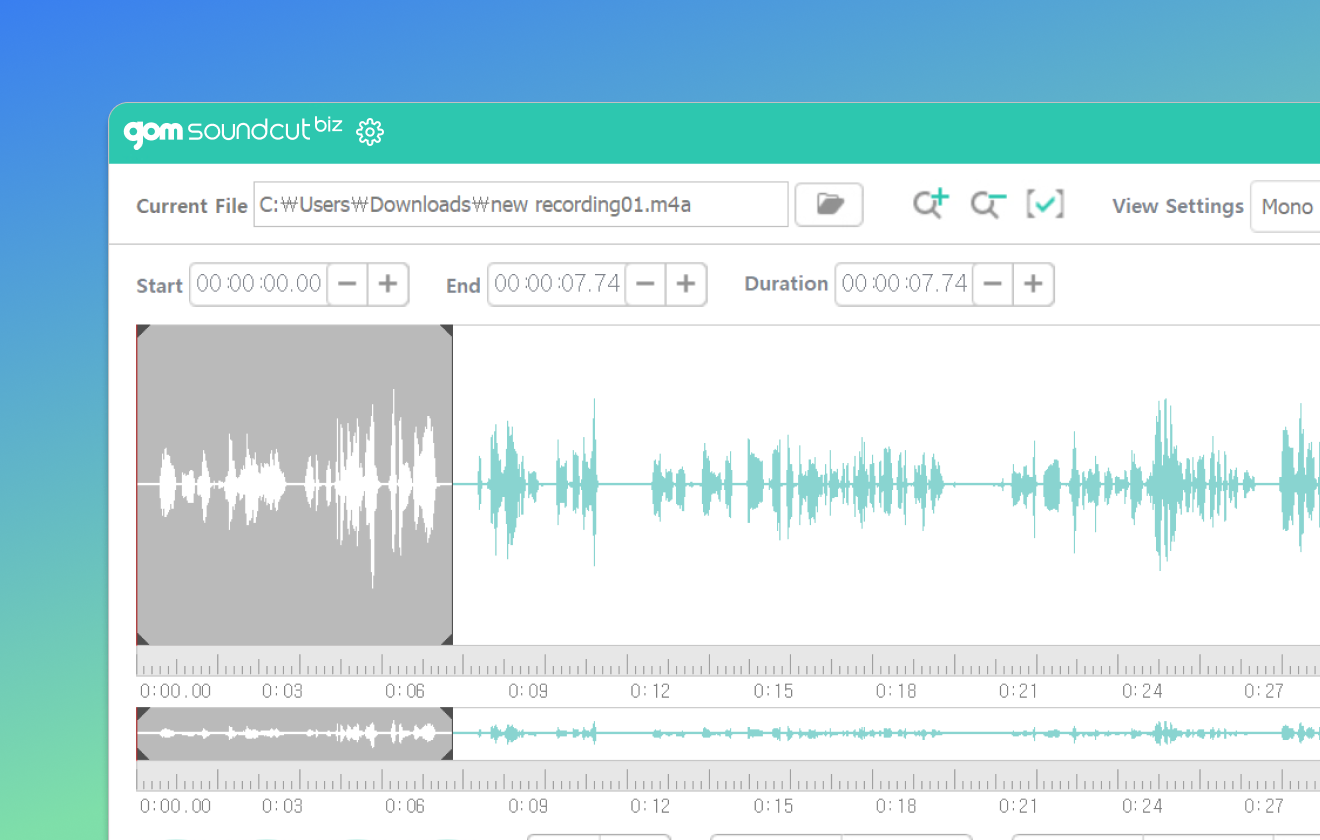
- Easily edit recorded sound sources in GOM Sound Cut Business

 GOM Easy Pass Business ONLY
Create your own sound freely
with Sound editing Software
- Select start and end sections, adjust length, and remove or use only the parts you want.
- Finely control fade-in/out of selected area
- Both sides, left and right sides can be edited in three dimensions
Enjoy various AI features with credits!
About Credits
Credits is a way of accessing AI features within GOM Software.
Recharge your credits and use various AI services!
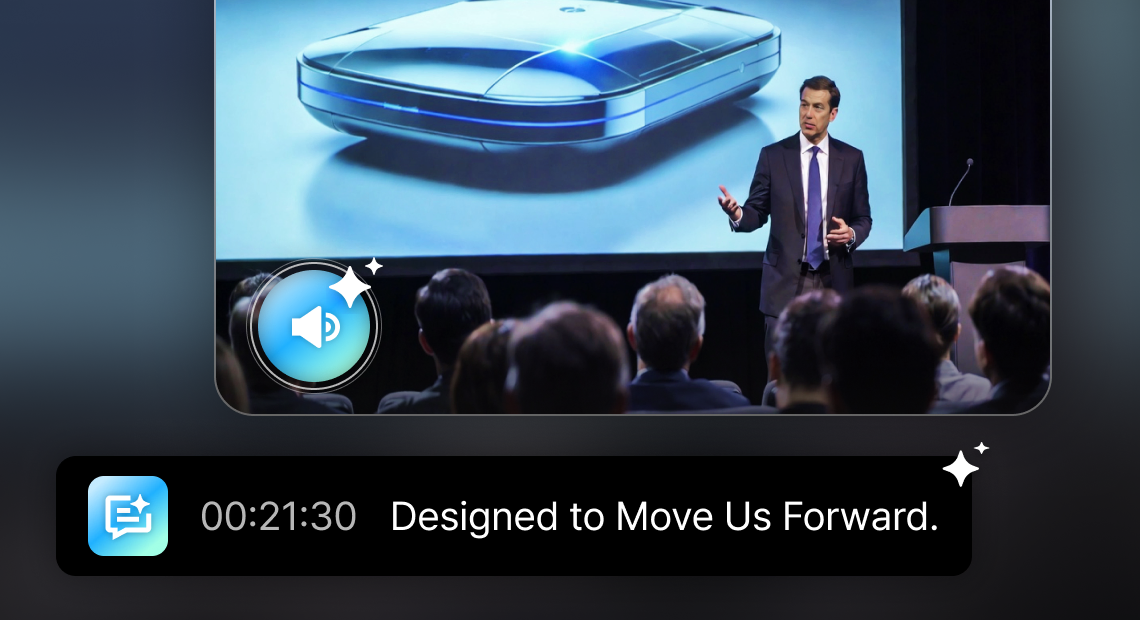
- AI Subtitles
- Automatically generate subtitles from video audio
ensure clear communication without sound.
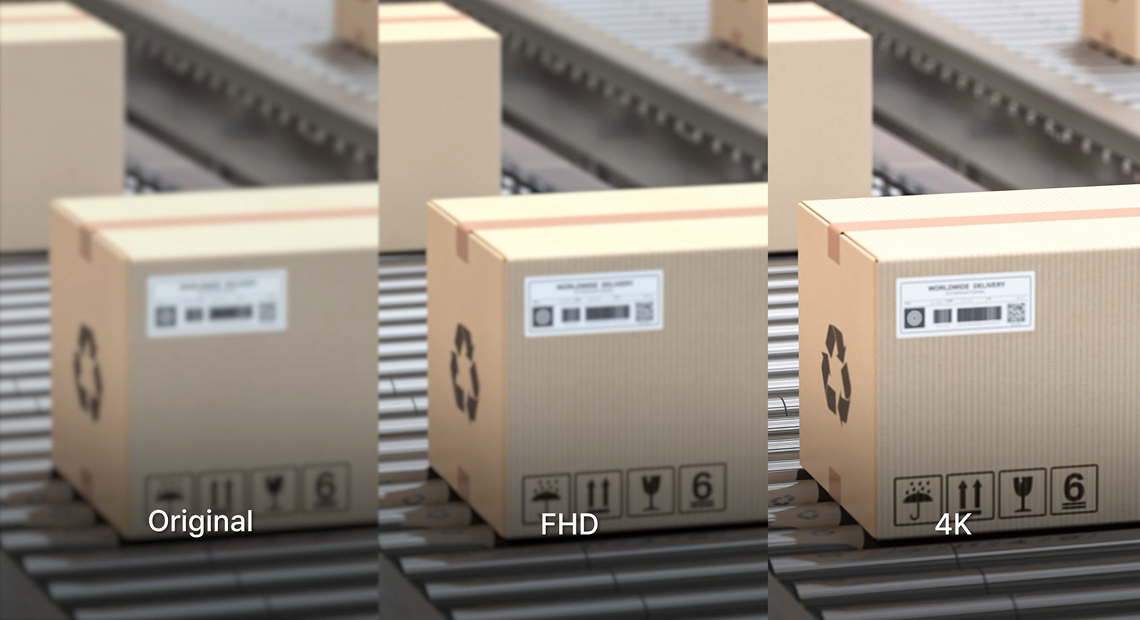
- AI Video Upscaling
- AI automatically analyzes video and upscales details,
delivering clear and clean visuals.
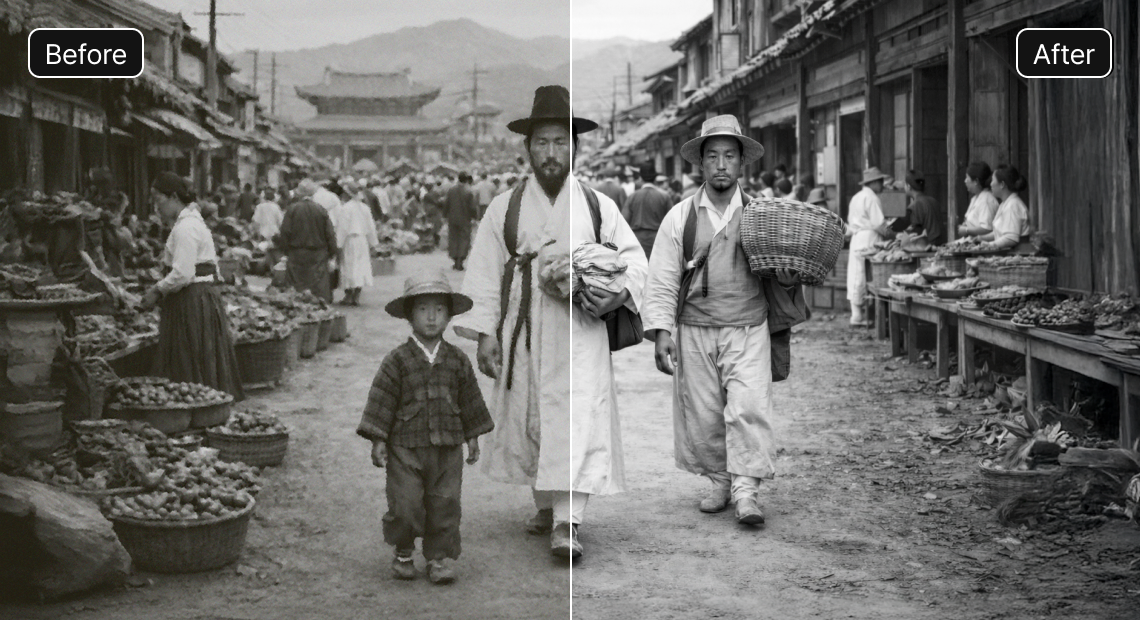
- AI Image Upscaling
- Experience AI Upscaling that enhances clarity
by adjusting details and reducing noise.
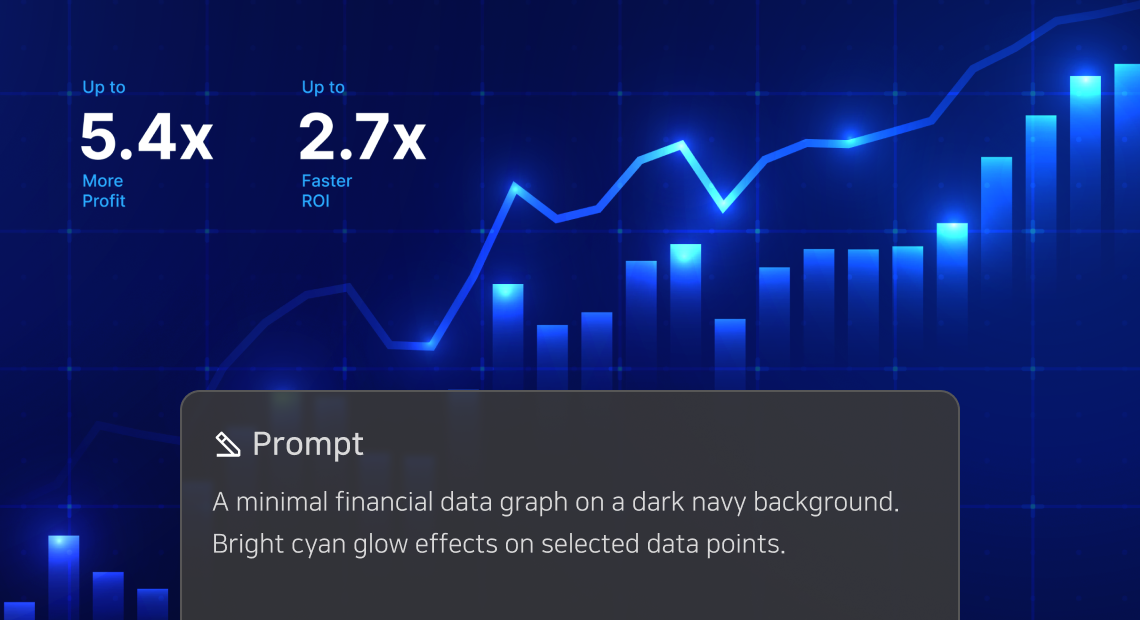
- AI Image Generator
- Create your desired high-quality image
with just text prompt.

- AI Image Editing
- Recreate your image in your desired style
while preserving its original form.
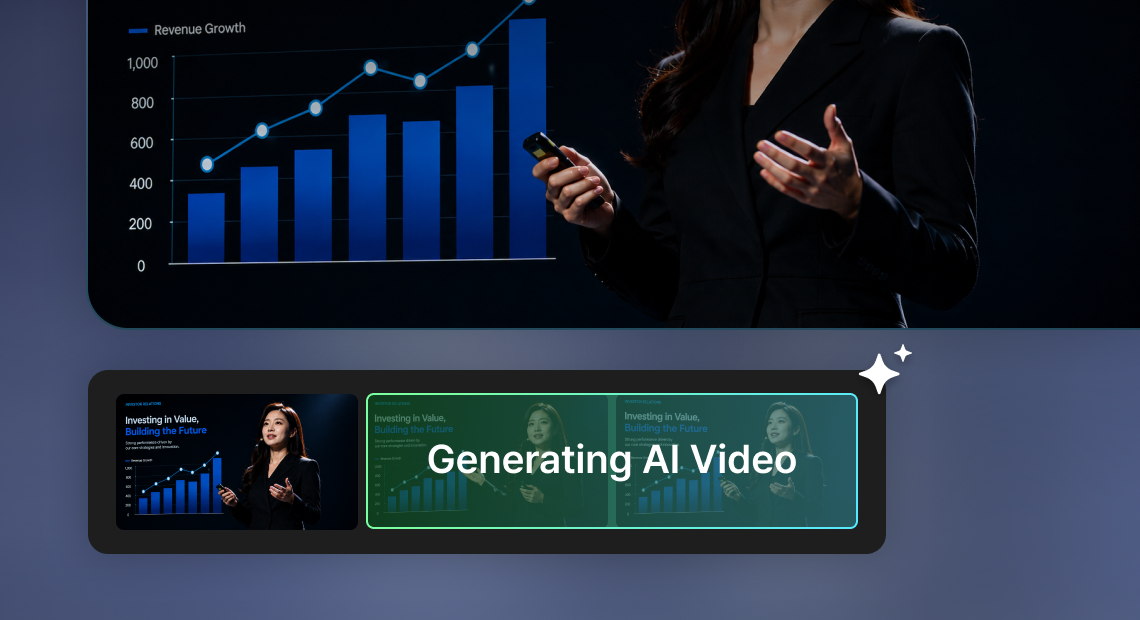
- AI Video Generator
- Generate a short video by adding natural motion and liveliness to an image.
53 Bonus Credits
Best

Including all paid softrware and GOM Easy Pass business-only software
 GOM Mix Business
 GOM Cam Business
 GOM Player+ Business
 GOM Pic Business
 GOM Voice Business
 GOM Sound Cut Business

Installer only for Business-Members. Download and install all software at once.
1-Year License
Fixed price $341.00
Selling price $127.00
When entering the number,
up to 999 is possible at one time
Payment Amount $127.00
34 Bonus Credits
1-Year License
Fixed price $176.00
Selling price $82.00
When entering the number,
up to 999 is possible at one time
Payment Amount $82.00
18 Bonus Credits
1-Year License
Fixed price $110.00
Selling price $42.00
When entering the number,
up to 999 is possible at one time
Payment Amount $42.00
9 Bonus Credits
1-Year License
Fixed price $55.00
Selling price $22.00
When entering the number,
up to 999 is possible at one time
Payment Amount $22.00
18 Bonus Credits
1-Year License
Fixed price $110.00
Selling price $42.00
When entering the number,
up to 999 is possible at one time
Payment Amount $42.00
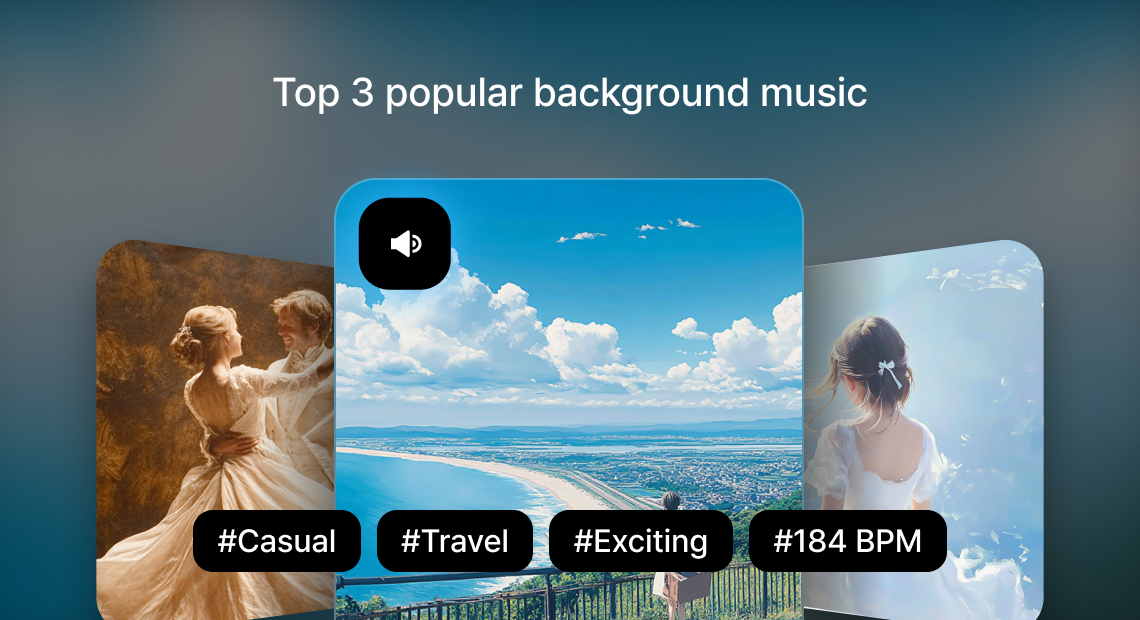
Package Only
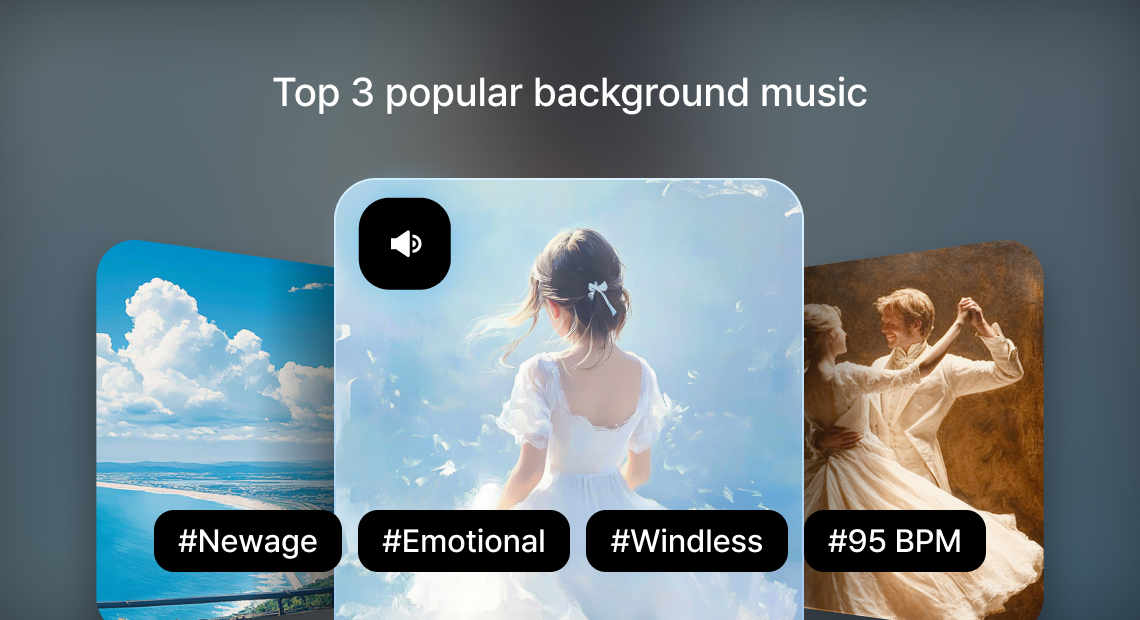
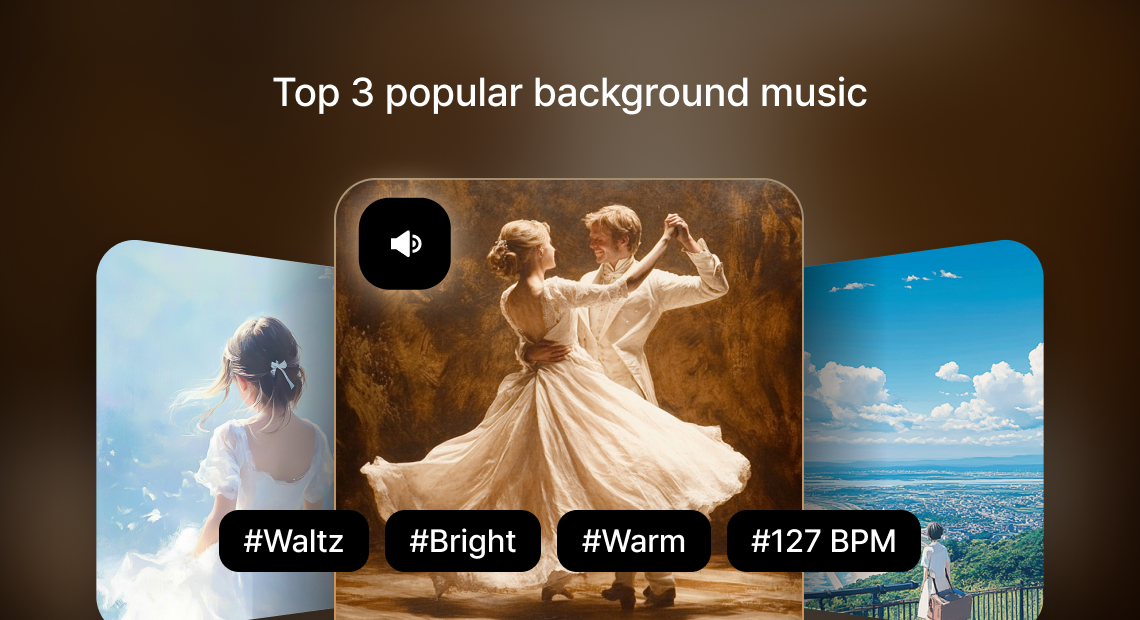
Individual/additional purchase unavailable- BGM 1,000 1 Year License
- Make every moment of your video special
With 1,000 different BGM and sound effects
Play Preview
53 Bonus Credits
Best
+ BGM 1,000
1-Year License
Fixed price $360.00
Selling price $142.00
When entering the number,
up to 999 is possible at one time
Payment Amount $142.00
34 Bonus Credits
+ BGM 1,000
1-Year License
Fixed price $195.00
Selling price $97.00
When entering the number,
up to 999 is possible at one time
Payment Amount $97.00
FAQ
View more-
How to Use AI features
You can use it after running the product, and the amount of credits deducted may vary depending on the unit of use for each service.
- AI Subtitles : Video editing software 'GOM Mix Business'
- AI Video Upscaling : Media Playback software 'GOM Player+ Business'
- AI Upscaling : Image Editing software 'GOM Pic Business'
You can check your credit usage history in the [My Page > My Credits] menu.
-
How to Purchase Credits
The Prepaid plan is available in five options, and you can make a one-time recharge for the selected quantity.
The larger the recharge amount, the lower the cost per Credit.
You can check your credit purchase history in the [My Page > Payment History] menu.
-
What is credit?
Credit is a dedicated means for using AI features within GOM software.
Credits are required to use AI features, but credits cannot be used to purchase GOM software.
-
[Business] How can I request or issue a quote?
Quotes can be issued after signing in with a [Business] account.
You can request and pay for a quote directly through the GOMLab website. For bulk purchases, please contact us via the email below.
* How to issue a quote from the GOMLab website
- Sign up as a business member > Sign in
- Go to the Business page (https://www.gomlab.com/en/b2b-business-institution)
Enter the quantity of the product you wish to purchase and click [View Quote]> Review the details, then click [Print] at the bottom of the page
* For bulk purchases
- If you would like to make a bulk purchase, please contact us by email. We will provide a custom discounted quote based on the quantity.
* Email: gomsales@gomcorp.com
Please include: [Organization name / Product name / Quantity / Contact person's phone number / Email]
-
[Business] How is the license validity period applied?
The software license period is uniformly applied based on the payment date.
※ This policy applies to purchases made on or after Wednesday, December 4, 2024.
Customers who completed payment on or before Tuesday, December 3, 2024, are not subject to this policy.Please note that this change was announced in advance on the official website prior to implementation. (→Go to notice)