
 GOM Mix 10
Latest News
User Guide
Function Learning
Frame Control
1. Frame Control
It is a control used to adjust the object or target size. A square frame control icon is displayed on the monitor when you create objects or text clips or apply effects to a clip. Move the adjustment point to adjust the size. Depending on the type of frame control, it provides several frame control methods.
2. Frame Control Types
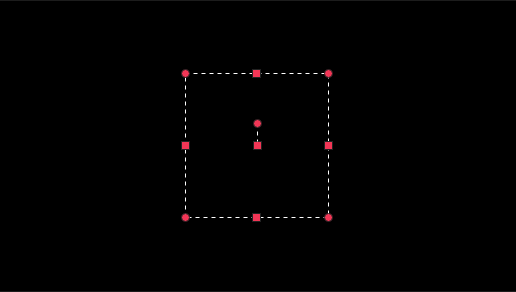
Adjust the size in 8 directions. The square adjustment point at the center is the adjustment point used to move a frame.
Ex) Square mask effect, Square angle crop
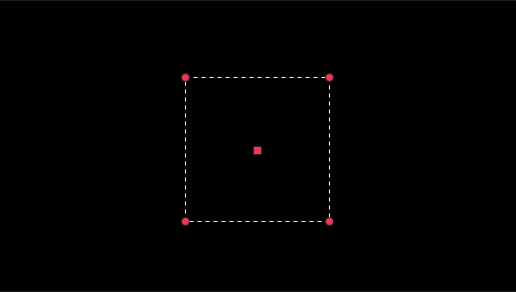
Adjust the size in four directions.
Ex) Object clip loading 01, Reshape 4 Points and 4 Points Mask
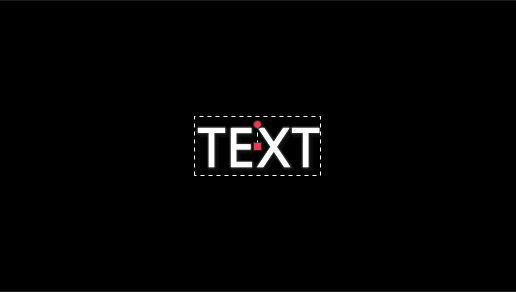
The square adjustment point at the center is the adjustment point used to move a frame. A circle-shaped control point on the frame move point is used to adjust the frame rotation. Frame size varies depending on the font size.
Ex) Create Text Clip