 GOM Mix 10
Latest News
User Guide
Audio
Background / Sound Effects
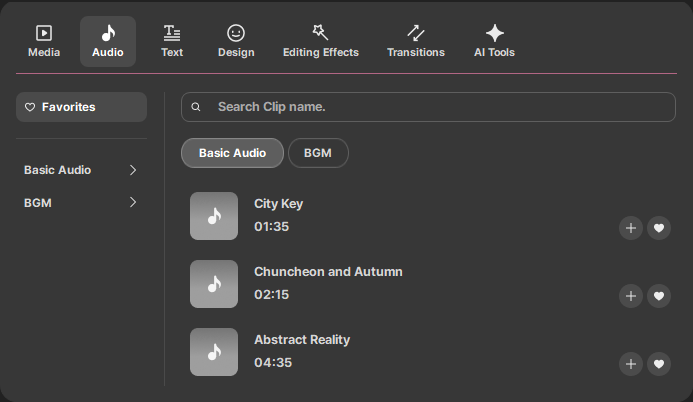
These are pre-provided audio clips to be used as sound effects or background music in your videos.
After selecting a clip, press the Play button  in the Preview panel to preview the music. After downloading the clip, click the
  button, or select the target track area and click the
  button to add it to the project editing area.
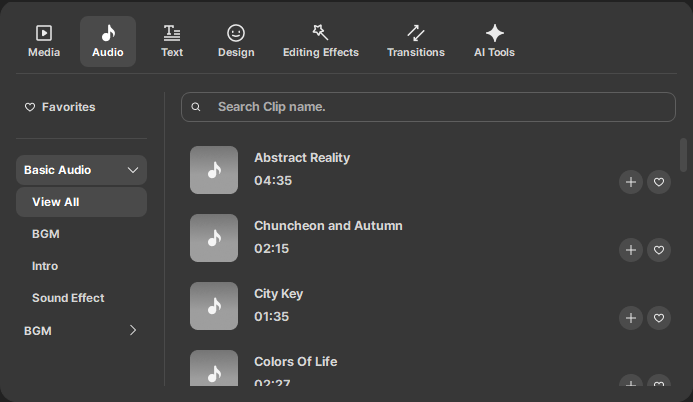
In the Background / Sound Effects tab, you can select items from View All / Background Music / Intro / Sound Effects / BGM to view your desired audio clips all in one place.
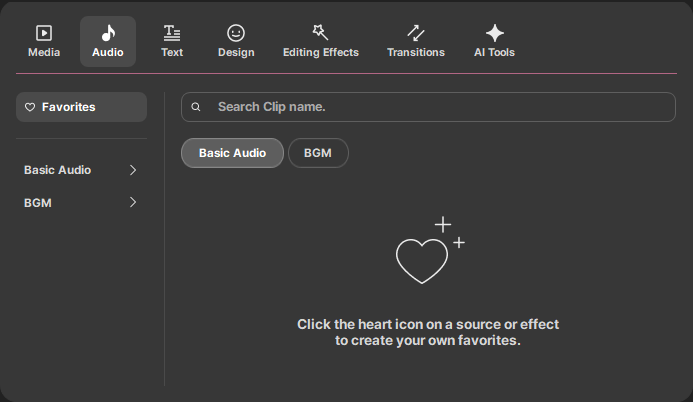
When you register frequently used clips as favorites, they will appear in Favorites clips.
💡TIP
Click the  button at the top right to add it to Favorites. Clicking the
  button again removes it from Favorites clips.