
GOM PicUser Guide
AI tools
AI Upscaling
Tool Introduction
AI Upscaling is a function that uses artificial intelligence (AI) to improve the resolution of images.
You can create high-resolution images by applying low-quality images or selected areas.
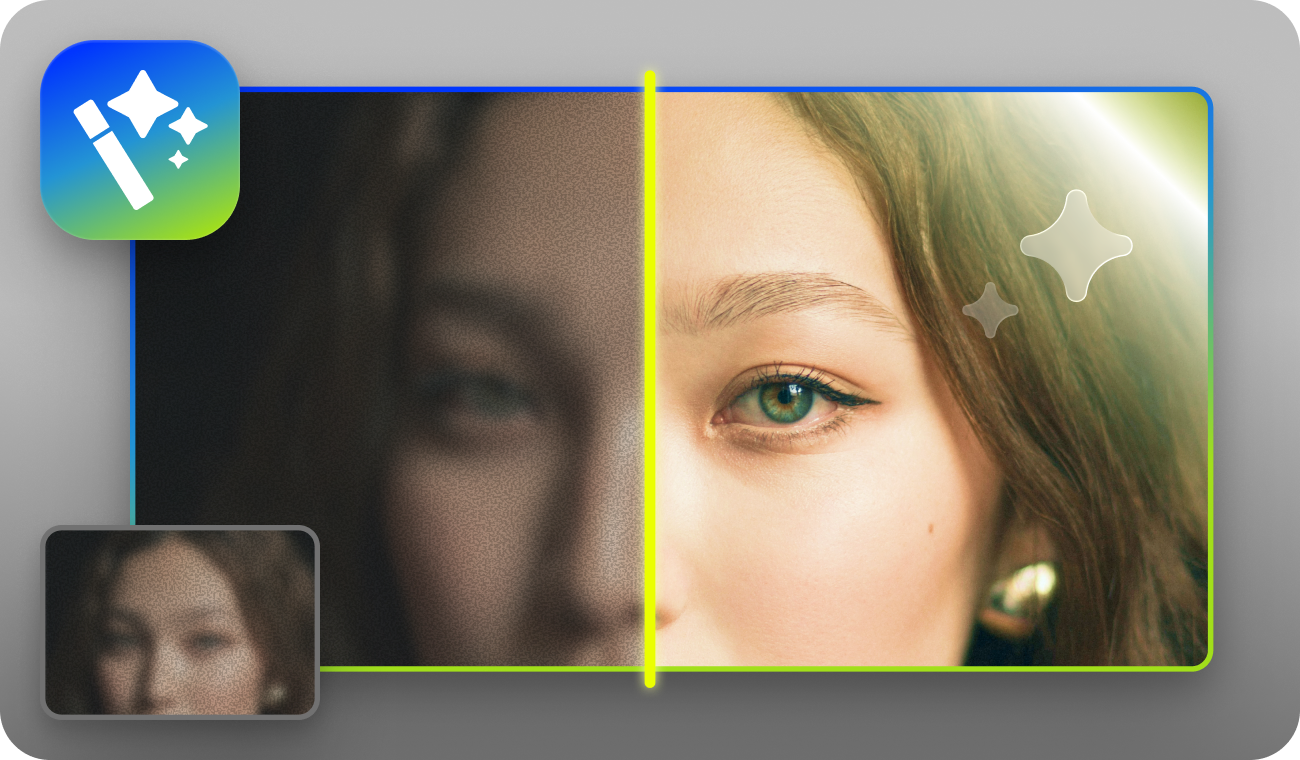
- You can revive your old photos.
- You can remove noise to create clear photos.
- You can add a noise texture to create a vintage look.
- Face recognition technology allows natural facial correction.
| Input Format | JPG, JPEG, PNG, BMP |
|---|---|
| Output Format | JPG, JPEG, PNG, BMP |
| Input Resolution(px) | Minimum : 32x32 Maximum : 4K (3840x2160 or 2160x3840) |
| Output Resolution(px) | Maximum : 8K (7680x4320 or 4320x7680) |
| Input File Size | Maximum : 50MB |
| Magnification | x2, x4, x6, x8 |
| Support Type | Portrait, Animation, CG, Retro, General |
| Input Image Quality | Standard, High Quality |
| AI Support Option | Enhance facial details, Reduce noise, Add noise texture |
Setting and Preview
You can setup upscaling in detail through the settings and check the upscaled image through preview before exporting.
You can use the AI Upscaling in the following order.
-
1.
Select the image layer, then select the upscaling tool.
- The selected area can be expanded using the Shape, Lasso, or Magic Wand.
-
2.
Image upscale factor setup.
- Enlarge images from 2× up to 8× without worrying about quality loss.
-
3.
You can generate results that match your selected image style.
- Choose from various styles such as General, Portrait, Animation, CG, and Retro.
-
4.
You can effectively improve your image by selecting the quality of the current image.
- Standard: Good for improving and restoring image quality degradation.
- High Quality: Good for increasing clarity.
-
5.
You can use optimized AI options depending on the type you select.
AI Option Enhance Facial Detail A function that recognizes a person's face, corrects features, and restores facial details Noise Reduction Ability to remove noise from images to make them clearer Add Noise Texture Ability to create a vintage look by adding noise texture - AI options cannot be set for animation and CG
-
6.
After selecting the desired settings and options, you can preview the image with AI Upscaling applied in the viewer after a moment.
- Preview is a function that allows you to preview photos with AI Upscaling applied and does not require additional payment.
- 7. You can use the central control bar to compare and check images before and after applying AI Upscaling.
