GOM PicUser Guide
AI Tools
AI Image Generator
About the Tools
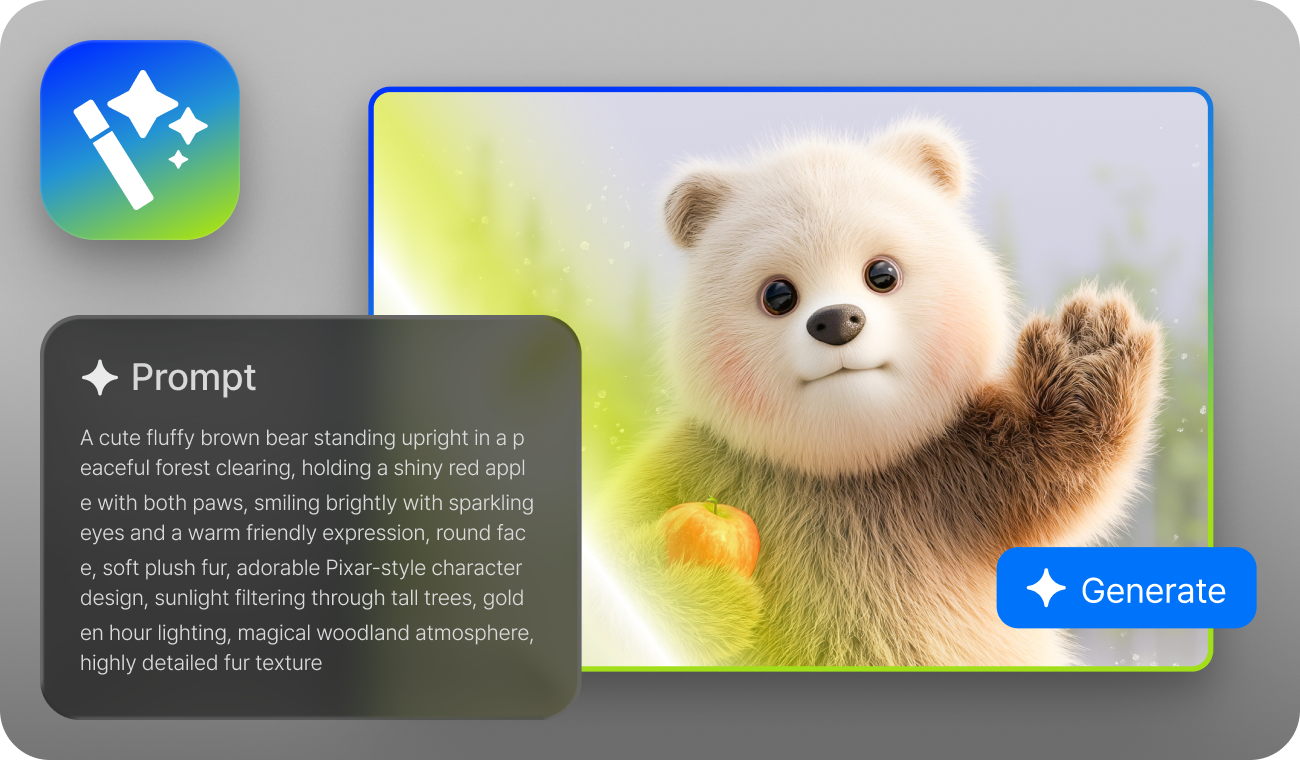
AI Image Generator is a feature that creates new images using prompts.
Simply write a prompt of the image you want, and you can easily generate a new image.
| Input Formats | JPG, JPEG, webp, BMP |
|---|---|
| Output Formats | JPG, JPEG, PNG |
| Quality | Standard, High Quality |
| Image Sizes | 1024X1024, 1536X1024,1024X1536 |
| Background Options | Auto, Opaque, Opacity |
Prompt & Settings
-
1.
Choose a Style
Choose a style you like, and a recommended description will be entered in the ‘Prompt’ field, making it easier and faster to write your desired description.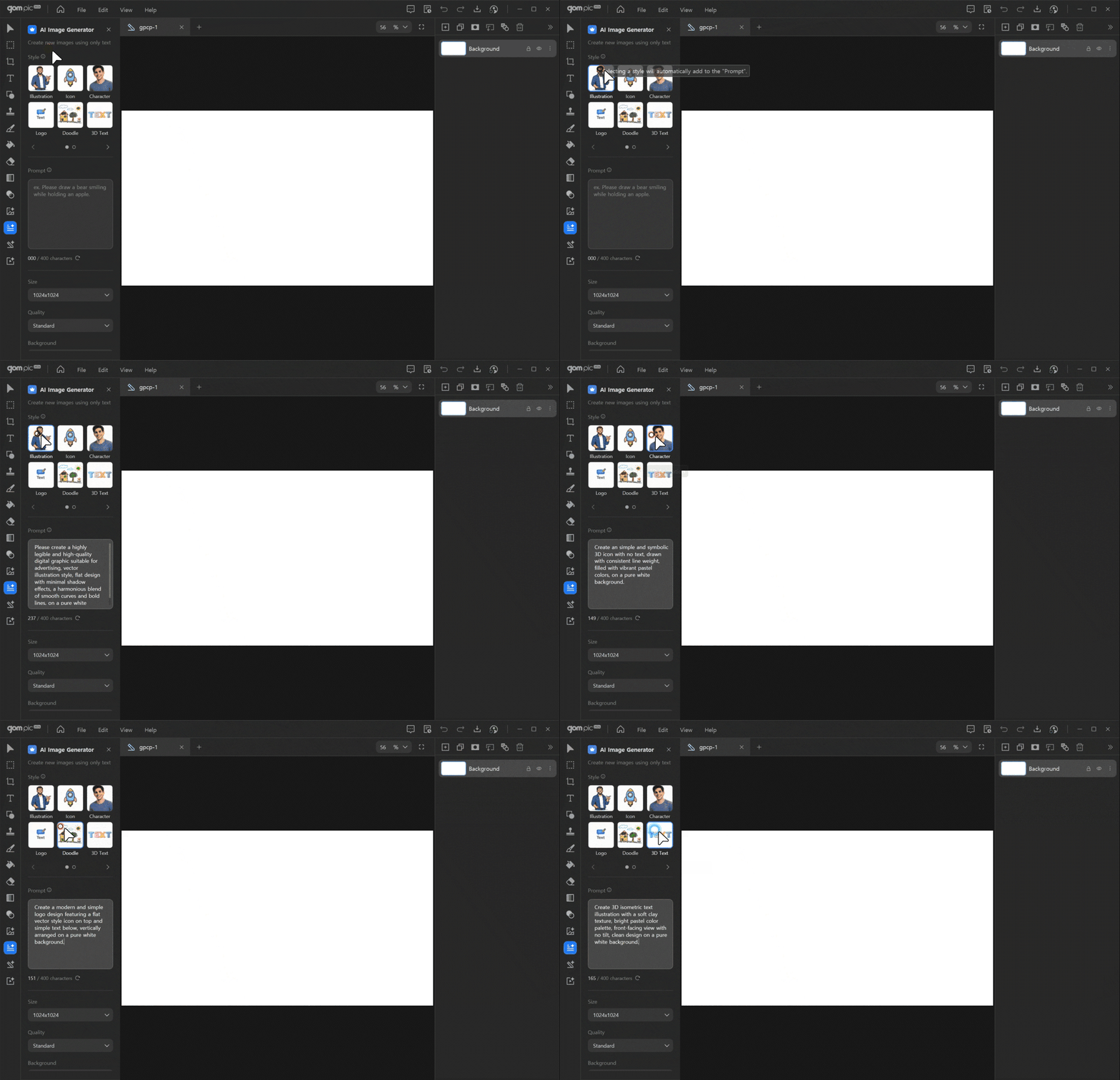
-
2.
Write Your Prompt
Describe in detail of the image you want to generate in the ‘Prompt’ field. (Maximum 400 characters)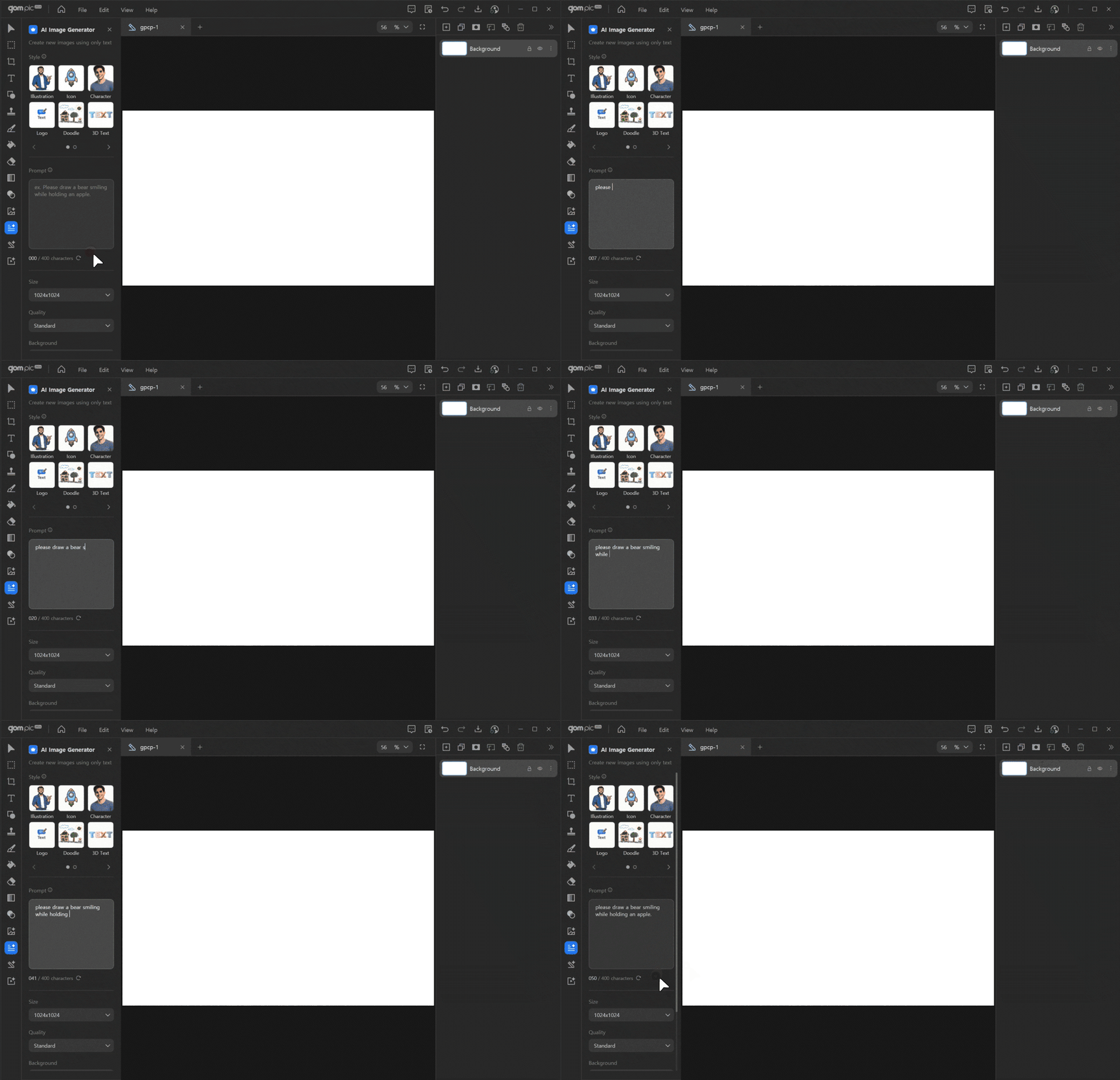
-
3.
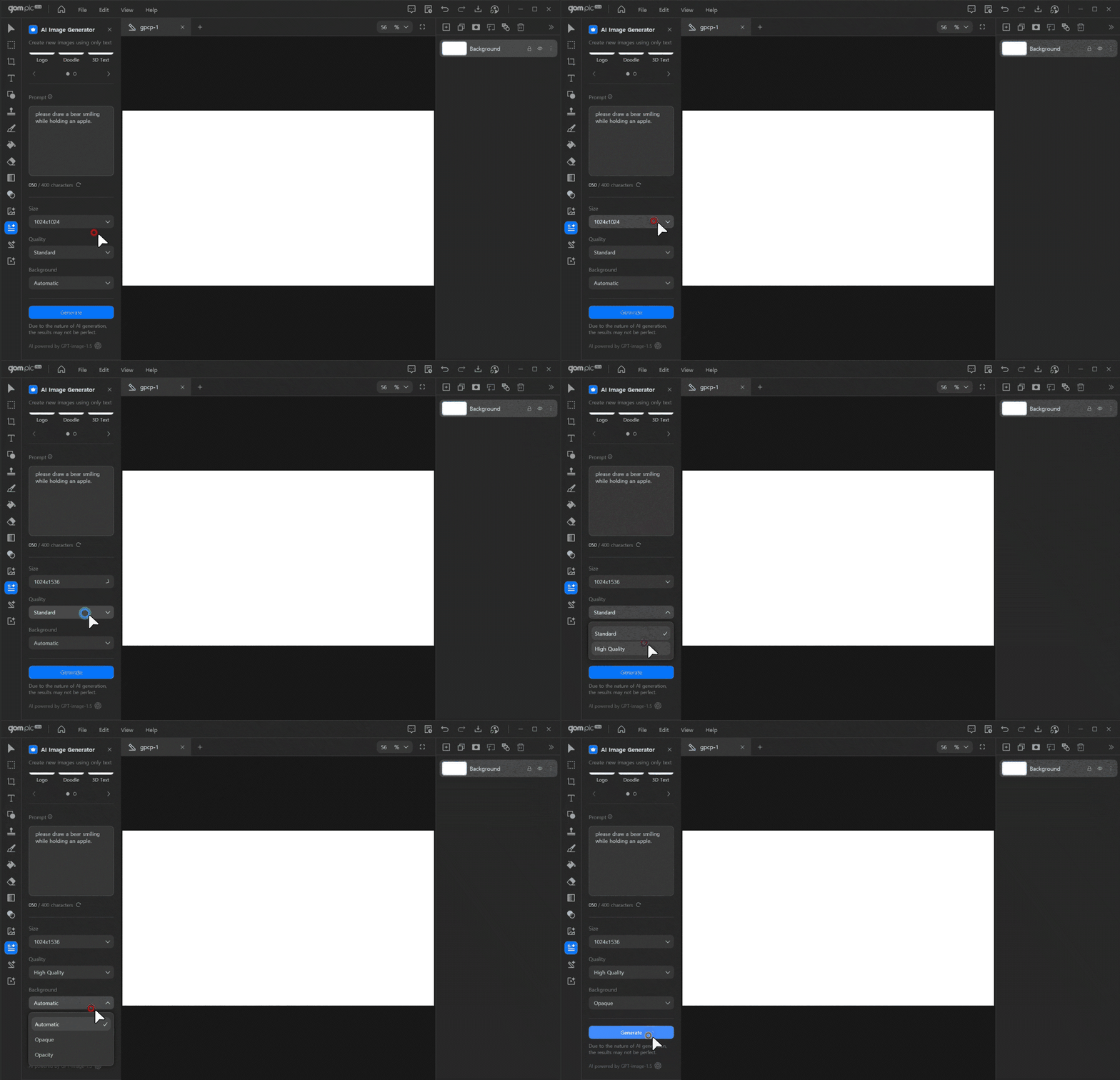
Image Settings
These settings help you achieve your desired results. You can choose the image quality, size, and background.