GOM PicUser Guide
Editing Screen
Minimap
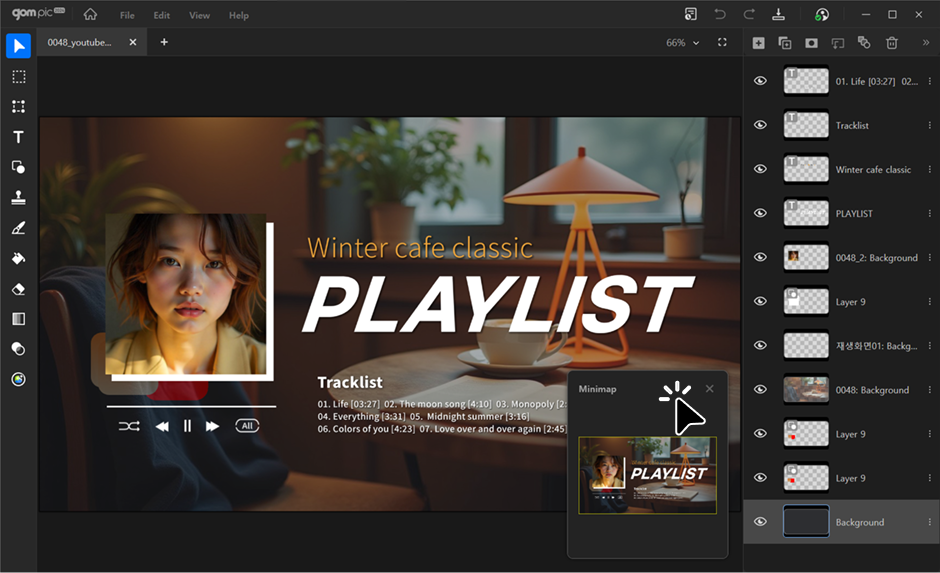
The Minimap is a scaled-down preview of the current project. It helps you quickly see the position and scope of the area you are viewing, and allows fast navigation within the project.
1. Enabling Minimap
From the [View] menu in the top navigation, you can enable or disable the Minimap.
When enabled, the Minimap is automatically docked at the bottom-right corner of the editing screen.
2. Using Minimap
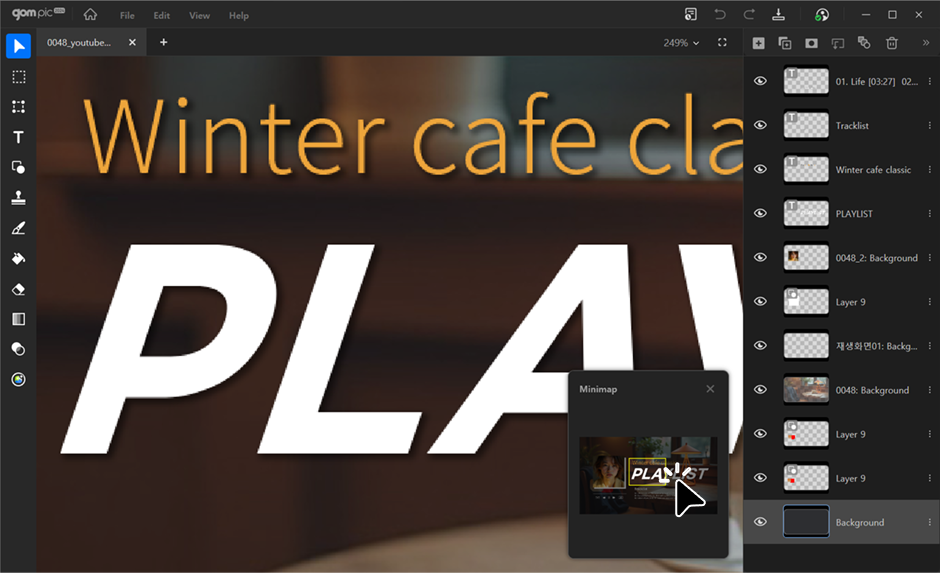
The area you are currently viewing is highlighted with a yellow box.
You can quickly navigate by clicking on the desired location or dragging the box.