GOM PicUser Guide
AI Tools
AI Image Editing
About the Tools
AI Image Editing allows you to modify an existing image using text prompts.
Describe the part of the image you want to change and the desired visual effect, and AI will generate an updated version of the image based on your instructions.
| Input Formats | JPG, JPEG, PNG, BMP |
|---|---|
| Output Formats | JPG, JPEG, PNG |
| Quality | Standard, High Quality |
| Image Sizes | 1024X1024, 1536X1024,1024X1536 |
| Background Options | Auto, Opaque, Opacity |
Prompt & Settings
-
1.
Choose a Style
Choose a style you like, and a recommended description will be entered in the ‘Prompt’ field, making it easier and faster to write your desired description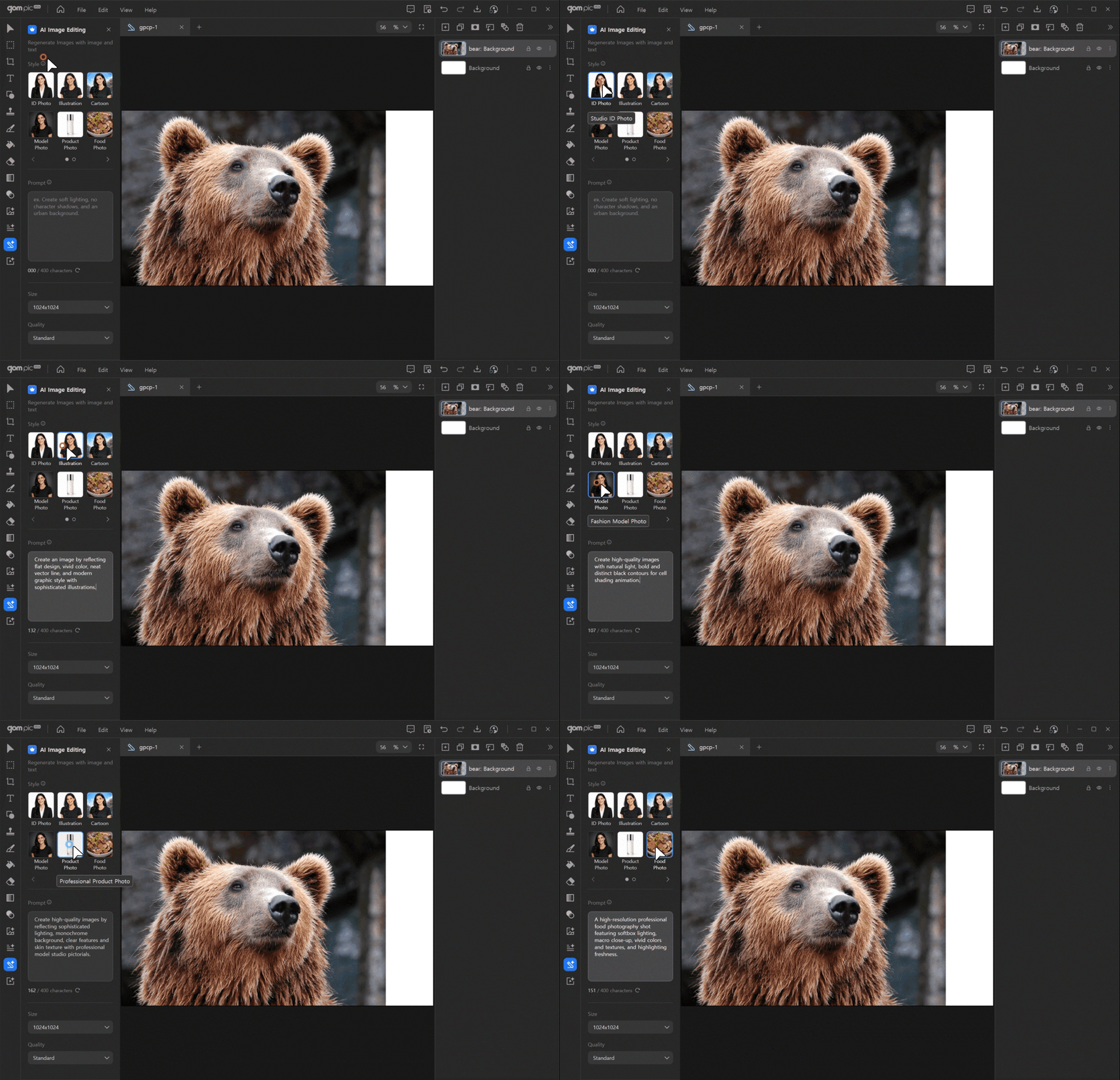
-
2.
Write Your Prompt
Describe in detail of the image you want to generate in the ‘Prompt’ field. (Maximum 400 characters)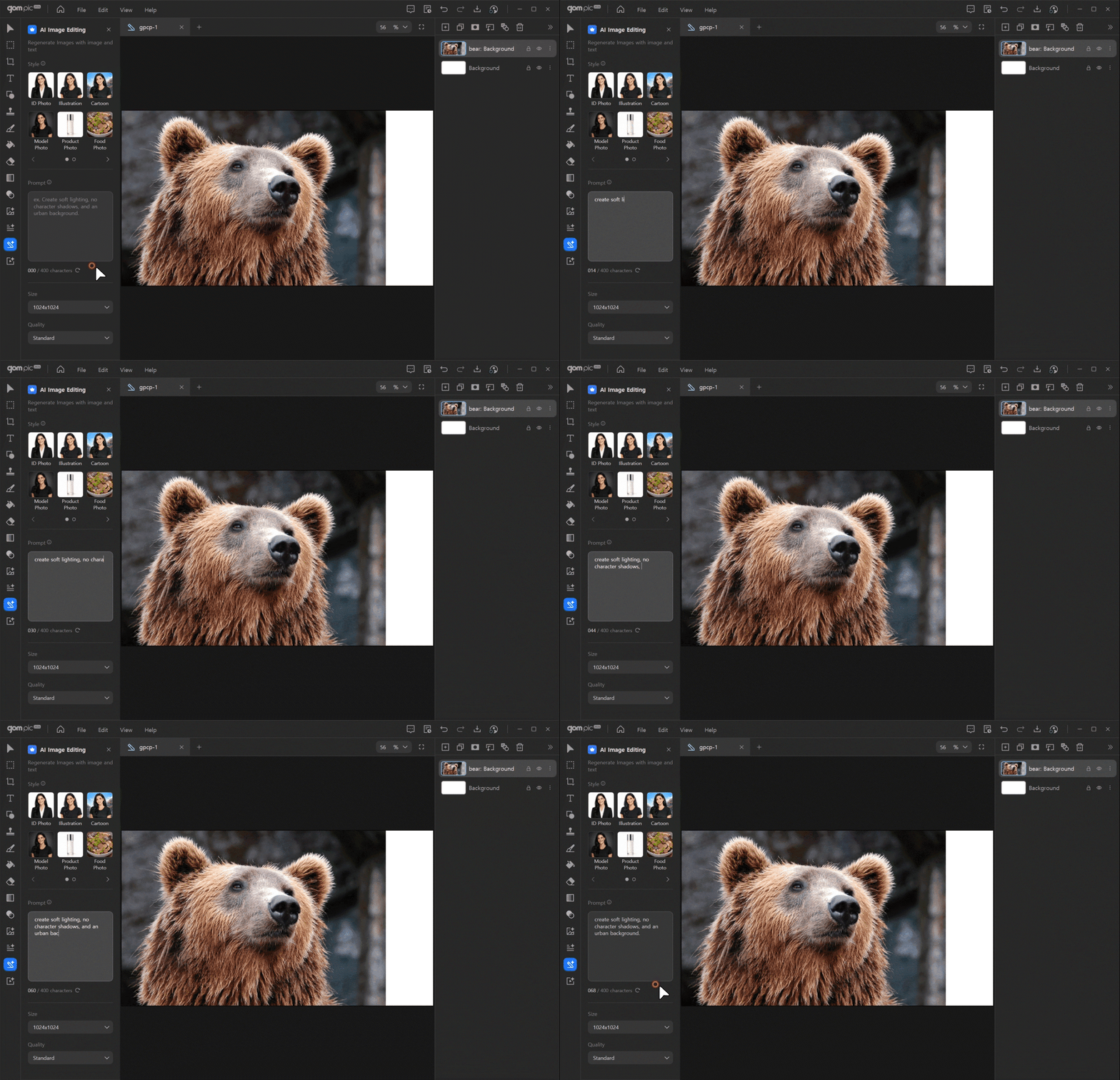
-
3.
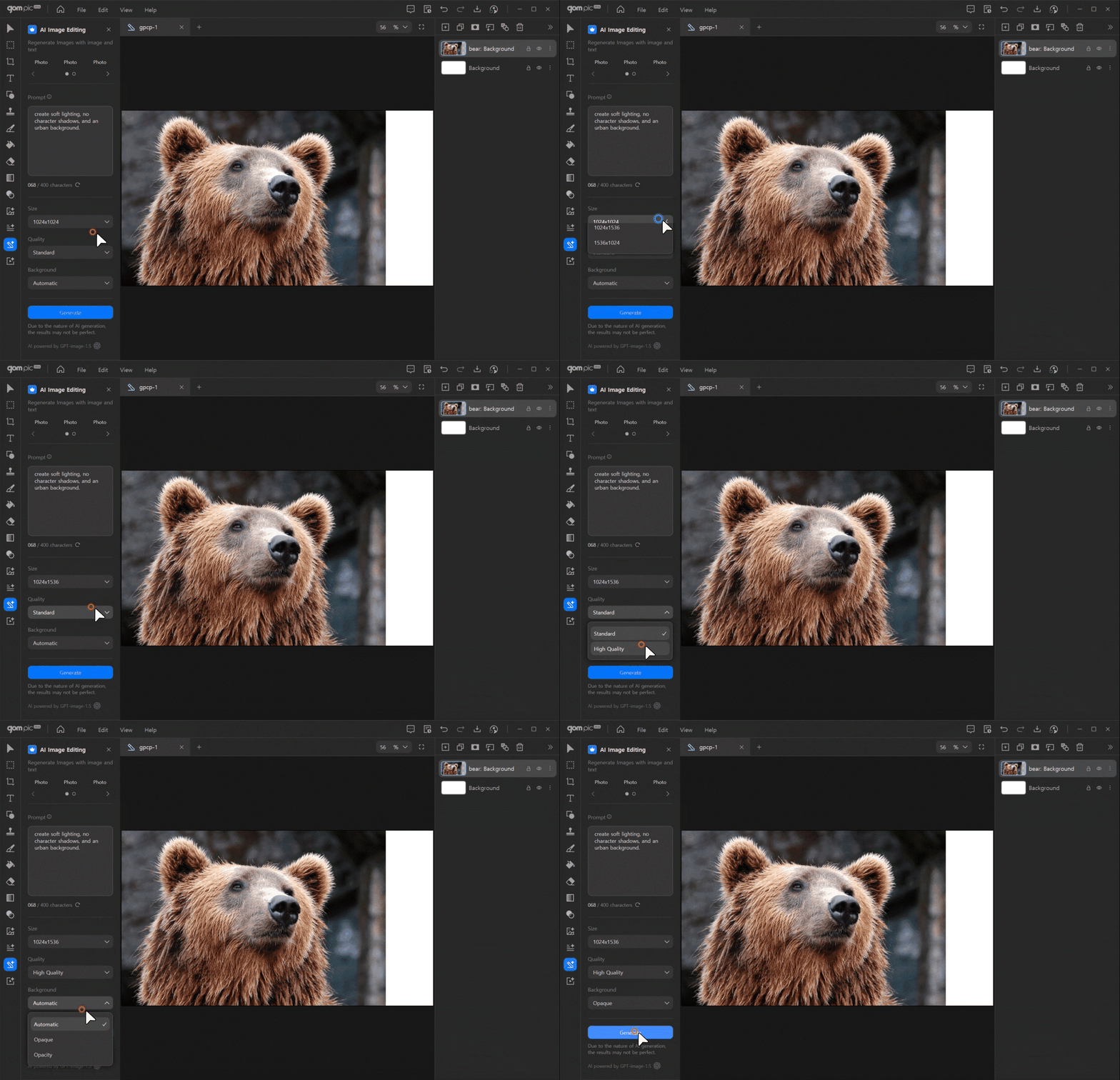
Image Settings
Customize the image quality, size, and background settings to achieve the desired output.