
 AI Features
Check the Generative AI features available in GOM Pic.


AI Upscaling
Use AI Upscaling like this!
Quickly and easily turn a blurry or old image into an ultra-high-quality image with one click.
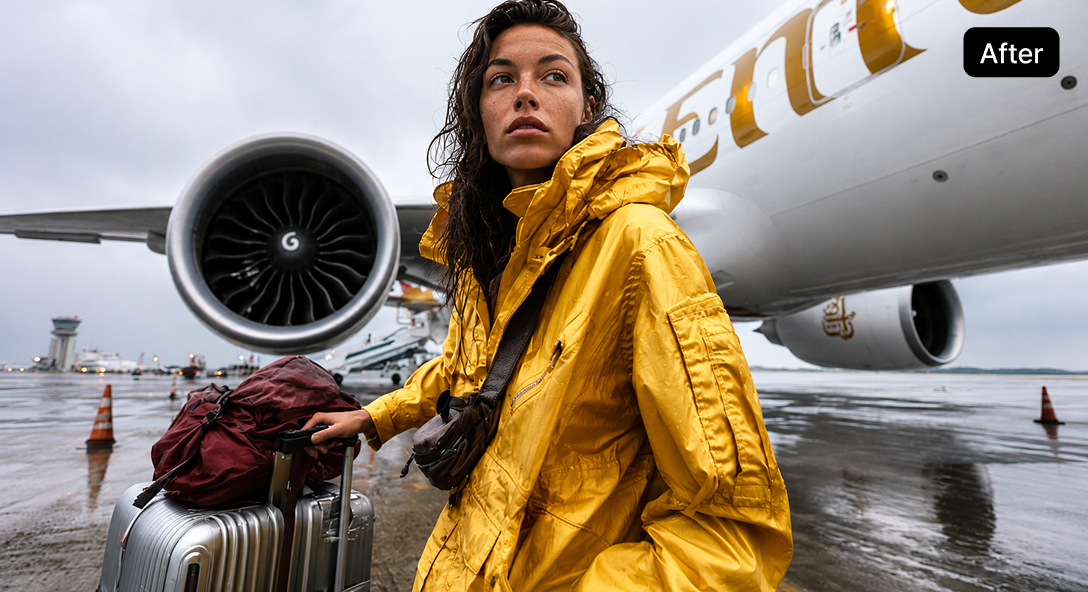
When you want to bring life to old photos
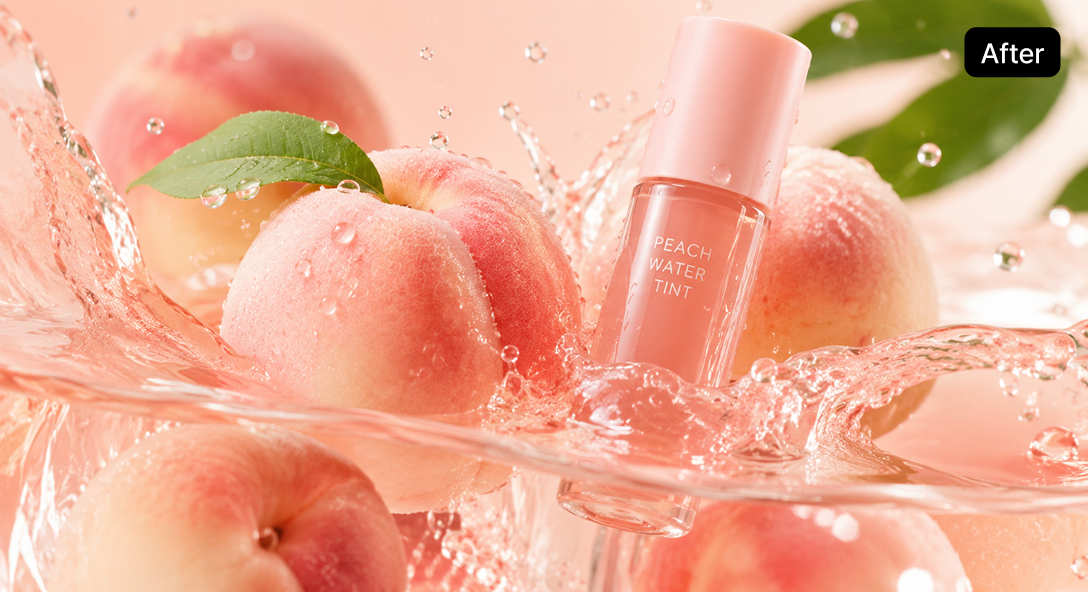
When you don’t want to see cracked photos
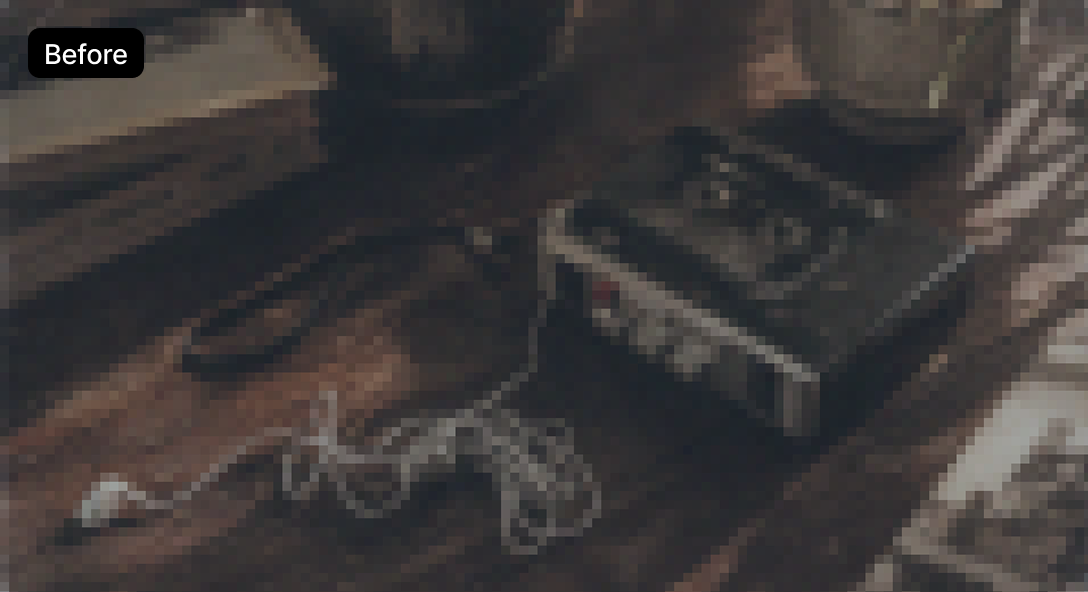
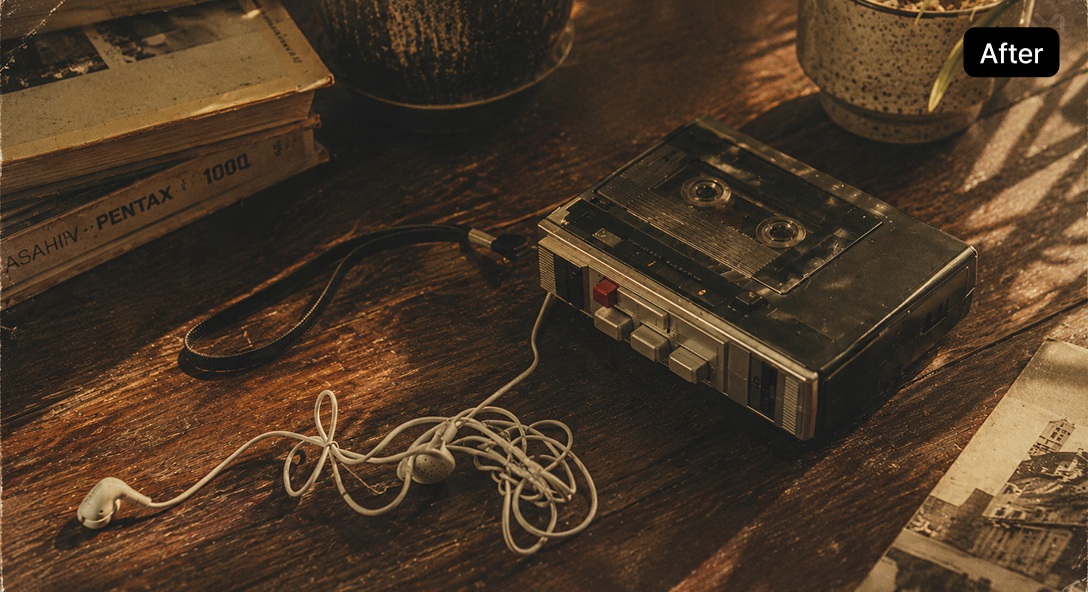
When you want to apply a retro vibe
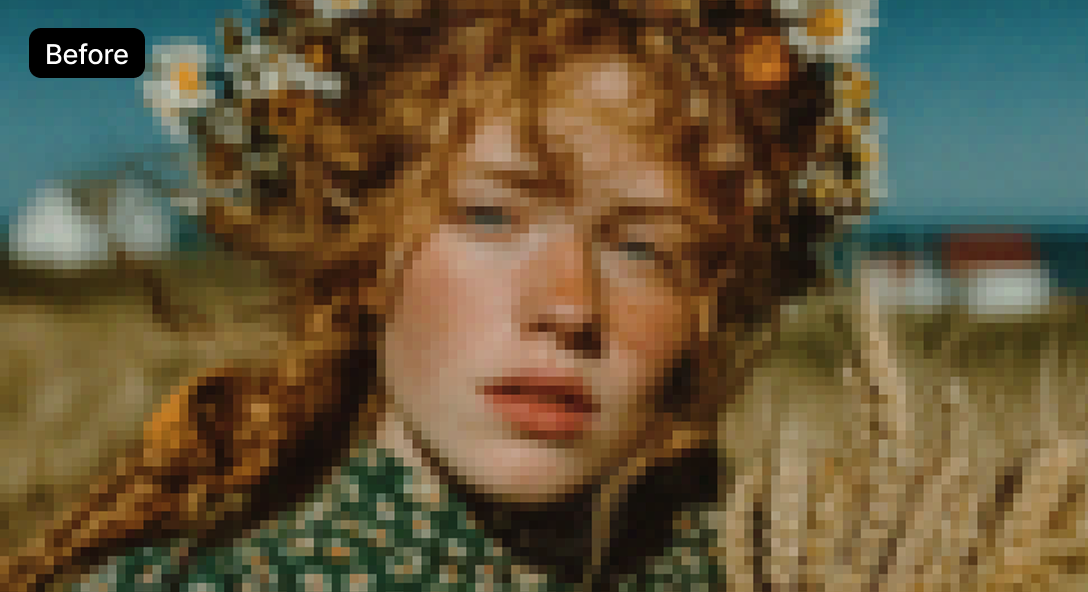
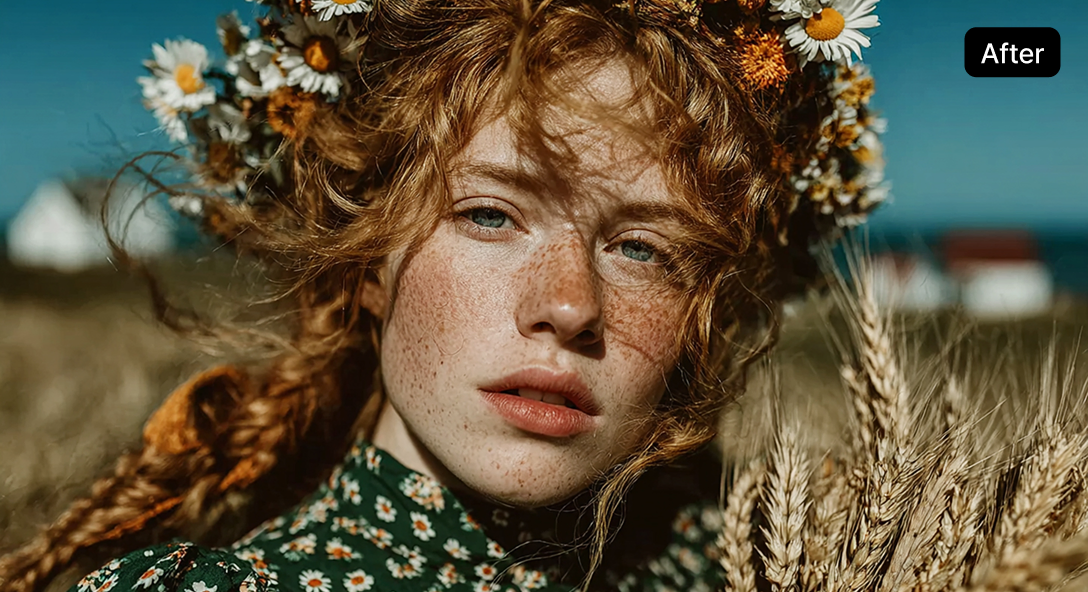
When natural facial correction is needed
You can choose the image type as you wish.
*AI options cannot be selected for Animation or CG type.
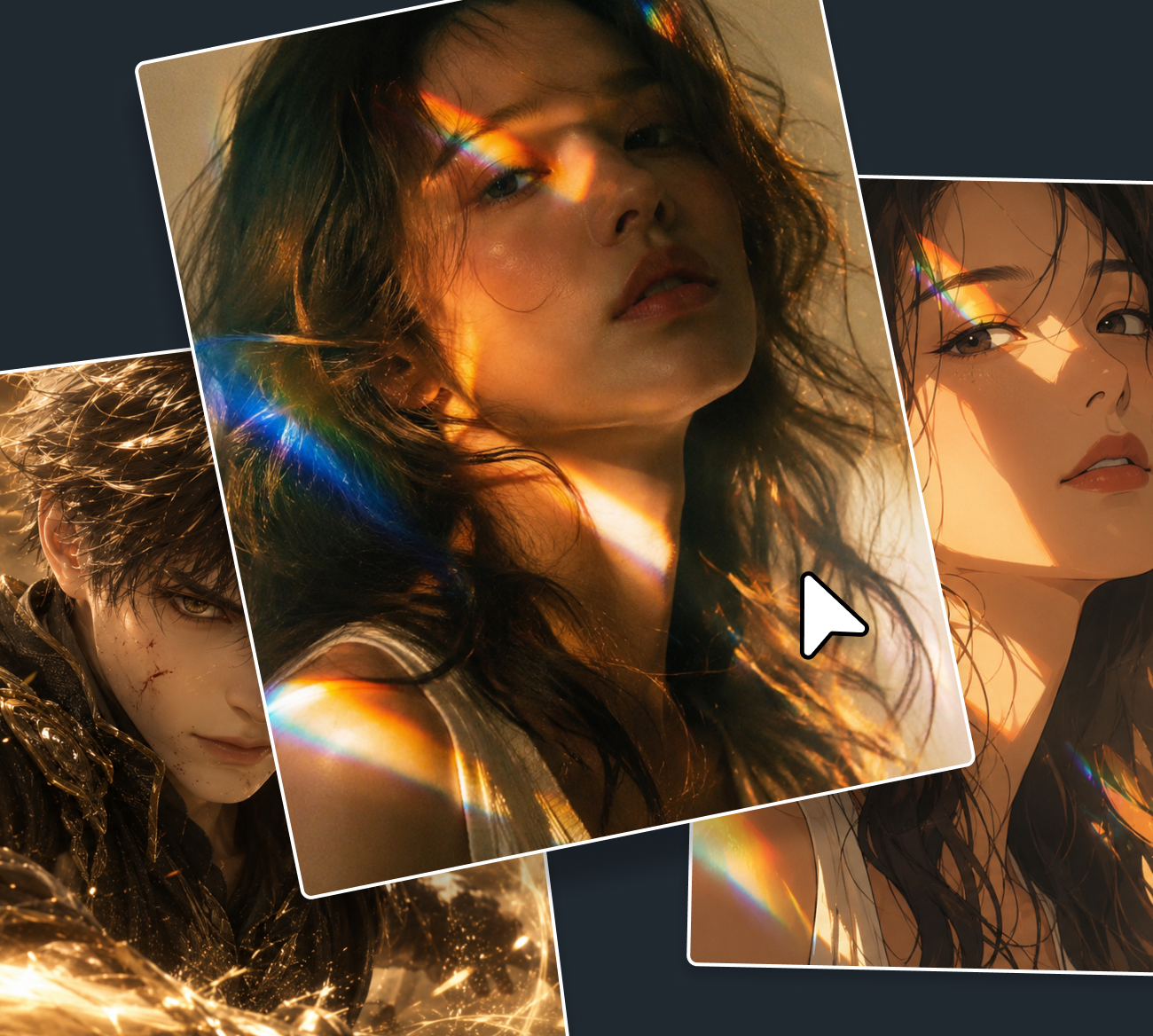
- Portrait
- Make portraits look clean and sharp with detailed retouching
- Animation
- Make animation images clear and vivid
- CG
- Make CG-like visual effects more spectacular and dramatic
- Retro
- Make it feel nostalgic with colors and textures
- General
- Clean up the photo’s mood with natural retouching
| Input extension | JPG, JPEG, PNG, BMP |
|---|---|
| Output extension | JPG, JPEG, PNG, BMP |
| Input resolution (px) | Minimum : 64x64 Maximum : 4K (3840x2160 or 2160x3840) |
| Output resolution (px) | Maximum : 8K (7680x4320 or 4320x7680) |
| Input file size | Maximum : 50MB |
| Support Magnification | x2, x4, x6, x8 |
| Support Type | Portrait, Animation, CG, Retro, General |
| Support Quality | Standard, High Quality |
| Support AI Option | Enhance facial details, reduce noise, add noise textures |
How to use AI Upscaling
Click [AI Tools > AI Upscaling], at the GOM Pic [Home] and select the image you want.
* Please recharge your credits to use AI Upscaling
Please [Apply] the desired magnification, type, quality, and AI options.
* You can see what's been applied through the preview.
Click [Export AI Upscaling] to deduct credits and proceed with AI upscaling.

AI Video Generator
Generate your desired AI image
by writing abstract ideas as text.
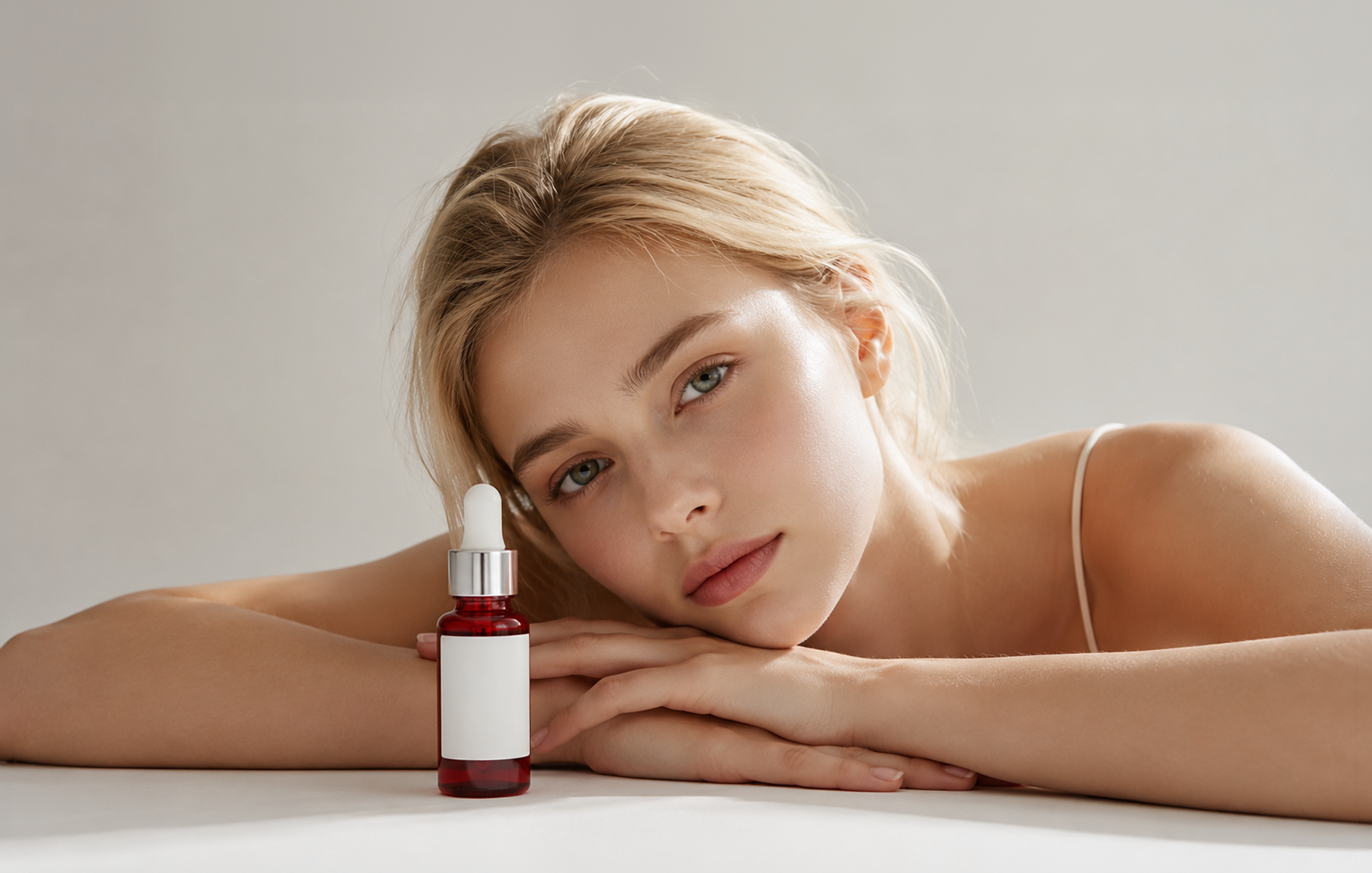
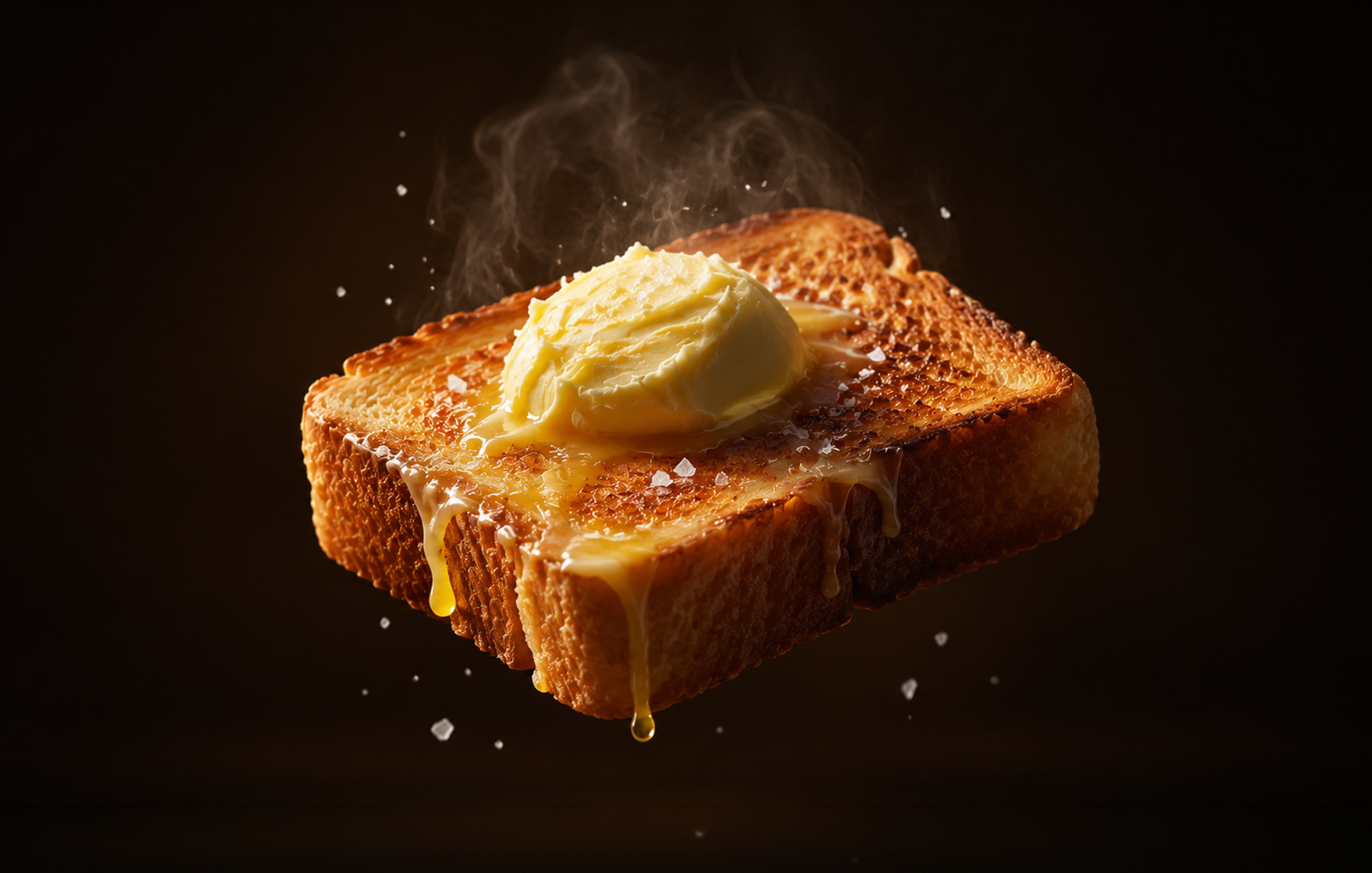
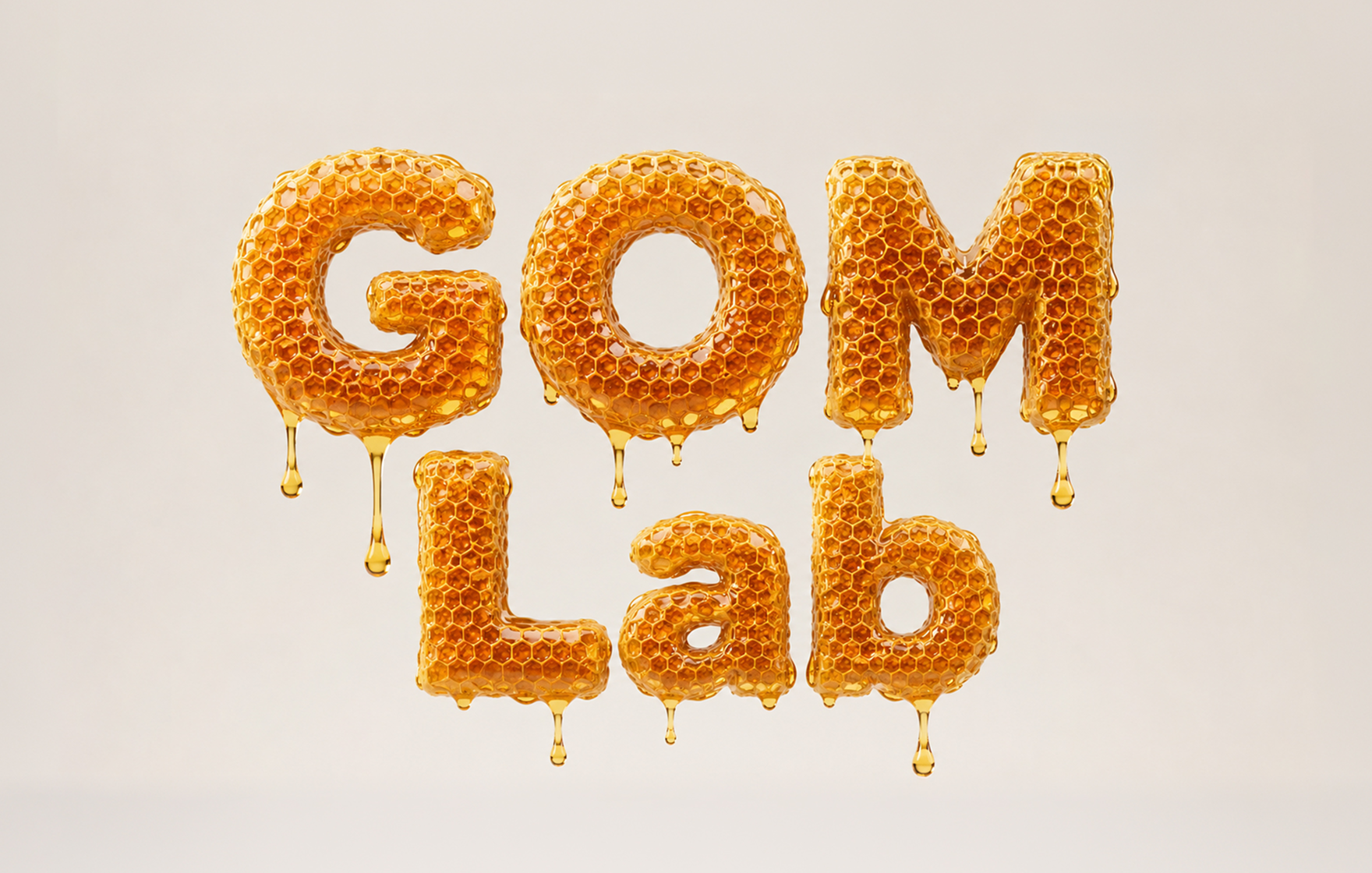
through the prompt window.
- It is designed to help you understand and may be different from actual usage environment.
Use AI Image Generator like this!
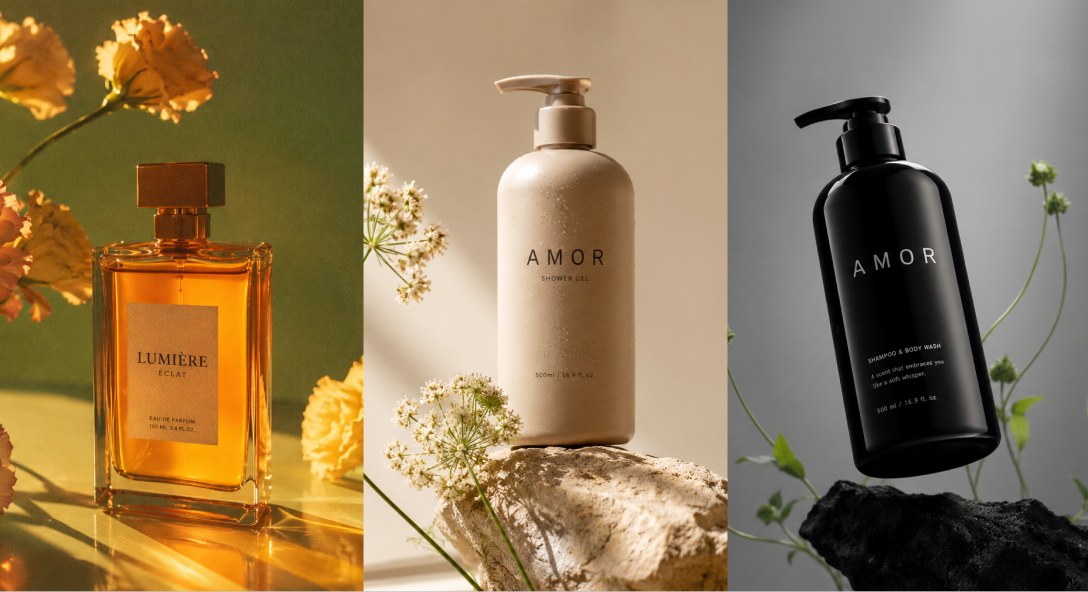
When you don’t have time
to find image sources or shoot them directly
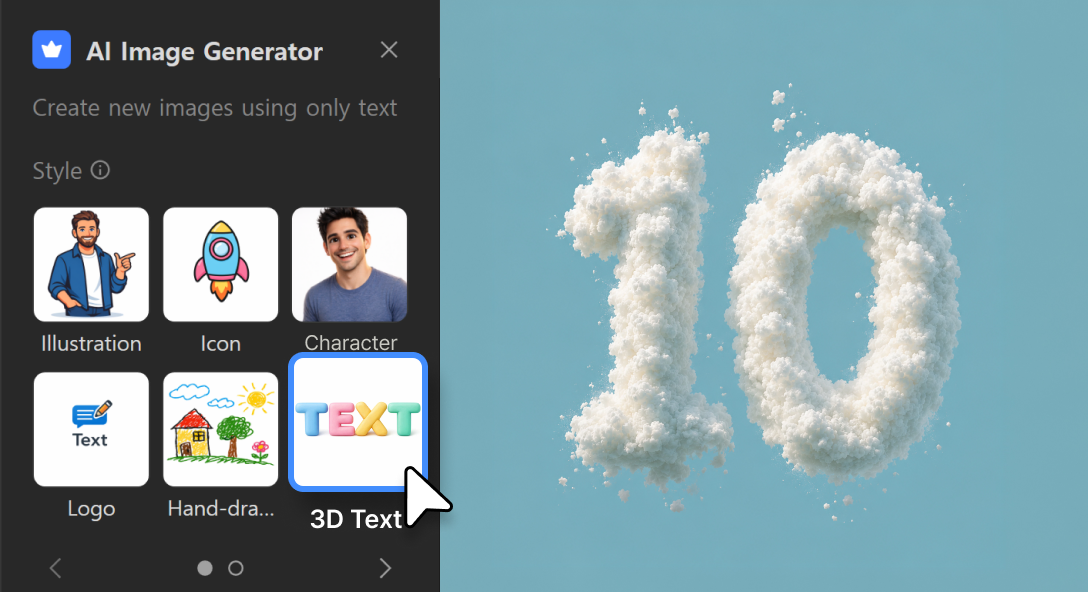
When you don’t know what to write in the prompt
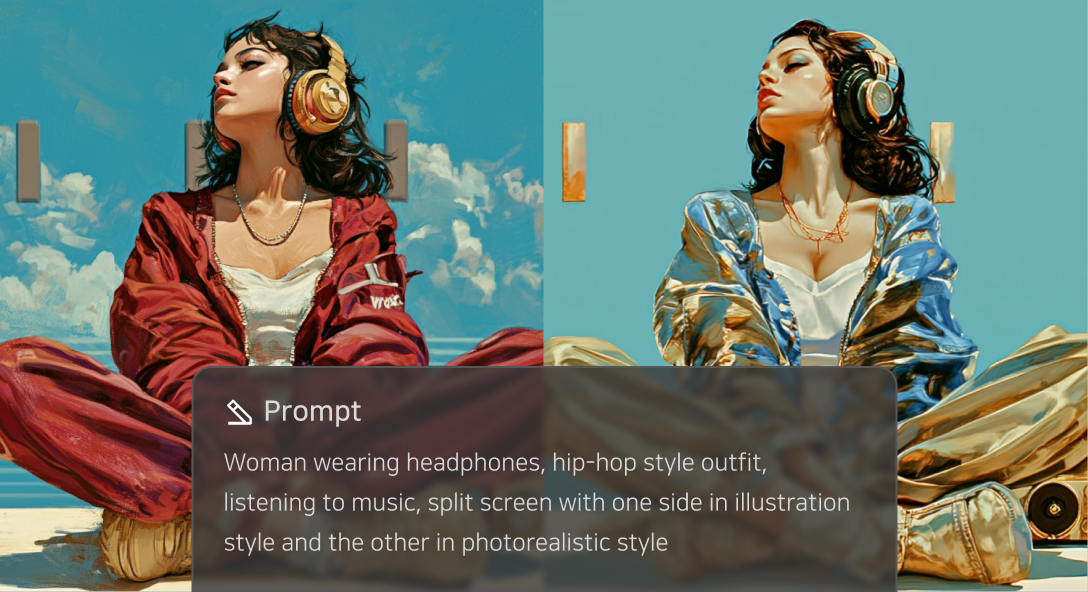
When you want to edit the generated image right away
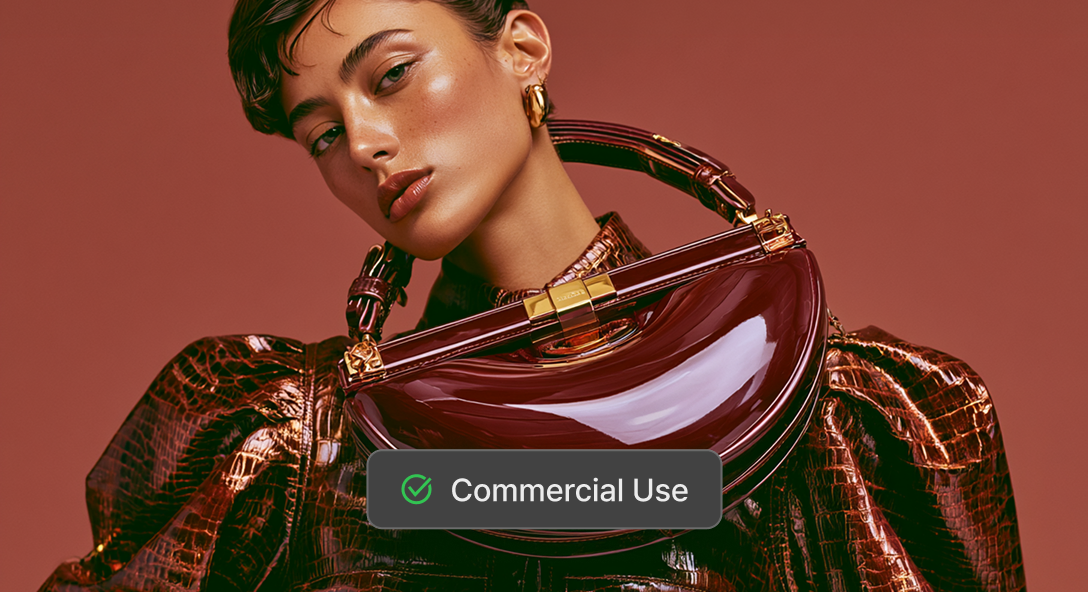
When you want to proceed
with sources without copyright concerns
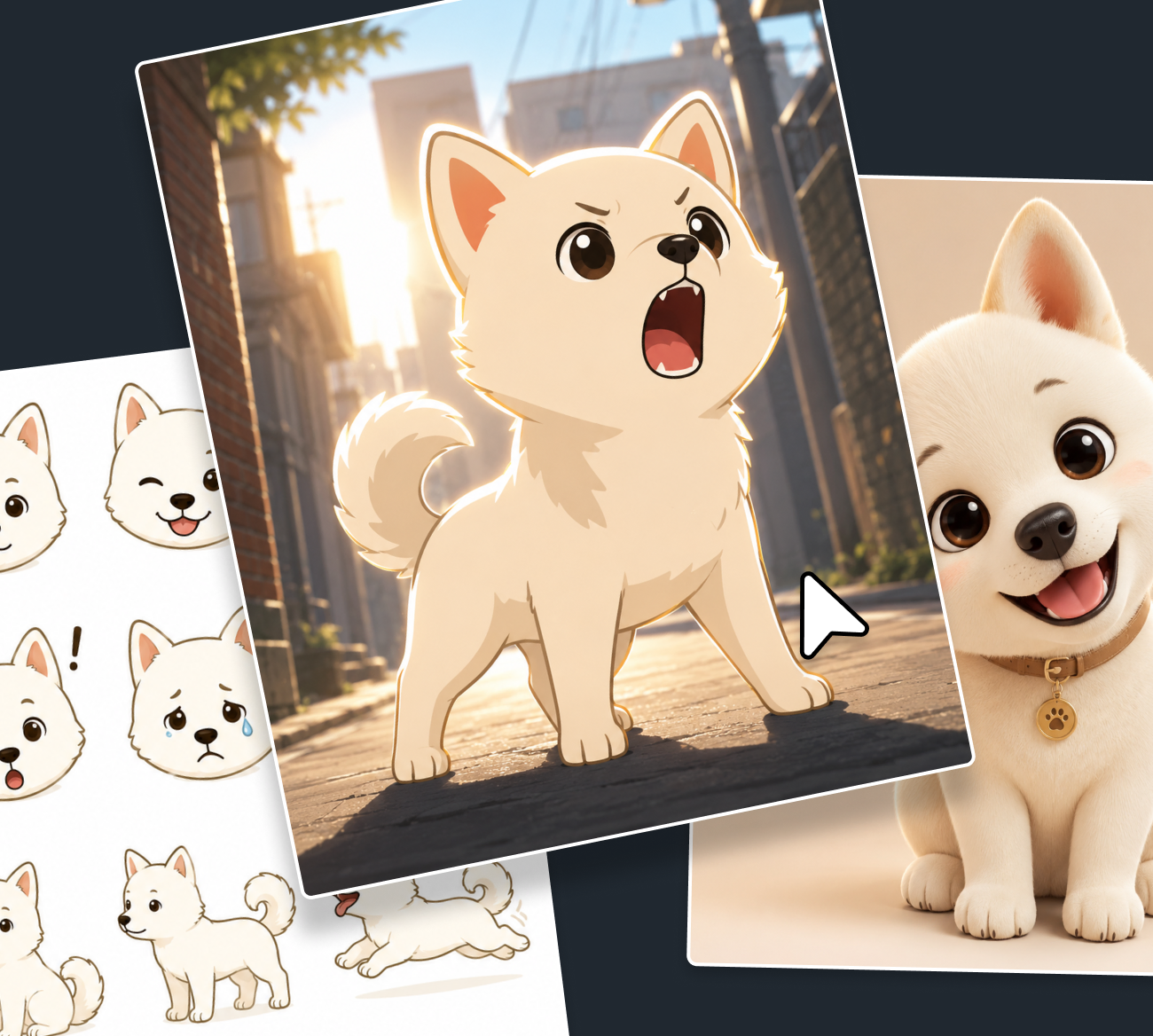
Generate AI images more easily with style presets.
- Illustration
- Cleanly in a highly readable flat design
- Icon
- Easy to understand at a glance with simple shapes
- Character
- Cute and friendly with big eyes and a round face
- Logo
- Sophisticated with a modern and simple design
- Doodle
- Feel like a hand drawing with rough lines and awkward expressions
- 3D Text
- Soft and dimensional with a pastel-toned clay texture
- Calligraphy
- Give it an emotional feel with dynamic brushstrokes
- Neon Text
- Brightly glowing like glass neon tubes
- Male Model
- Attractive with a natural pose and a clean background
- Female Model
- Stand out with a natural pose and a clean background
| Input extension | JPG, JPEG, PNG, BMP |
|---|---|
| Output extension | JPG, JPEG, PNG |
| Output resolution (px) | 1024x1024, 1024x1536, 1536x1025 |
| Support Style | Illustration, Icon, Character, Logo, Doodle, 3D Text, Calligraphy, Neon Text, Male Model, Female Model |
| Support Background | Automatic, Opaque, Opacity |
| Support Quality | Standard, High Quality |
| Prompt Character Count | Minimum : 1 characters Maximum : 400 characters |
How to use AI Image Generator
Click [AI Tools > AI Image Generator], at the GOM Pic [Home]
and specify the canvas size you want.

Write your desired result in the prompt,
Select the size, quality, and background, then click [Generate].

When you click [Export AI Image Generator],
AI image generation will proceed after credits are deducted.

AI Image Editing
Use AI Image Editing like this!
Go beyond simple retouching, and regenerate the image in your desired style.
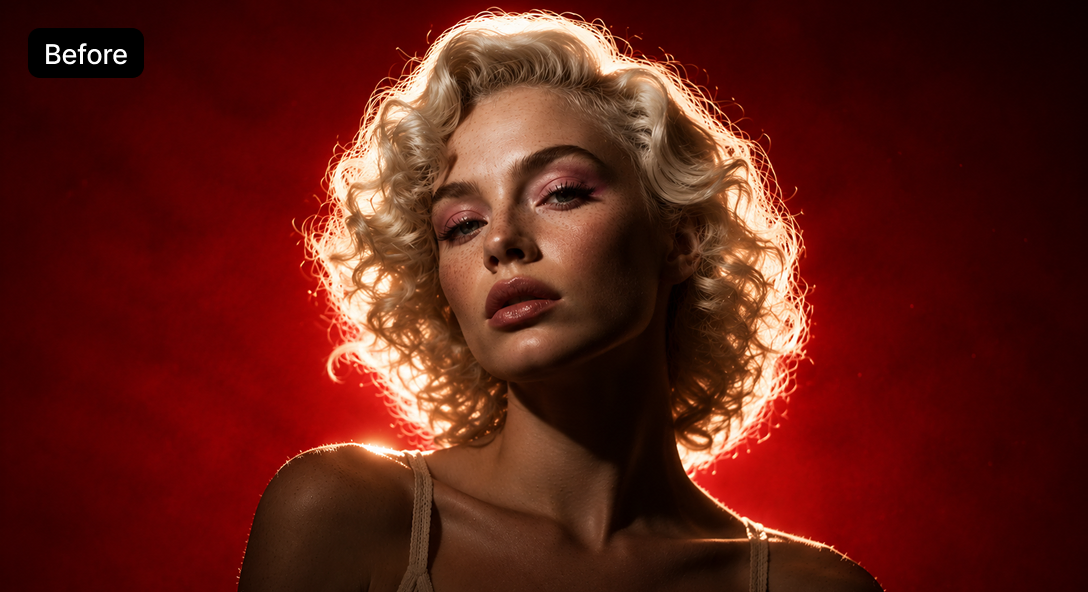
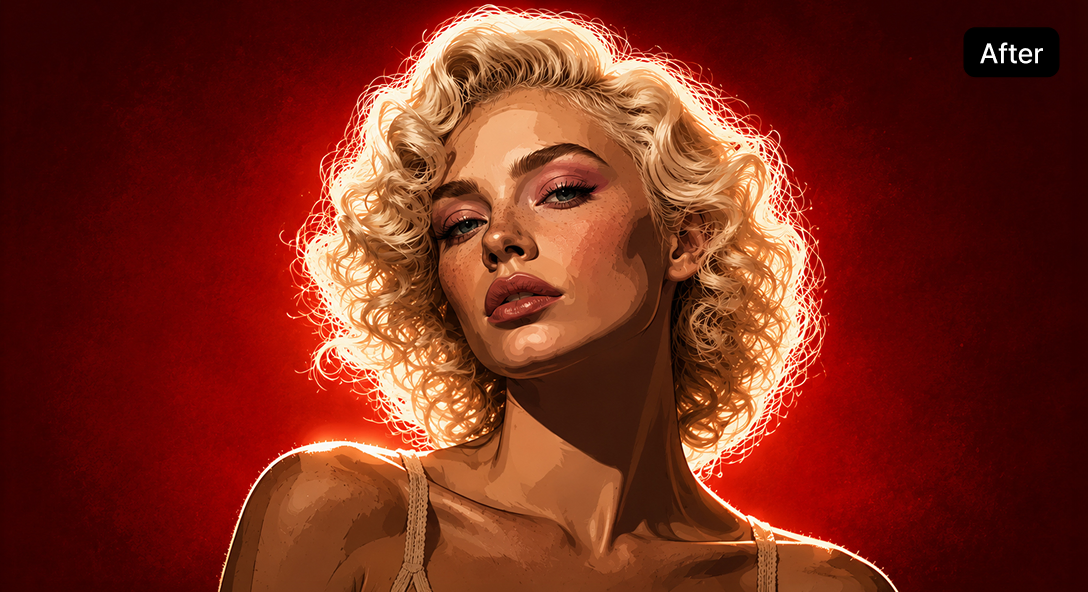
When you want to turn a photo you have
into an illustration
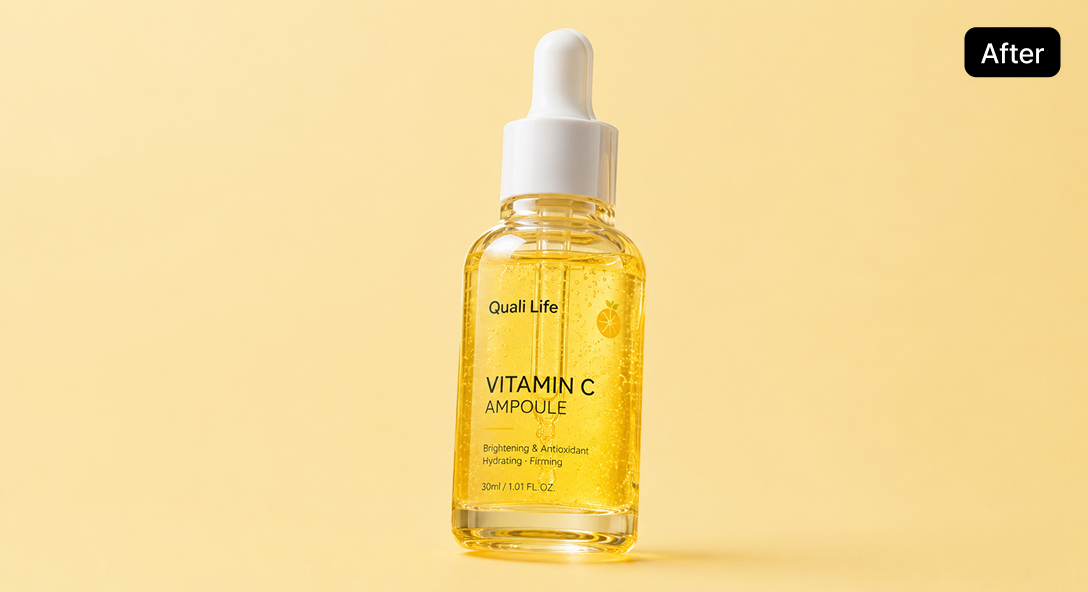
When you want to remove an unnecessary
background or delete only specific elements
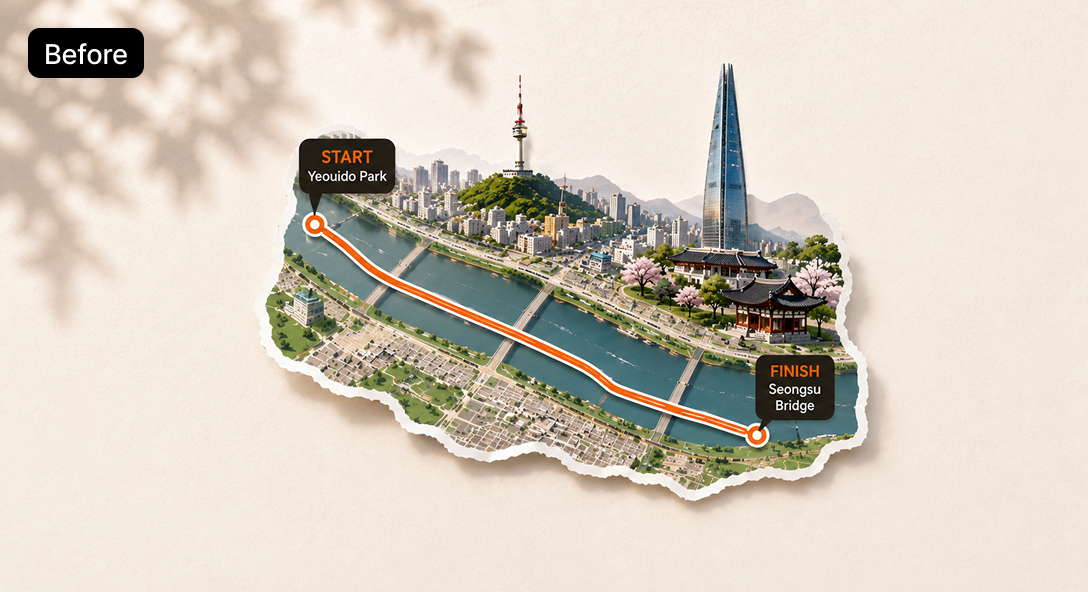
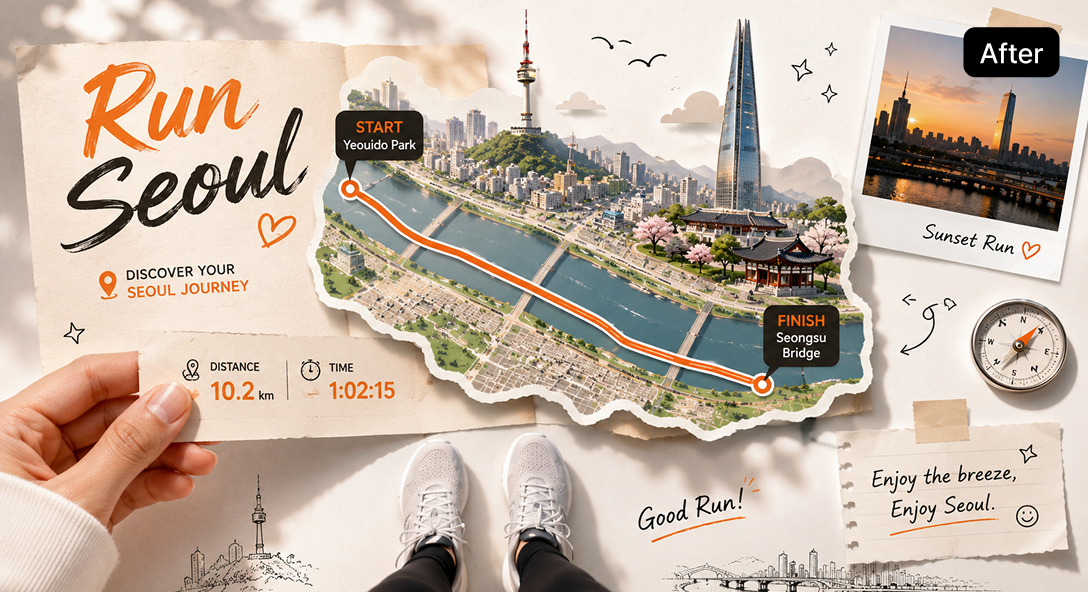
When you don’t have enough time
to edit posters or card news
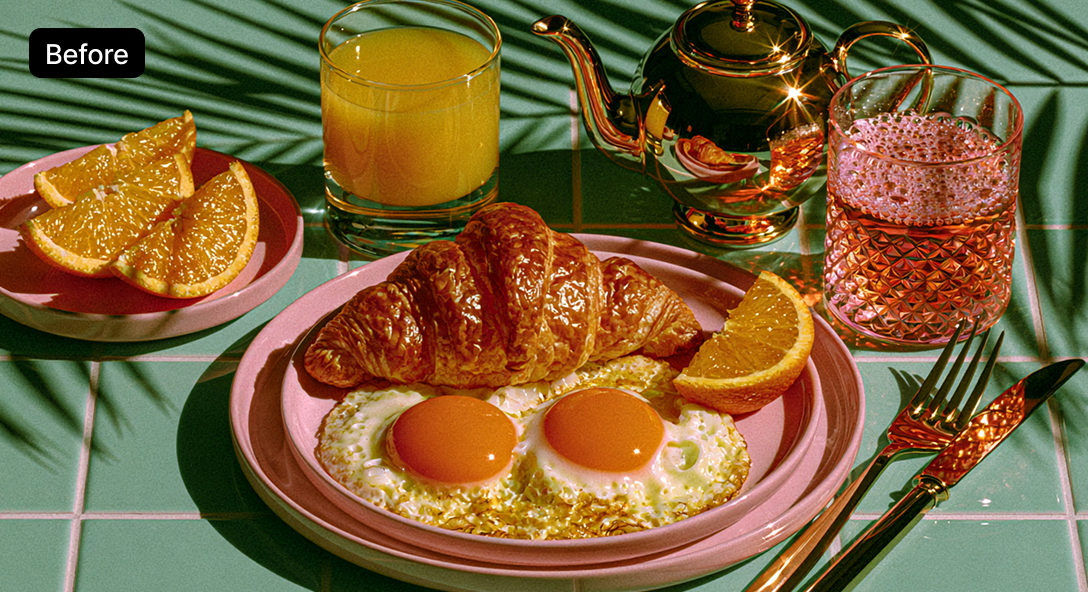
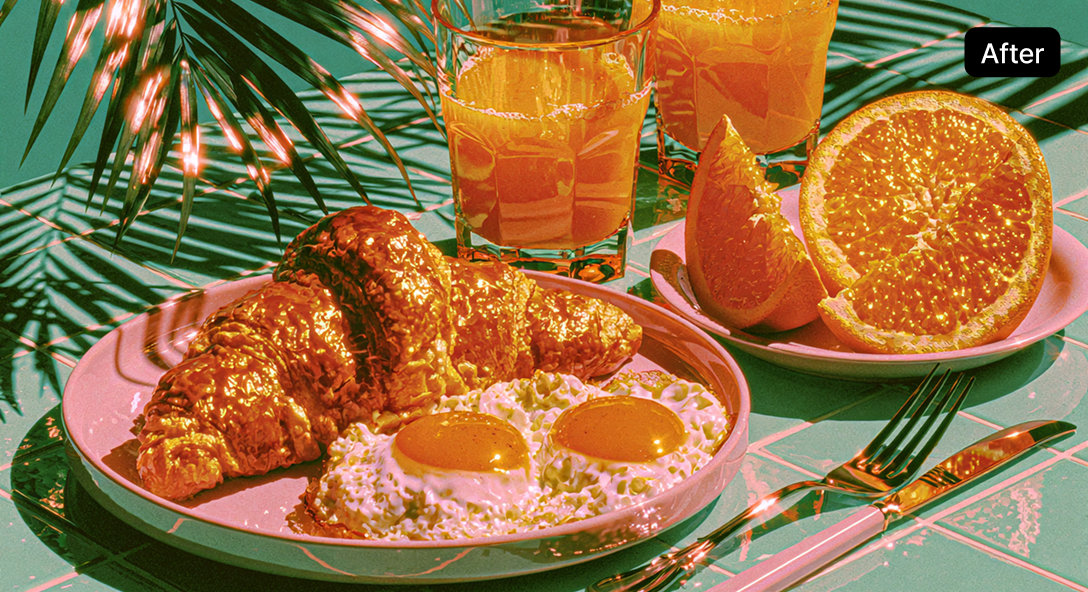
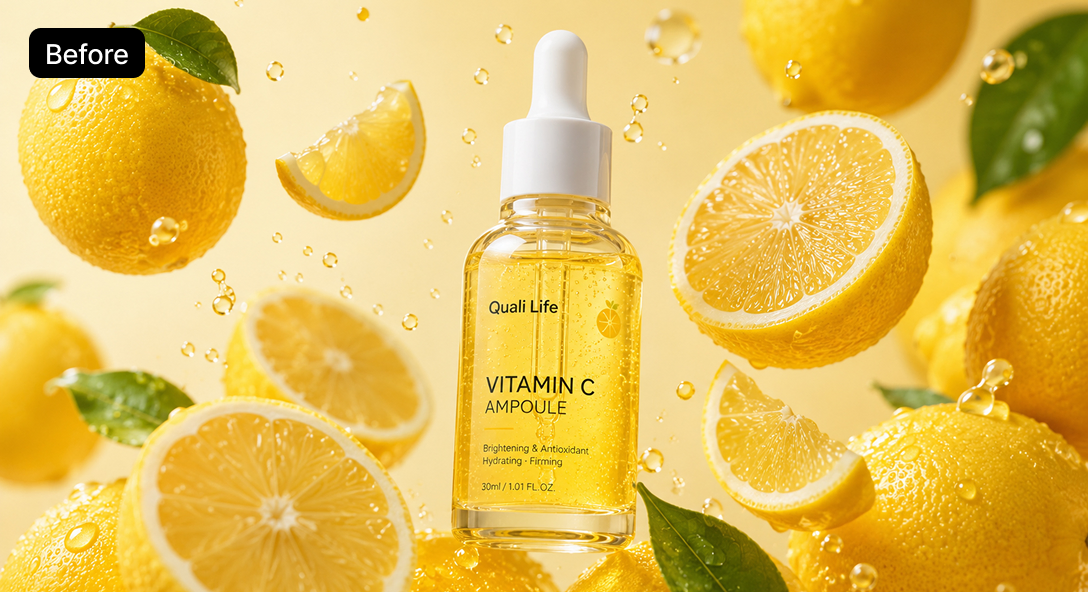
When you don’t like the composition of
a photo of food or objects
Edit images more easily with style presets.
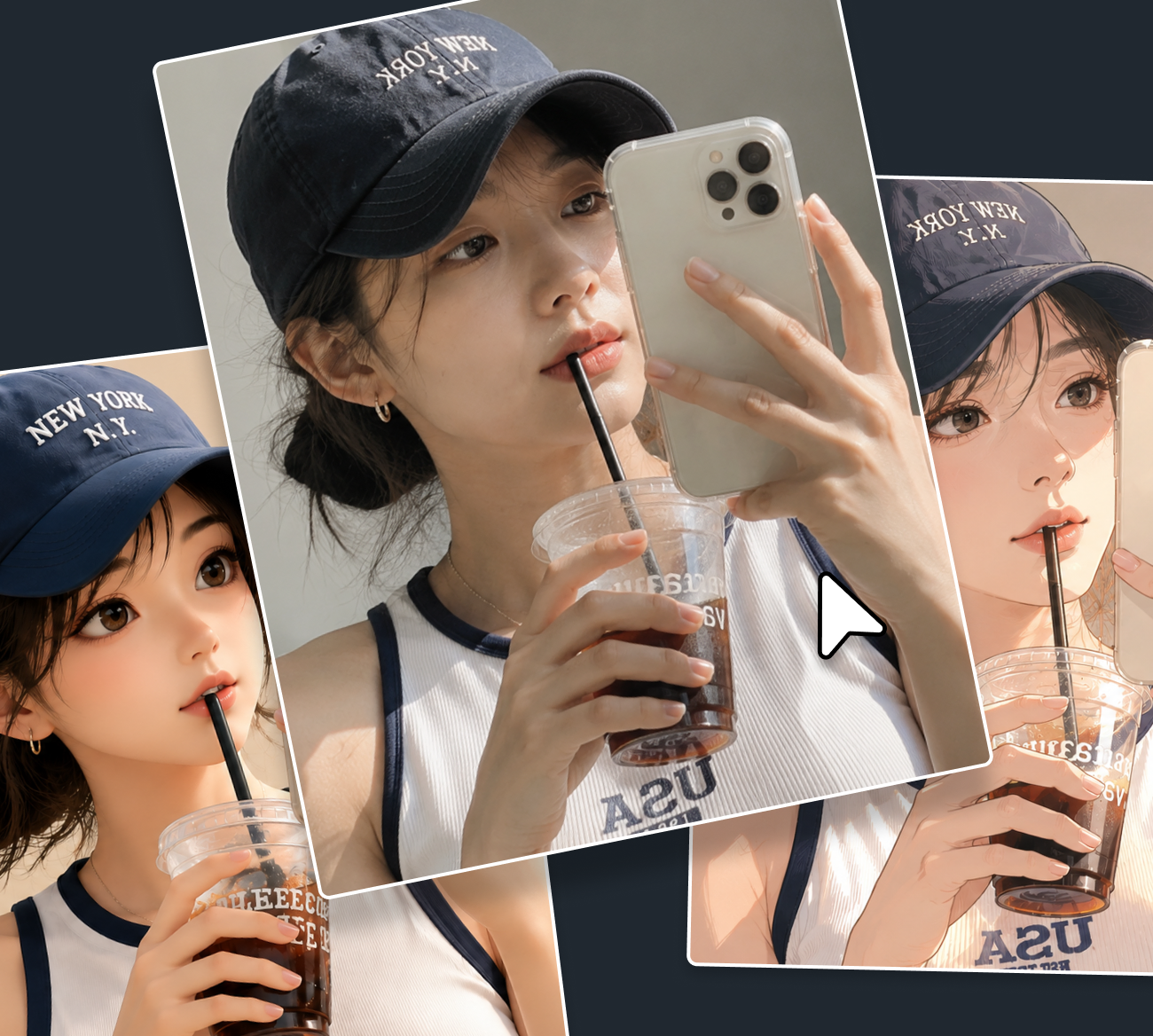
- ID Photo
- Neat with a front-facing composition and clean retouching
- Illustration
- Sensuous with a modern graphic style
- Cartoon
- Expressed with vivid colors and clear contrast like animation
- Model Photo
- With defined facial features and natural skin texture standing out
- Product Photo
- Make the product stand out with sharp texture and a clean background
- Food Photo
- Fresh and appetizing with vivid colors and texture
- Poster
- Eye-catching with a clean layout
- Carousel post
- Sophisticated with a minimal composition and trendy colors
- Remove BG
- Cleanly separated with only the subject and no background
- 3D Rendering
- Dimensional with a clay-like texture and clean shapes
| Input extension | JPG, JPEG, PNG, BMP |
|---|---|
| Output extension | JPG, JPEG, PNG |
| Output resolution (px) | 1024x1024, 1024x1536, 1536x1025 |
| Support Style | ID Photo, Illustration, Cartoon, Model Photo, Product Photo, Food Photo, Poster, Carousel post, Remove BG, 3D Rendering |
| Support Background | Automatic, Opaque, Opacity |
| Support Quality | Standard, High Quality |
| Prompt Character Count | Minimum : 1 characters Maximum : 400 characters |
How to use AI Image Editing
Click [AI Tools > AI Image Editing], at the GOM Pic [Home] and select the image you want.
* Please recharge your credits to use AI Image Editing
Write your desired result in the prompt,
Select the size, quality, and background, then click [Generate].

When you click [Export AI Image Editing],
AI image editing will proceed after credits are deducted.

AI Video Generator
Write a prompt to animate your image and generate an AI video
through the prompt window.
- It is designed to help you understand and may be different from actual usage environment.
Use AI Video Generator like this!
When you don’t have time
to find video sources or shoot them directly
When you don’t know what to write in the prompt
When you want to make an image you like more vivid
When you want to make a video but find
it difficult to edit it directly
Generate videos more easily with style presets.
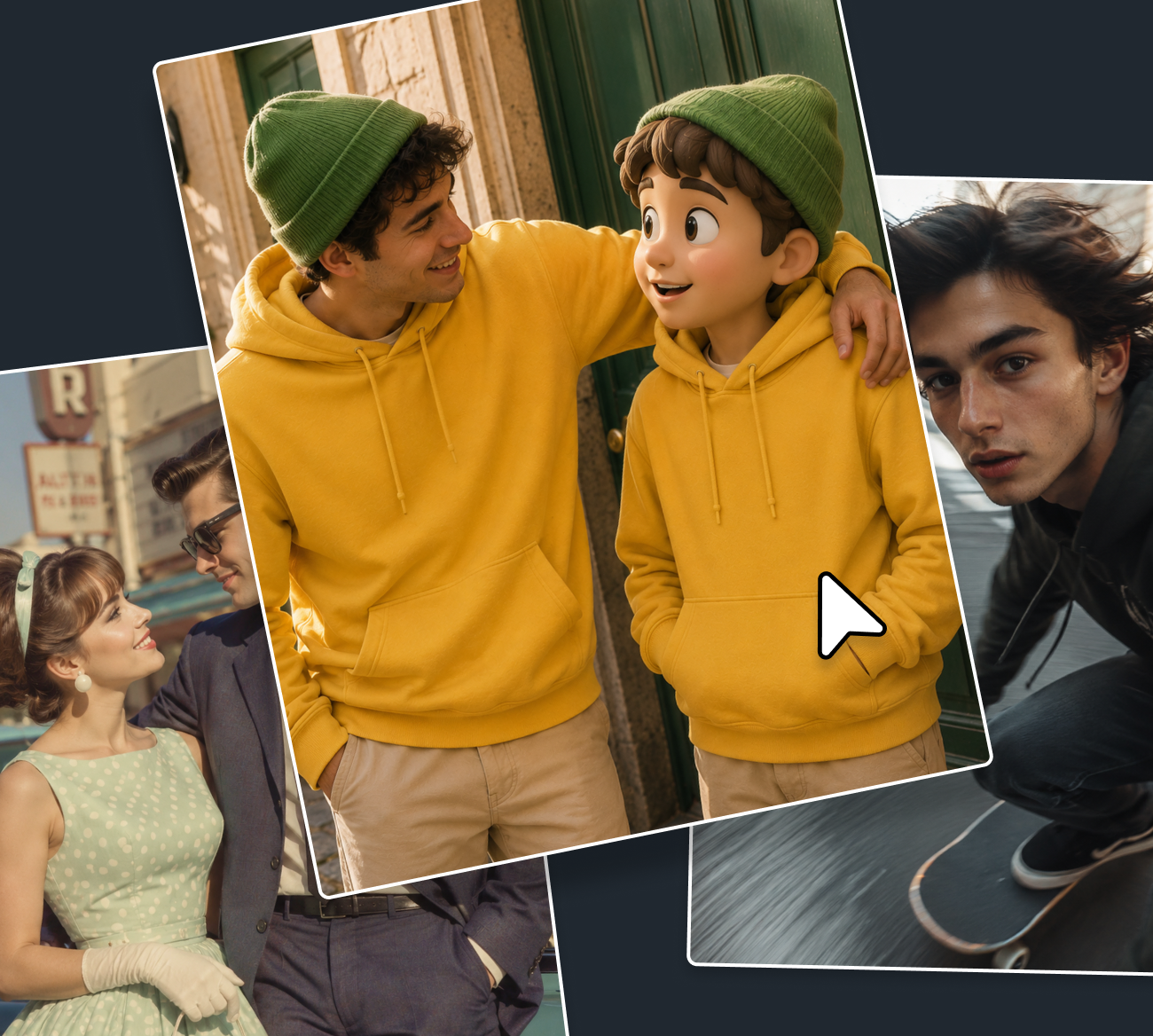
- Motion
- Natural with smooth actions and distortion-free movement
- Dialogue
- Vivid with precise lip-syncing and subtle facial expression changes
- Couple
- Romantic with smooth movement and a warm atmosphere
- Brand
- Professional with stylish direction and a stable screen composition
- Review
- With natural, seamless motions of touching and using the product
- Model
- Make the person’s charm stand out with natural poses and eye direction
- Food
- Make it look even more delicious with fresh texture and vivid gloss
- Product
- Make the camera move smoothly along the product’s details
- Reporter
- Feel lively and realistic in a bustling background
- Dance
- Rhythmic with dynamic and flexible movements
| Input extension | JPG, JPEG, PNG, BMP |
|---|---|
| Output extension | MP4 |
| Support Style | Motion, Dialogue, Couple, Brand, Review, Model, Food, Product, Reporter, Dance |
| Support Duration | 5s, 10s |
| Prompt Character Count | Minimum : 1 characters Maximum : 400 characters |
How to use AI Video Generator
Click [AI Tools > AI Video Generator], at the GOM Pic [Home] and select the image you want.
* Please recharge your credits to use AI Video Generator.
Write your desired result in the prompt,
Select the duration, then click [Generate].

When you click [Export AI Video Generator],
AI video generation will proceed after credits are deducted.

FAQ
Does the AI feature support previews?
- [AI Upscaling]
- Yes. There is no limit on the number of supported previews, but preview images include a watermark.
- [AI Image Generator, AI Image Editing, AI Video Generator]
- No. Separate previews are not supported.
Can files generated by the AI feature be edited directly in GOM Pic?
- [AI Upscaling, AI Image Generator, AI Image Editing]
- Yes. You can open them in the file you are currently working on or create and open them as a new file.
Additionally, files generated by the AI feature can be downloaded individually.
- [AI Video Generator]
- No. Videos created through AI Video Generator can only be saved.
Please edit them using a separate video editing program such as GOM Mix.
Is a refund available if I'm not satisfied with the file generated by an AI feature?
- [AI Upscaling, AI Image Generator, AI Image Editing, AI Video Generator]
- The quality and satisfaction of AI-generated results can vary based on personal preference,
so credits used for these features cannot be canceled or refunded for this reason.
However, if an image or video fails to generate properly due to a program error or
API communication issue, we will help process a refund for the credits used.
Notice
- GOM Pic AI features are only available in the official version of GOM Pic.
- GOM Pic AI features are currently only available with credits. Please recharge credits and use them in GOM Pic.
- Rights to the results (images, videos, etc.) generated by users through the AI features of the software belong to the users who generated them, and they can be used for commercial or profit-making purposes.
- The responsibility for prior review and confirmation of whether the generated results infringe on third parties’ intellectual property rights, such as copyright, portrait rights, or trademark rights, lies entirely with the user.
- The user bears all civil and criminal liability arising from AI-generated content infringing on the rights of others, and the company assumes no responsibility for this.
- You must use the AI-based results with the understanding that, under current laws and guidelines, results based on artificial intelligence (AI) may not receive full protection under relevant laws such as copyright law.
- These features may be discontinued without prior notice due to company circumstances.