GOM Player+User Guide
AI Video Upscaling
Settings and Preview
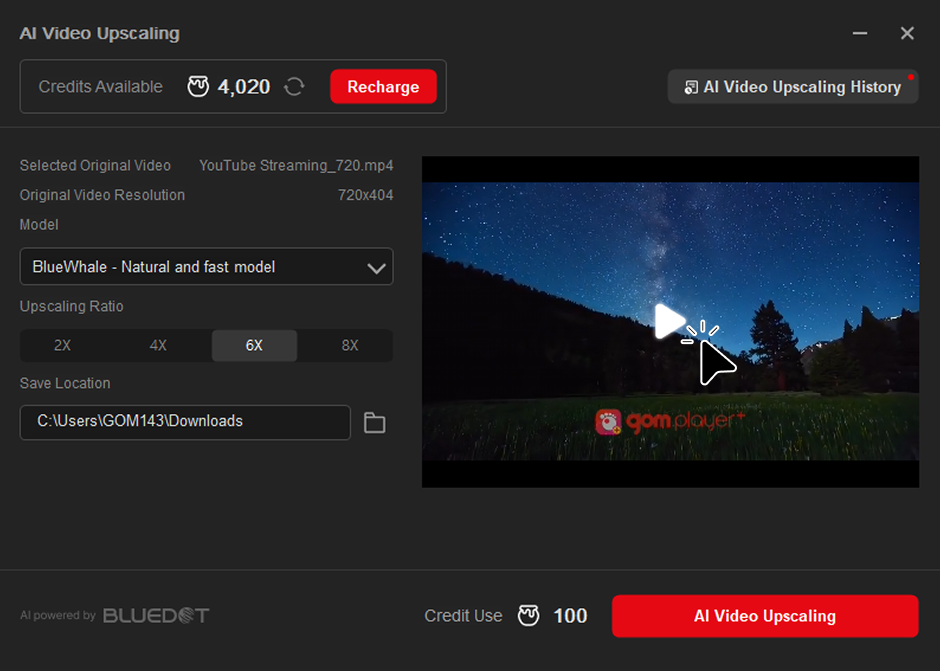
Settings and Preview allows you to set options to apply to AI Video Upscaling and provides a preview screen.
1. AI Video Upscaling Settings
- 1) You can set detailed options for upscaling your video.
- 2) Select the model to use for AI Video Upscaling.
- 3) Select the upscaling ratio.
- 4) You can select 2x, 4x, 6x, or 8x for the upscaled video. The maximum ratio is 4K (3840x2160).
- 5) Select the location where the upscaled video file will be saved.
2. Preview
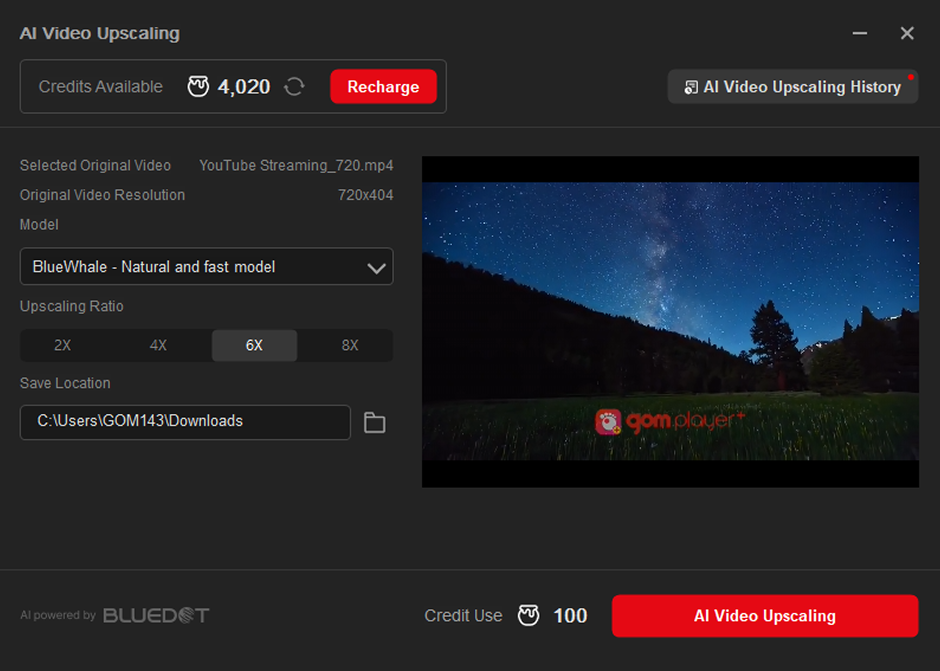
- 1) When you activate the AI Video Upscaling pop-up, a preview video will automatically appear.
- 2) The preview will show the maximum magnification that fits to the currently uploaded video.