GOM Player+User Guide
AI Video Upscaling
Start & Finish AI Video Upscaling
1. Start AI Video Upscaling
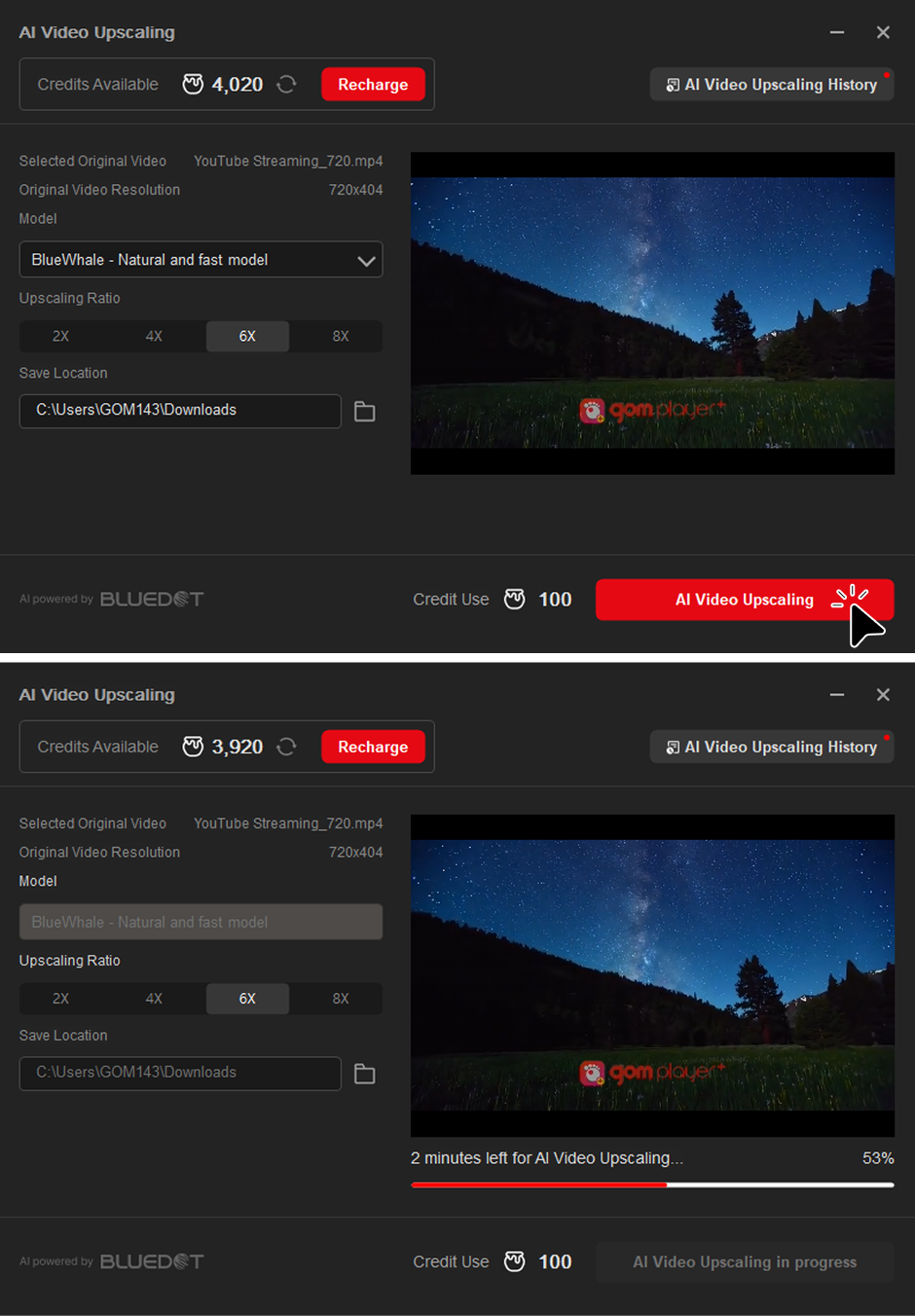
- 1) Once all settings are complete, click AI Video Upscaling button to begin the upscaling process.
- 2) The process may take some time depending on the original video size and selected magnification.
- 3) You can check the progress in real time in the progress section of the pop-up window.
2. Finish AI Video Upscaling
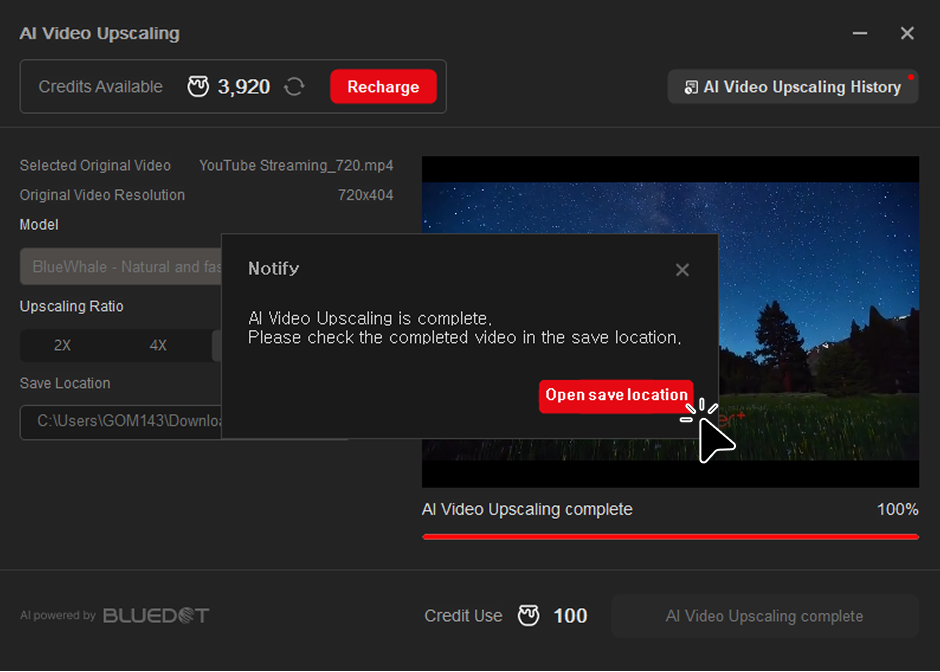
- 1) Once the upscaling process is complete, a completion pop-up will appear.
- 2) Clicking the "Open Save Location" button will open the folder where the upscaled video is saved.