GOM Player+User Guide
AI voice recognition subtitle
Generate Subtitles
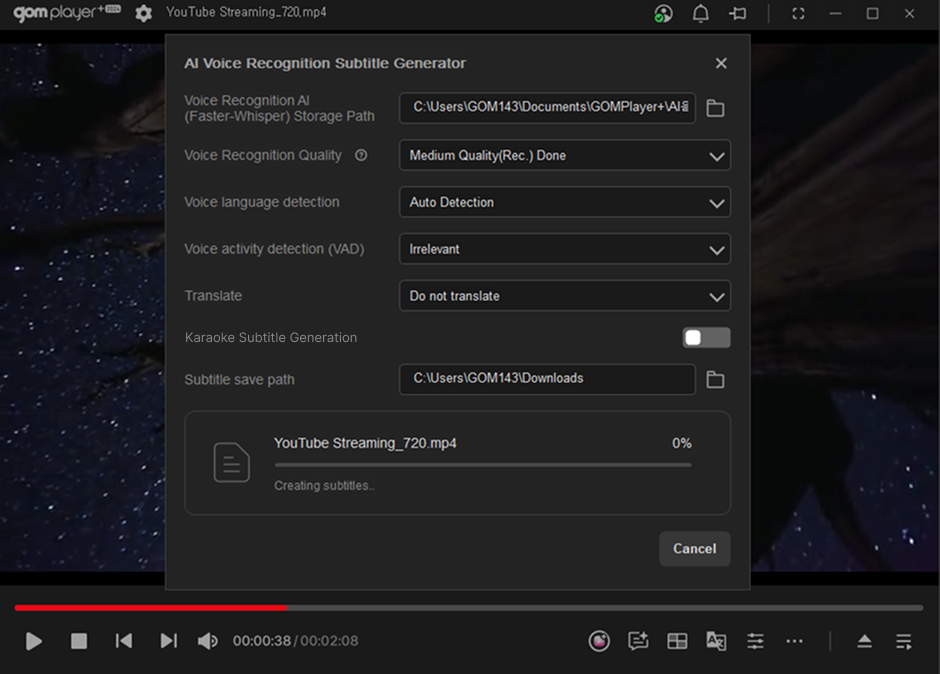
1. Start Subtitle Generation
Clicking the 'Start Subtitle Generation' button will begin the voice recognition process.
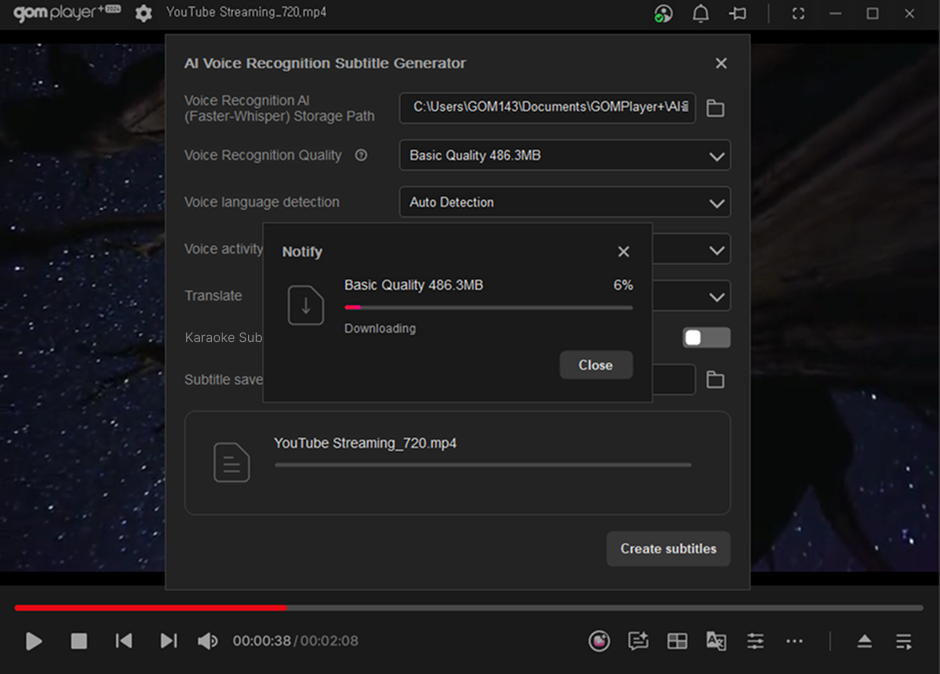
If there is no video currently playing, or if Faster-Whisper and its models are not installed, you can use the feature after installation.
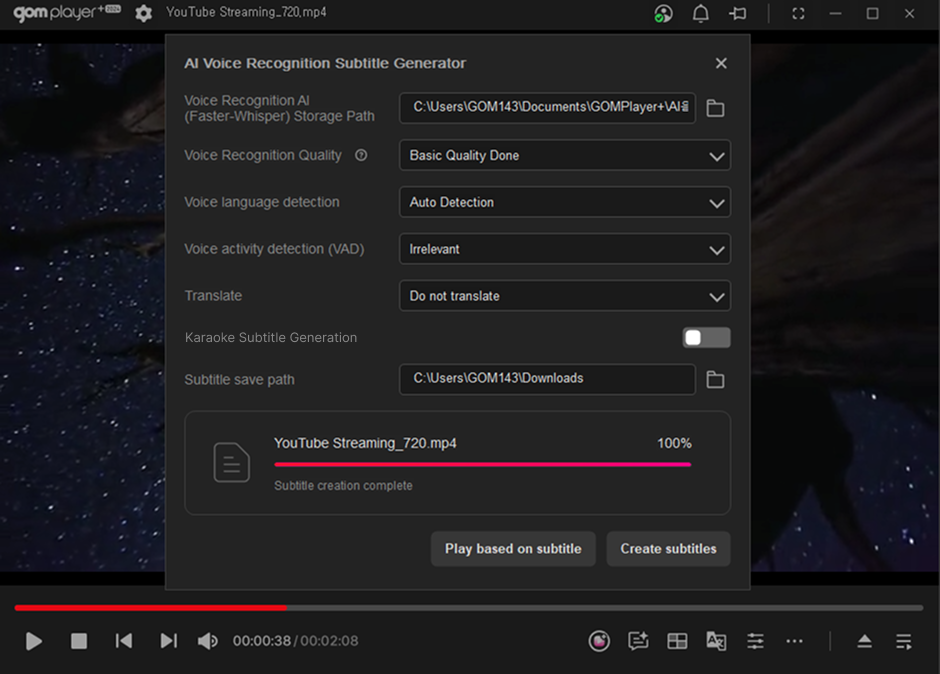
2. Subtitle Generation Complete
Once subtitle generation is complete, the 'Playback with Subtitles' button will be activated. Clicking this button will play the currently loaded video with the generated subtitles applied.