
Use AI features with credits,
as much as you need and want!
Credits() are a dedicated means of using features within GOM Software, including AI Subtitles,
AI Video/Image Upscaling, AI Image Generator/Editing, and AI Video Generator.
* 1 Credit = $ 0.1
Prepaid plan Credits
- Paid
- 99
- Bonus
- 5
- Paid
- 190
- Bonus
- 15
BEST
- Paid
- 490
- Bonus
- 39
- Paid
- 990
- Bonus
- 99
- Paid
- 2,990
- Bonus
- 449
Credit earning criteria and validity period
- Paid credits Prepaid plan
-
- Payment Amount × 10 Credits
- 365days from the date of earning
- Bonus credits When purchasing Credits/Software
-
- Subject to internal guidelines
- 30days from the date of earning
- Bonus credits Events/Others
-
- Subject to internal guidelines
- Depends on the details of the provision.
크레딧 유의사항
- The maximum number of paid credits that can be held per account is 5,000 credits.
- Credits are tied to the account where they are earned and cannot be transferred or resold.
- Credits are categorized into paid credits provided based on the payment amount and bonus credits provided for free through promotions, events, etc.
- The amount of bonus credits provided upon purchasing credits may change or be discontinued without prior notice, in accordance with internal policies.
Edit smartly with AI and freely use AI features.
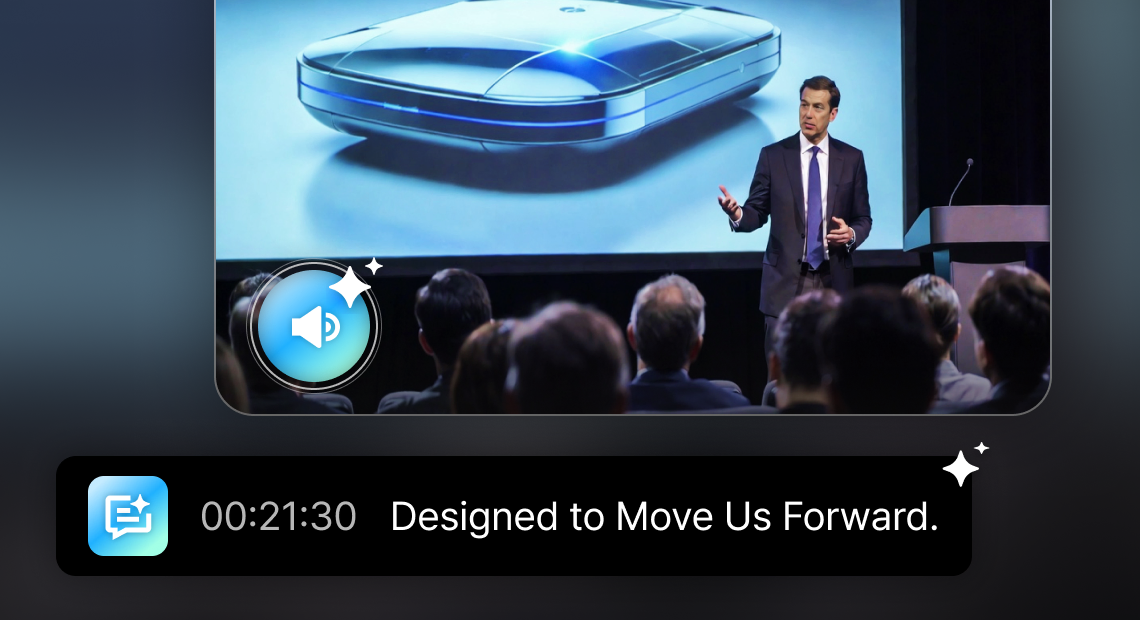
Automatically generate subtitles that match the audio in your video.
AI Subtitles (Speech To Text)
- Automatically generate appropriate subtitles as text clips for each video clip.
- No worries overseas! Support for 18 languages.
- Provides natural subtitle segmentation, as if written by you, based on the context.
- Easily edit automatically generated subtitles.
- Share meeting and training information clearly with diverse audiences—even without audio.
- Required Software
-
 GOM Easy Pass Business
 GOM Mix Business
Turn old and blurry videos into sharp, high-quality ones!
AI Video Upscaling
- Natural image enhancement with preserved details, up to 4K resolution.
- Effective noise cancellation by minimizing loss from video compression.
- Use AI to delicately correct motion blur and shaking effects.
- Improve brightness and text sharpness within the image to provide clearer videos.
- Enhance low-quality footage, including old videos and CCTV recordings.
- Required Software
-
GOM Easy Pass Business
 GOM Player+ Business
It is designed to help you understand and may be different from actual usage environment.
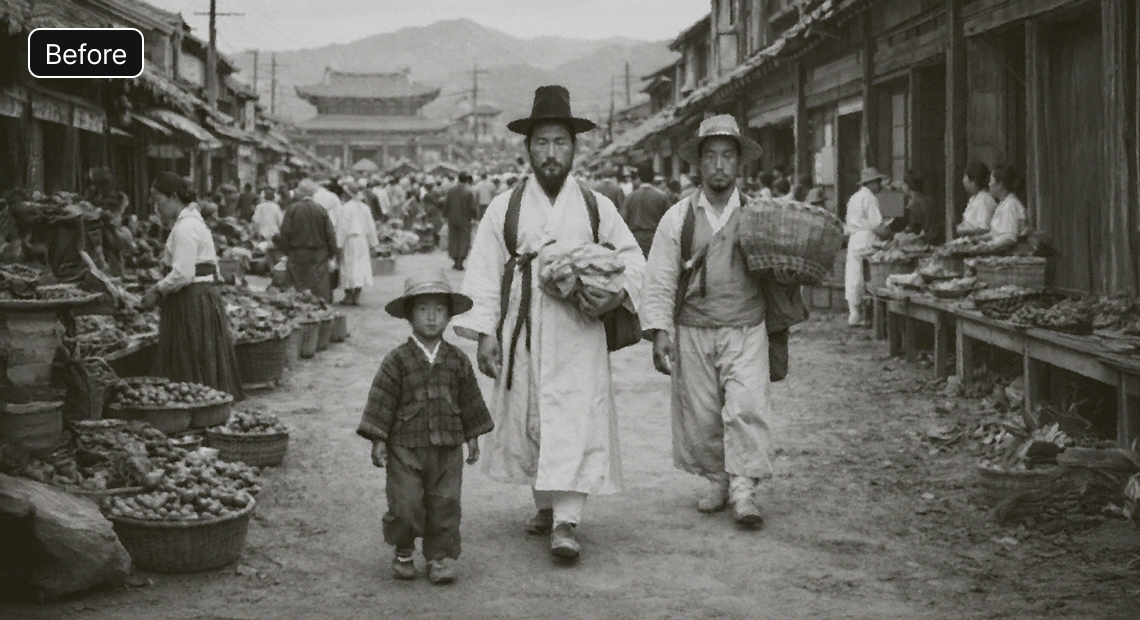
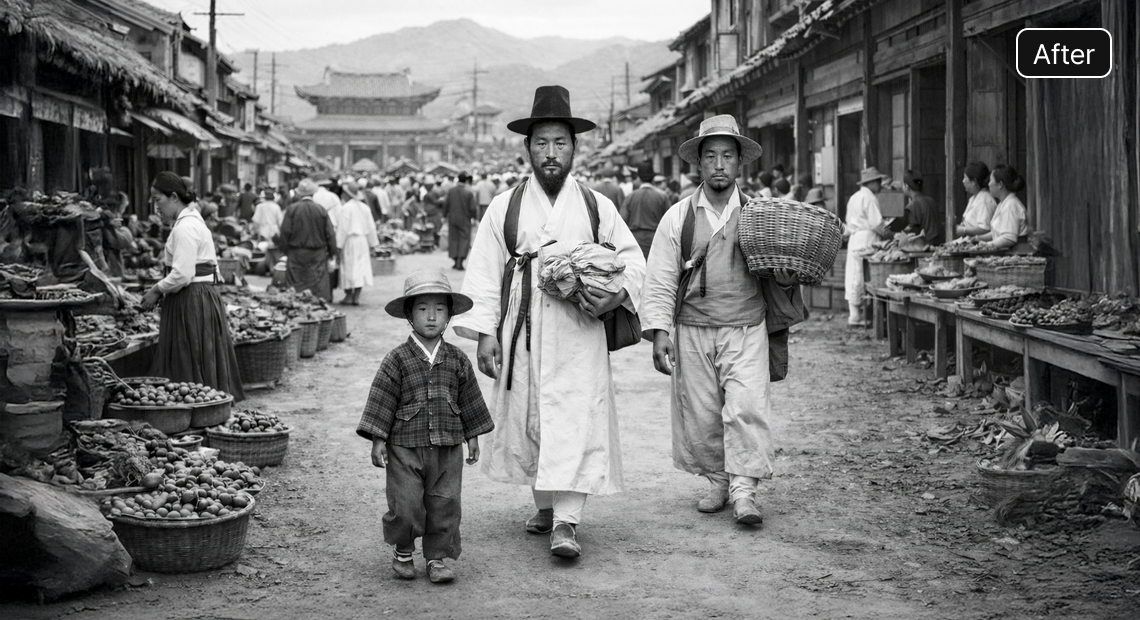
Bring old photos to life with just one click! Easily improve the image quality.
AI Image Upscaling
Preview available- No worries about quality loss! Even small images can be enlarged clearly and sharply.
- Automatically detect faces for natural enhancement and detail enhancement.
- Remove noise from the image and convert it to a sharp, clear image.
- Add noise to the image and convert it into a vintage-style image.
- Make brochures and notices clearer for better readability and print quality.
- Required Software
-
GOM Easy Pass Business
 GOM Pic Business
It is designed to help you understand and may be different from actual usage environment.
Create the images you need for your work quickly and easily with AI.
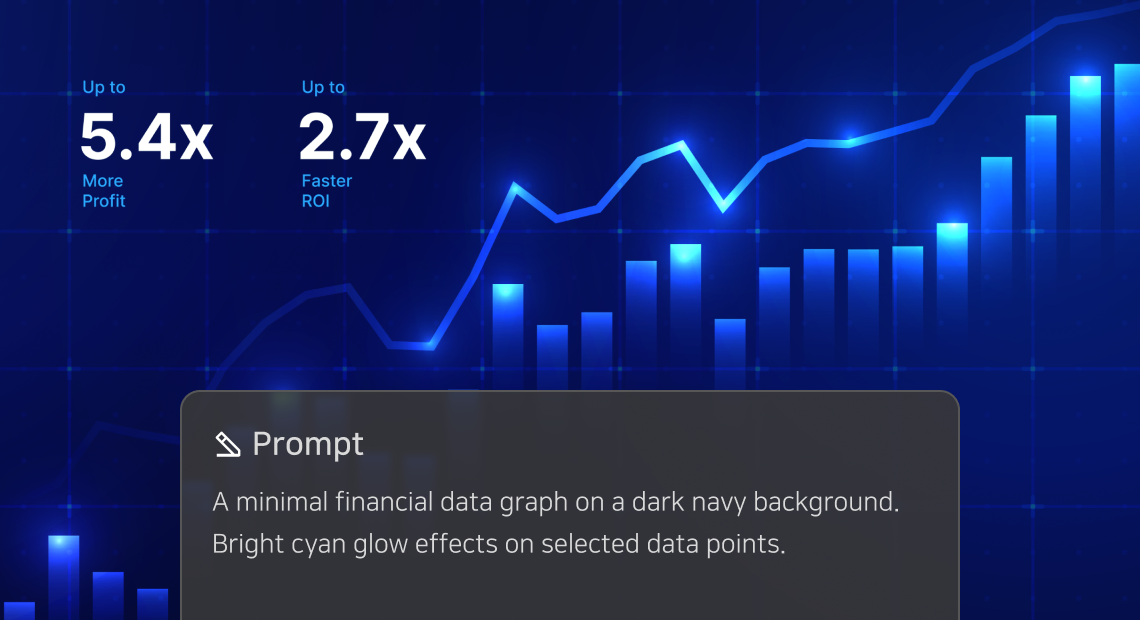
AI Image Generator
- Generate high-quality images from your idea and imagination
- Create unique backgrounds beyond what you can capture in real life.
- Create posters and promotional materials for events and exhibitions
- Create visual materials for presentations and proposals
- Create illustrations for educational materials and textbooks
- Required Software
-
GOM Easy Pass Business
GOM Pic Business
It is designed to help you understand and may be different from actual usage environment.
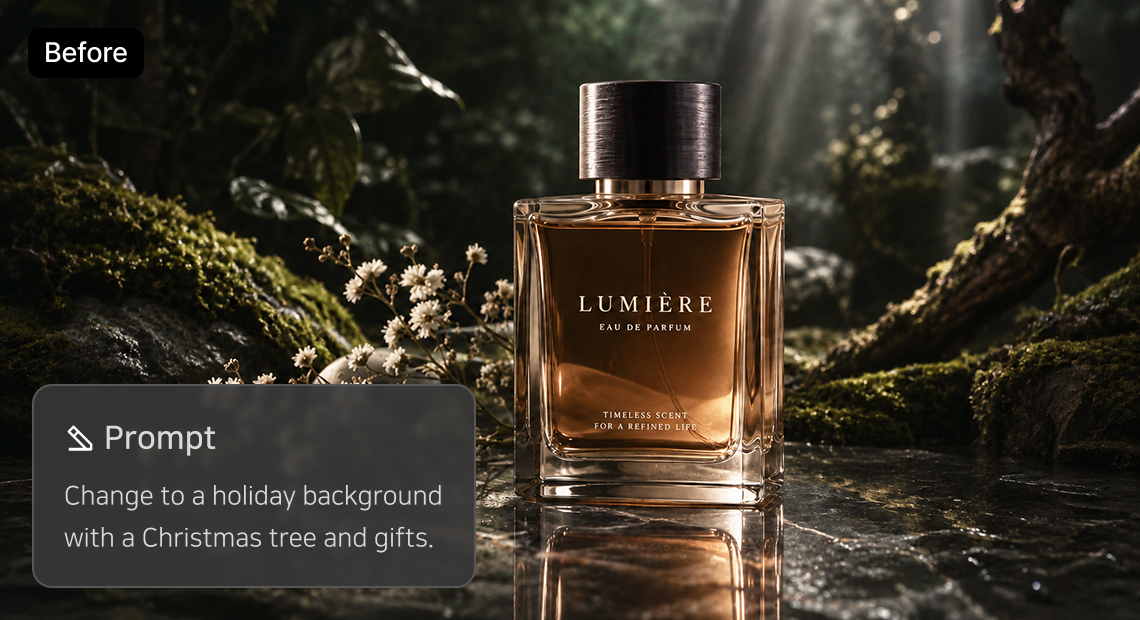
Expand images into diverse content in your style.
AI Image Editing
- Add new styles or elements while preserving the original composition.
- Diversify image styles to match your brand concept, seasons, and events
- Expand your content through image style transformation and redesign
- Create promotional materials and package designs using existing images
- Required Software
-
GOM Easy Pass Business
GOM Pic Business

It is designed to help you understand and may be different from actual usage environment.
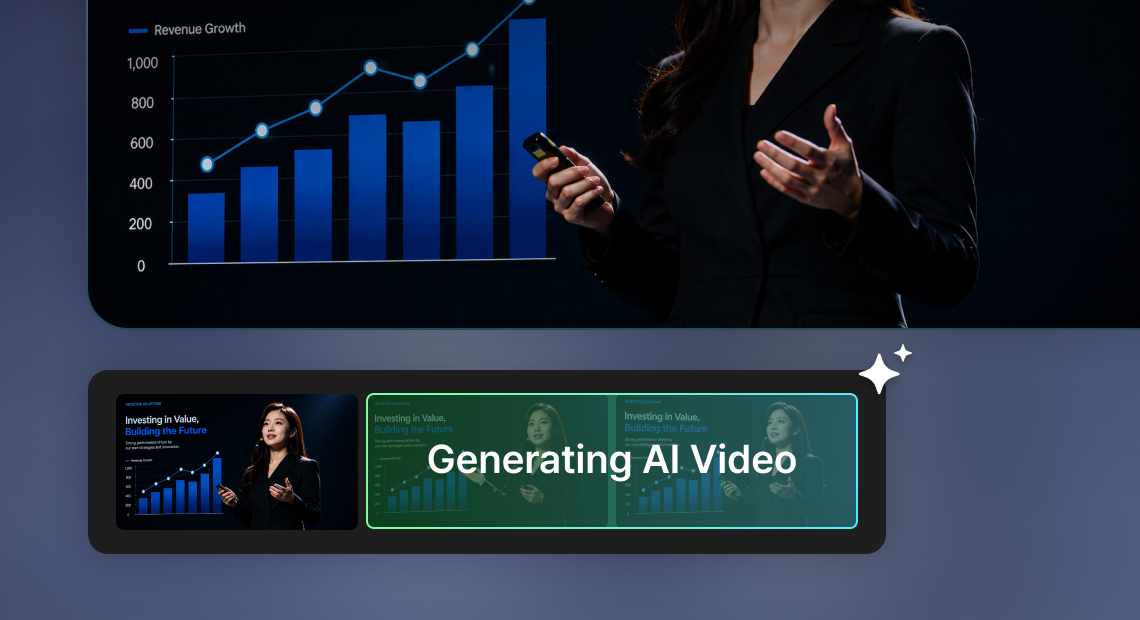
Image to video! Create motion in an image with text.
AI Video Generator
- Add natural motion and lifelike movement to images.
- Create videos of people talking with motion styles.
- Create product introduction videos with a review style.
- Create various video content for corporate promotions, education, lectures, and more.
- Required Software
-
GOM Easy Pass Business
GOM Pic Business
It is designed to help you understand and may be different from actual usage environment.
Minimum deduction unit of credits per service
| Feature | Unit | Deducted Credits |
|---|---|---|
| AI Subtitles (STT) | 1 Minute | 1 Credits |
| AI Video Upscaling | (Resolution below 1920×1080) 30 Second | 10 Credits (Based on FHD) |
| (Resolution above 1920×1080) 30 Second | 20 Credits (Based on 4K) | |
| AI Upscaling | 1 Image | 2 Credits |
| AI Image Generator | (Standard) 1 Image | 1 Credits |
| (High Quality) 1 Image | 4 Credits | |
| AI Image Editing | (Standard) 1 Image | 2 Credits |
| (High Quality) 1 Image | 5 Credits | |
| AI Video Generator | 5 Second | 10 Credits |
| 10 Second | 20 Credits |
- The amount of deducted credits may differ based on the actual usage environment.
FAQ
What is credit?
Credit is a dedicated means for using AI features and additional services within GOM software.
Credits are required to use AI features and additional services, but credits cannot be used to purchase GOM software.
How to Purchase
The Prepaid plan is available in five options, and you can make a one-time recharge for the selected quantity.
The larger the recharge amount, the lower the cost per Credit.
You can check your credit purchase history in the [My Page > Payment History] menu.
How to Use
You can use it after running the product, and the amount of credits deducted may vary depending on the unit of use for each service.
- AI Subtitles : Video editing software 'GOM Mix Business'
- AI Video Upscaling : Media Playback software 'GOM Player+ Business'
- AI Upscaling / AI Image Generator / AI Image Editing / AI Video Generator : Image Editing software 'GOM Pic Business'
You can check your credit usage history in the [My Page > My Credits] menu.